AI TOOL PROFILE
Fluent Support Review: WordPress Help Desk Software

- Customer Support
- Help Desk
- Small businesses using WordPress
- Digital agencies
- Online store owners
- Course creators
- Service providers
Pricing
Pricing starts at $103/year for a single site license. Agency licenses are available at $199/year for 5 sites and $319/year for 50 sites, with a free version also available.
At a glance
- Best for
- Small businesses using WordPress, Digital agencies, Online store owners, Course creators, Service providers
- Key use cases
- Centralized Ticket Management, Support for Multiple Products, AI-Assisted Response Drafting, Multi-Site Support Management
- Integrations
- Slack, Telegram, Discord, WhatsApp, WooCommerce
- Official website
- Visit Fluent Support official website
How AI is used
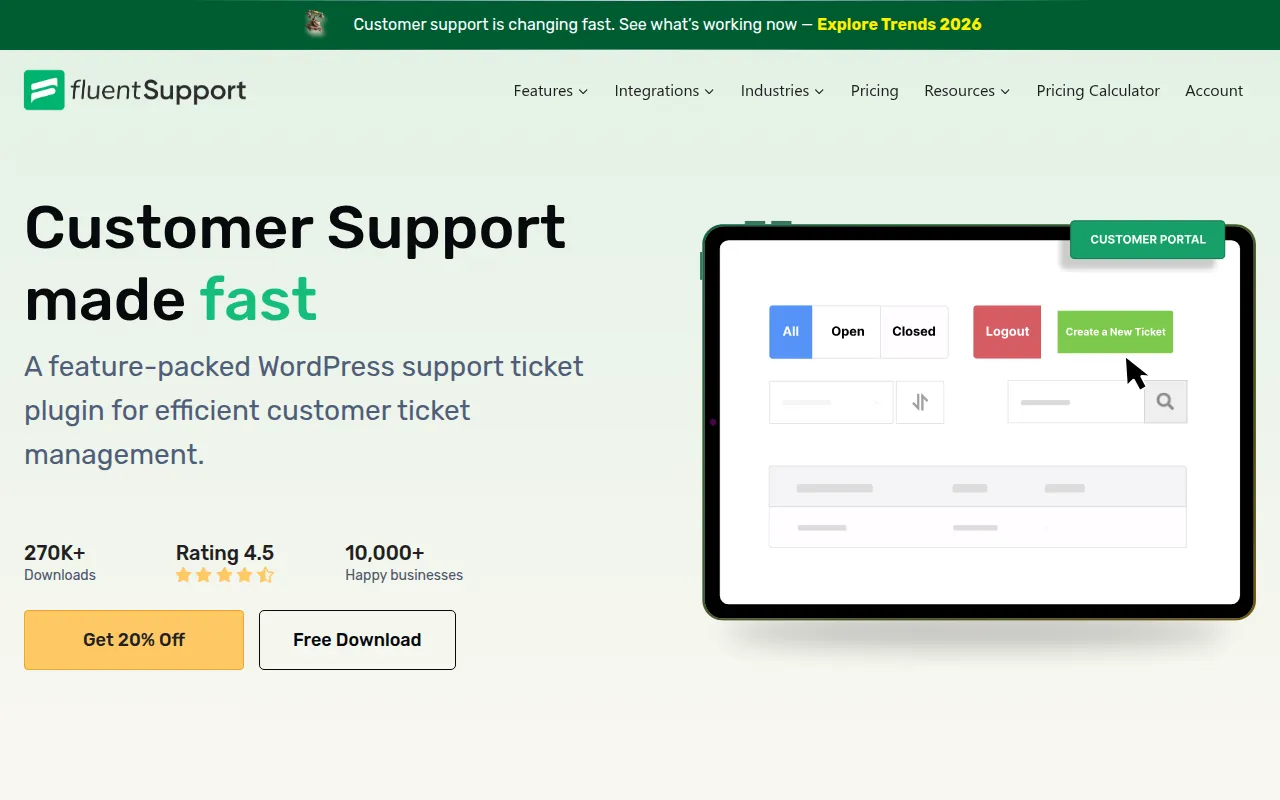
Fluent Support is a ticketing system designed for WordPress. It helps businesses handle customer queries through a dedicated support portal or via email piping, centralizing conversations in one place.
The tool supports a variety of users, including online shops, course creators, and support agencies. It includes tools to organize tickets by product and priority, as well as agent management features to control access levels.
Key capabilities include automation workflows for ticket tagging and AI-powered tools for message summarization and tone analysis. Buyers should confirm if they prefer a self-hosted plugin over a cloud-based help desk, as this requires installation on a WordPress site.
Users can choose between a free version and paid annual licenses based on the number of domains they need to support.
Key Features
Ticketing System
Centralized dashboard to view, filter, and manage customer support requests.
Email Piping
Forwards incoming emails to the help desk to be managed as tickets.
AI-Powered Assistance
Integrates with OpenAI to support message summarization, tone analysis, and generative response suggestions.
Automation Workflows
Supports triggers and conditions to help automate tasks like ticket tagging and agent assignment.
Custom Ticket Portals
Includes a Gutenberg block to create a customer-facing support portal on the website.
Agent Management
Allows administrators to set custom permissions and roles for different support agents.
Collision Detection
Indicates which agent is currently viewing or replying to a specific ticket.
Use Cases
Centralized Ticket Management
Managing customer inquiries from a WordPress dashboard instead of multiple email threads.
Support for Multiple Products
Sorting tickets by specific products to organize different product support flows.
AI-Assisted Response Drafting
Using AI to summarize customer messages and analyze the tone of agent responses.
Multi-Site Support Management
Managing support for several client websites using an agency license.
Integrations
- Slack
- Telegram
- Discord
- WooCommerce
- FluentCRM
- Fluent Forms
- Tutor LMS
FAQ
Do I need coding skills to use Fluent Support?
- No, it is installed as a standard WordPress plugin and can be configured with a few clicks.
Can I use Fluent Support on multiple client websites?
- Yes, the Agency and 50 Sites licenses allow the tool to be used across multiple domains.
How does the AI integration help agents?
- It uses OpenAI to summarize messages, analyze the tone of the conversation, and help generate response drafts.
Does Fluent Support charge per agent?
- No, the provided evidence indicates that the tool supports unlimited agents, including in the free version.
Source category: Customer Support
Source subcategory: Help Desk
More tools in Customer Support
Other published listings in the Customer Support category.



More tools in the Help Desk software type
Related listings that share the same software type for comparison and shortlisting.


