AI TOOL PROFILE
HelpSpot Review: Help Desk and Ticketing Software

- Customer Support
- Help Desk
- Small to medium support teams
- IT service desks
- HR and operations departments
- Organizations requiring self-hosted software
- B2B and B2C support teams
Pricing
Annual pricing starts at $699/year for 3 agents, with all features included. Non-profits and academic institutions may qualify for a 15% discount.
At a glance
- Best for
- Small to medium support teams, IT service desks, HR and operations departments, Organizations requiring self-hosted software, B2B and B2C support teams
- Key use cases
- IT Service Desk Management, Internal HR and Facilities Support, B2B Customer Support, High-Volume B2C Support
- Integrations
- Zapier, Active Directory, LDAP, SAML 2.0, HTTP API
- Official website
- Visit HelpSpot official website
How AI is used
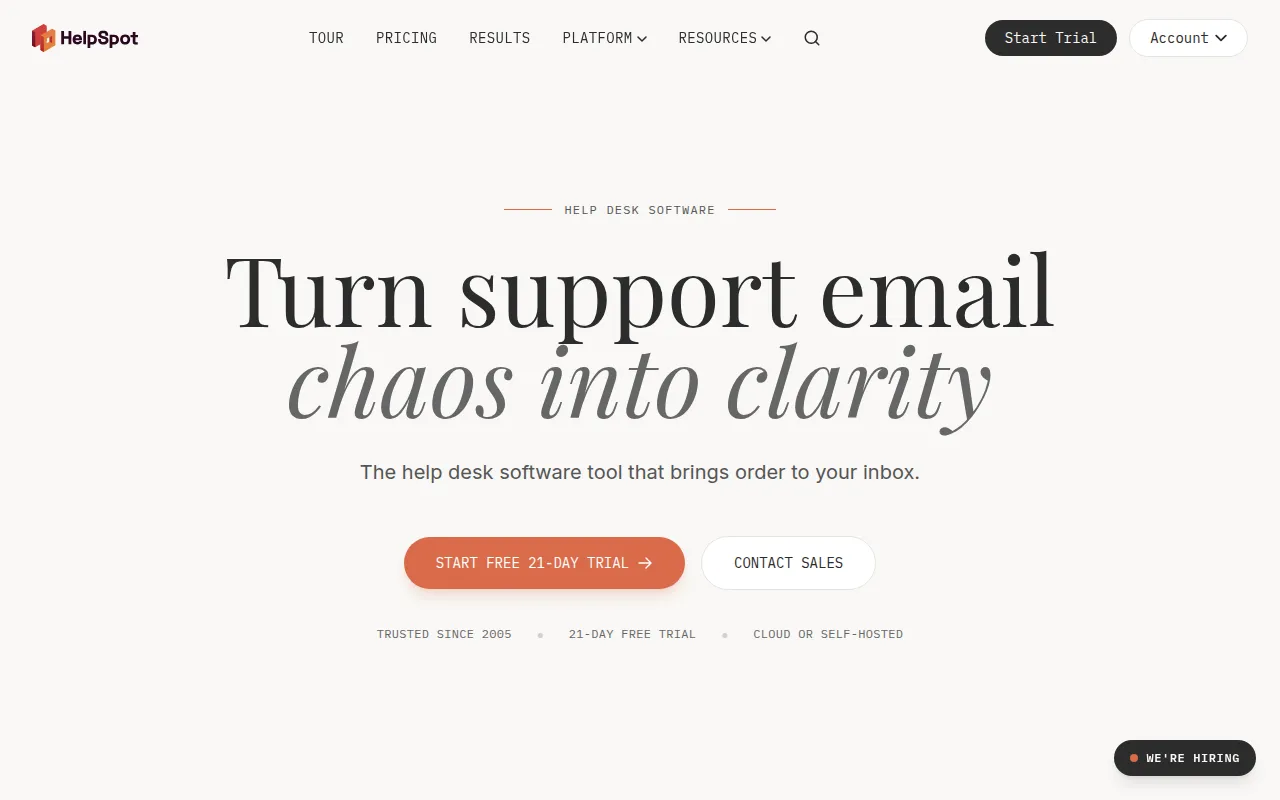
HelpSpot is a help desk tool designed to move teams away from shared email inboxes and into a structured ticketing system. It supports a wide range of users, from small teams to enterprise organizations, providing a way to track requests from receipt to resolution.
The software is designed for various support functions, including IT service desks, HR departments, and B2B or B2C customer support. It helps teams organize workflows through automatic ticket assignment and collision detection, which helps prevent multiple agents from replying to the same message.
Buyers can choose between US-based cloud hosting, EU-based GDPR-compliant hosting, or a self-hosted on-premise installation. For technical needs, it includes an HTTP API and webhooks for connecting to other business systems.
Before choosing this tool, buyers should consider whether they require a cloud-managed service or data sovereignty through self-hosting, and confirm if the annual pricing model fits their budget cycle.
Key Features
Ticket Management
Converts emails from unlimited mailboxes into trackable tickets with clear ownership and collision detection.
HelpSpot AI
Built-in tools for auto-categorizing requests, summarizing emails, and translating tickets into 40+ languages.
Automation Rules
Supports triggers for ticket routing, auto-replies, and escalation based on set conditions.
Knowledge Base
A self-service help center that allows customers to find answers and track their own ticket history.
Performance Reporting
Tracks response and resolution times against SLAs and provides agent performance insights.
Live Lookup
Queries external CRM, ERP, or Active Directory systems in real time to display customer context within a ticket.
Use Cases
IT Service Desk Management
Routing hardware and network issues to specific technicians and integrating with Active Directory for user data.
Internal HR and Facilities Support
Managing employee requests using permission groups to keep sensitive HR data separate from other department tickets.
B2B Customer Support
Using SLA tracking and CRM integrations to manage enterprise client accounts.
High-Volume B2C Support
Handling ticket volume using batch operations to update multiple tickets simultaneously.
Integrations
- Zapier
- Active Directory
- LDAP
- SAML 2.0
- HTTP API
- Webhooks
FAQ
Can I host HelpSpot on my own servers?
- Yes, HelpSpot offers a self-hosted on-premise version for the same price as the cloud versions, providing control over data and database access.
Is AI included in the cost of HelpSpot?
- Yes, AI features such as auto-categorization, translation, and email summarization are included in the subscription at no extra cost.
How does HelpSpot handle pricing for different team sizes?
- HelpSpot uses a flat annual price based on the number of agents. All features are included in every tier regardless of team size.
Is there a free trial available?
- Yes, HelpSpot provides a 21-day free trial with no credit card required, which includes professional onboarding.
Source category: Customer Support
Source subcategory: Help Desk
More tools in Customer Support
Other published listings in the Customer Support category.



More tools in the Help Desk software type
Related listings that share the same software type for comparison and shortlisting.


