AI TOOL PROFILE
ReplyFabric Review: Shared Mailbox Automation Software

- Customer Support
- Customer Support
- Customer Support Teams
- Small Businesses
- Mid-Market Companies
- Enterprise Companies
Pricing
Paid plans start at €199/month for the Starter tier. A 14-day free trial is available.
At a glance
- Best for
- Customer Support Teams, Small Businesses, Mid-Market Companies, Enterprise Companies
- Key use cases
- Customer Support Triage, Sales Lead Management, General Inquiry Handling, Operations Management
- Integrations
- Microsoft 365, Google Workspace
- Official website
- Visit ReplyFabric official website
How AI is used
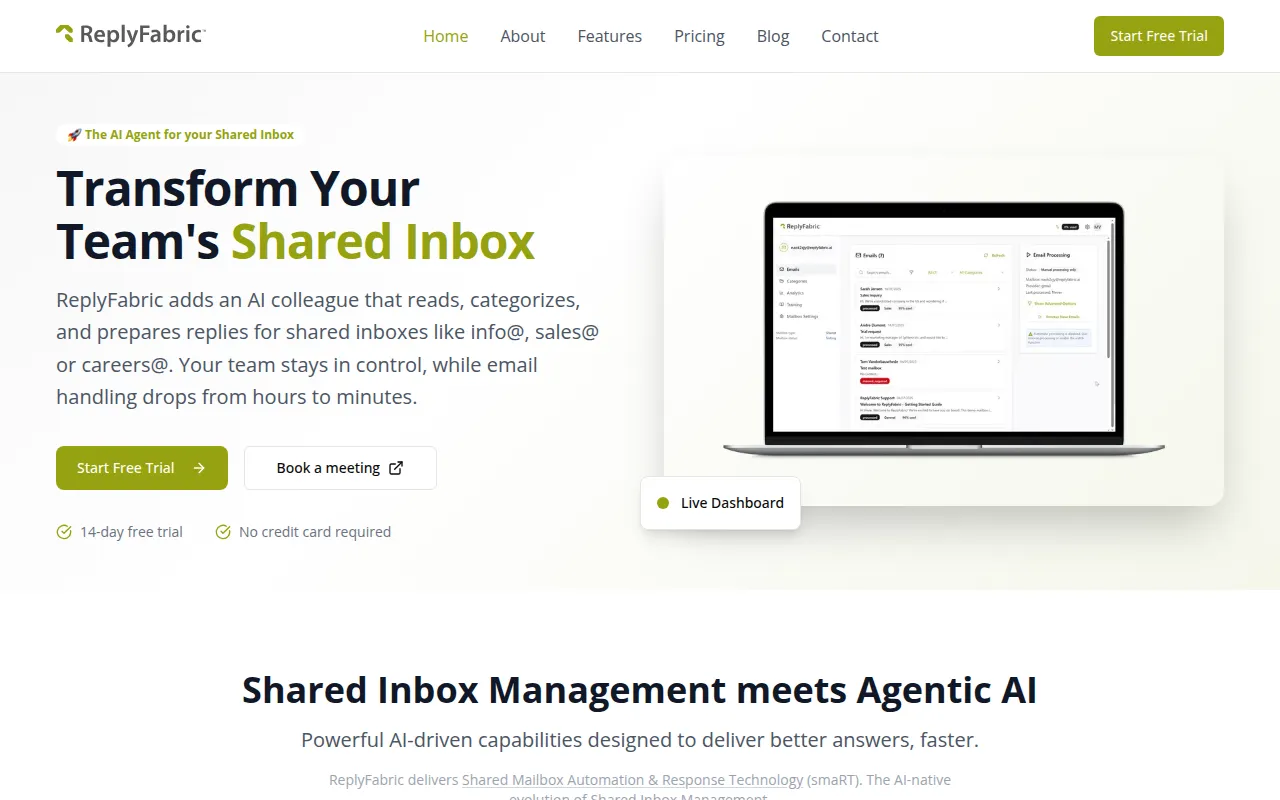
ReplyFabric is an AI-driven orchestration layer that operates on top of existing email systems such as Microsoft 365 and Google Workspace. It is designed to assist with shared inboxes—such as info@ or support@—by reading, tagging, and drafting replies based on a company's specific FAQs and documents.
The software is intended for small to mid-market companies and enterprise customer support teams who handle repetitive inquiries. By automating initial triage and drafting, it supports a workflow where humans review and send the final response, following a human-in-the-loop governance model.
Buyers should note that the tool functions as an assistant to existing email infrastructure rather than a replacement for the mail provider. It is designed to help teams maintain a consistent tone across different agents and ensure that urgent emails are prioritized.
Key Features
AI Email Categorization
Analyzes incoming messages for topic, intent, and urgency to tag and organize emails.
Context-Aware Drafting
Generates draft replies using organizational knowledge bases, PDFs, and FAQs for human review.
Intelligent Routing
Assigns emails to the appropriate team member or department based on the content of the message.
Compliance Logging
Maintains structured audit trails with timestamps and agent attribution for every action.
Multi-language Support
Supports teams operating in multiple languages for global customer communication.
Role-Based Access
Allows administrators to configure team permissions and define who reviews or sends replies per category.
Use Cases
Customer Support Triage
Categorizing support inquiries and drafting responses to help reduce first-response times.
Sales Lead Management
Qualifying inbound leads and drafting acknowledgment emails to keep opportunities tracked.
General Inquiry Handling
Routing a variety of messages in a general info@ mailbox to the correct internal department.
Operations Management
Organizing billing or procurement mailboxes through structured workflows and templated replies.
Integrations
- Microsoft 365
- Google Workspace
FAQ
Does ReplyFabric replace my email provider?
- No, it is designed as an orchestration layer that works on top of your existing Microsoft 365 or Google Workspace infrastructure.
Can the AI send emails automatically?
- ReplyFabric uses human-in-the-loop governance, meaning AI generates drafts that are reviewed and sent by team members.
What are the pricing options?
- There are three tiers: Starter at €199/month, Business at €499/month, and Premium at €999/month, depending on the number of mailboxes and email volume.
Source category: Customer Support
Source subcategory: Customer Support
More tools in Customer Support
Other published listings in the Customer Support category.



More tools in the Customer Support software type
Related listings that share the same software type for comparison and shortlisting.