AI TOOL PROFILE
Blitzz: Remote Visual Assistance & Video Inspection Software

- Customer Support
- Customer Support
- Contact center managers
- Field service operations
- Insurance adjusters
- Quality assurance auditors
- Technical support teams
Pricing
Pricing starts at $15/month per agent for Co-Browse Browser (billed annually). The Concierge plan is $175/month for the first 5 users, with additional users at $35/month each.
At a glance
- Best for
- Contact center managers, Field service operations, Insurance adjusters, Quality assurance auditors, Technical support teams
- Key use cases
- Remote Field Support, Virtual Insurance Claims, Equipment Troubleshooting, Remote Quality Audits, Co-Browsing Support
- Integrations
- Salesforce, ServiceNow, Zendesk, Genesys, Zapier
- Official website
- Visit blitzz official website
How AI is used
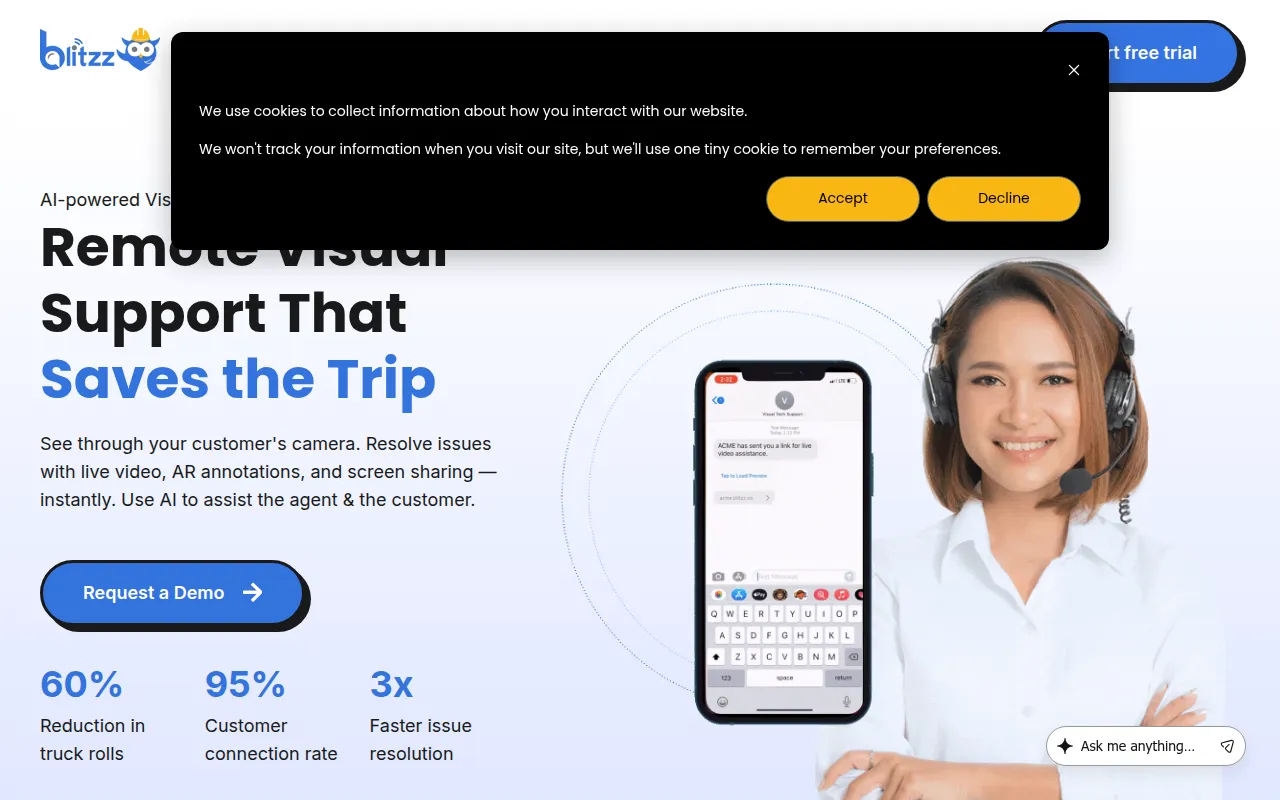
Blitzz is a remote visual assistance and video inspection platform designed to connect agents or inspectors with customers and field technicians through live video. The software operates via the browser, meaning customers do not need to download an app to join a session; they connect via a secure link sent through SMS, email, or WhatsApp.
It is designed for organizations in sectors such as field service, insurance, automotive, and manufacturing. The tool supports different workflows, including contact center support, remote quality audits, and collaborative web browsing.
Key capabilities include AI-assisted call summaries, OCR for extracting text from images, and markup tools for guided troubleshooting. It also supports an offline mode for capturing data in areas with poor connectivity, which may be uploaded asynchronously.
Buyers should confirm which of the three main product tiers—Concierge, Inspect, or Co-Browse—aligns with their specific needs, as the feature sets and pricing vary by use case.
Key Features
Browser-based Video Calls
Allows customers to connect via a secure link without needing to download a separate application.
AI Call Summary
Uses AI to help automate the documentation of session details and outcomes.
OCR Text Extraction
Supports the digital capture of VINs and serial numbers from the video feed.
Real-time Markup
Enables agents to draw and annotate on the live video stream to guide the customer.
Remote Camera Control
Includes tools for remote zoom and flashlight control to inspect remote objects.
Automatic Report Generation
Supports the creation of inspection reports in Word format based on session data.
Offline Mode
Supports data capture in offline environments with asynchronous upload capabilities.
Use Cases
Remote Field Support
Providing guidance from off-site experts to field technicians to help resolve technical issues.
Virtual Insurance Claims
Processing insurance and warranty claims through remote video inspections.
Equipment Troubleshooting
Helping customers resolve hardware issues via live video support in contact center environments.
Remote Quality Audits
Performing quality assurance and compliance audits for construction or manufacturing sites remotely.
Co-Browsing Support
Navigating a customer's web browser screen collaboratively to guide them through a digital process.
Integrations
- Salesforce
- ServiceNow
- Zendesk
- Genesys
- Zapier
- REST API
FAQ
Do customers need to download an app to use Blitzz?
- No, customers connect through their mobile browser using a secure link sent via SMS, email, or WhatsApp.
What are the pricing options for Blitzz?
- Pricing depends on the product; Co-Browse starts at $15/month per agent, while Concierge is $175/month for the first 5 users, billed annually.
Can Blitzz integrate with existing CRM tools?
- Yes, it supports integrations with Salesforce, ServiceNow, Zendesk, and Genesys, and provides REST API access.
Does Blitzz work in areas without internet access?
- The platform includes an offline mode that allows for data capture, which can then be uploaded once a connection is established.
Source category: Customer Support
Source subcategory: Customer Support
More tools in Customer Support
Other published listings in the Customer Support category.



More tools in the Customer Support software type
Related listings that share the same software type for comparison and shortlisting.