AI TOOL PROFILE
SingleComm: Cloud-Based Contact Center Software

- Customer Support
- Customer Support
- Mid-market companies
- Enterprise companies
- Customer support teams
- Healthcare contact centers
- Legal service providers
- Telephone answering services
Pricing
Pricing was not clearly available from the provided evidence. Buyers should confirm current pricing on the vendor website.
At a glance
- Best for
- Mid-market companies, Enterprise companies, Customer support teams, Healthcare contact centers, Legal service providers
- Key use cases
- Omnichannel Customer Support, Compliant Data Capture, Campaign Deployment, Performance Testing
- Integrations
- Amazon Connect, Mitel MiVoice, CRM applications
- Official website
- Visit singlecomm official website
How AI is used
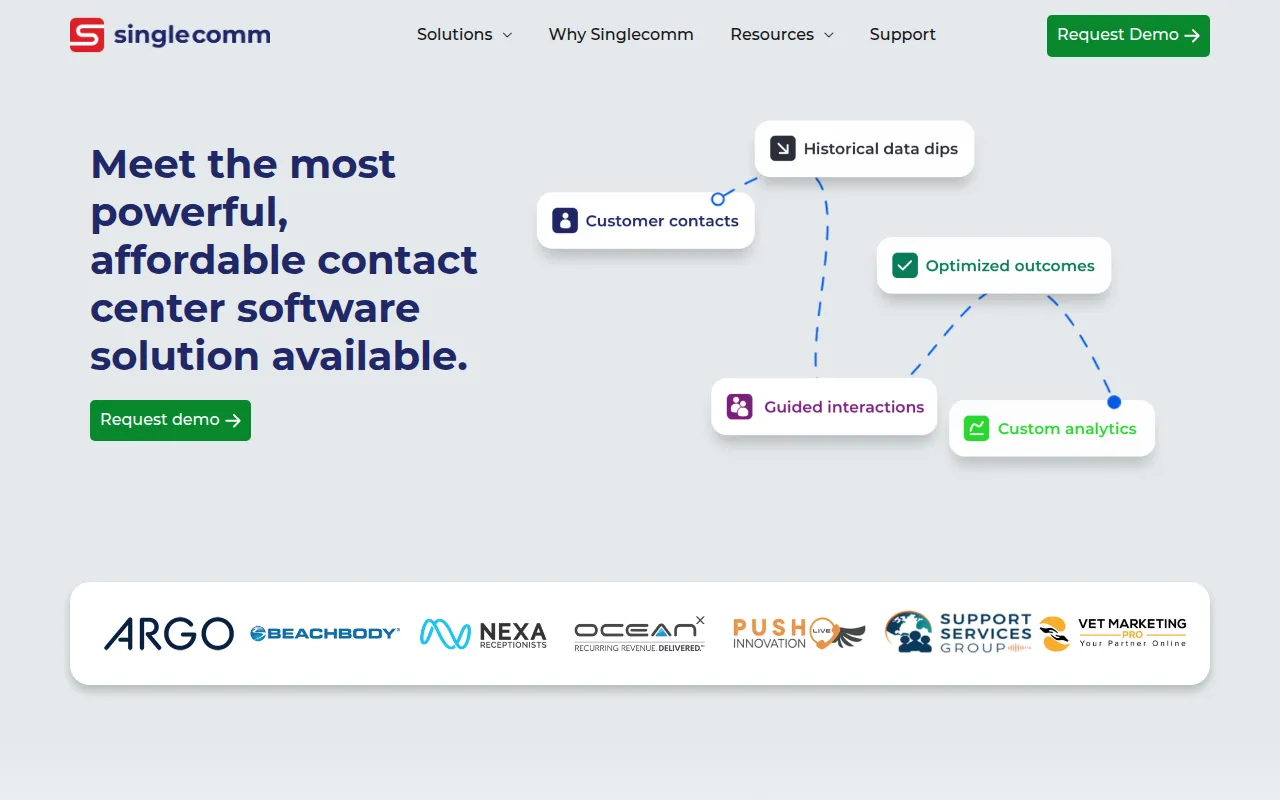
SingleComm is a cloud-native contact center solution that unifies various communication channels into a single agent desktop. It supports voice, web chat, SMS, email, and social media, which may help agents handle interactions without switching between multiple applications.
The platform is designed for mid-market and enterprise companies, as well as specialized contact centers in the legal, healthcare, and telephone answering service sectors. It provides tools that allow non-technical users to manage call flows and scripts.
Key capabilities include AI in-call transcription and a drag-and-drop workflow builder, which may help reduce the time needed to deploy new campaigns. The software also includes tools for A/B testing different scripts or offers in real time.
Buyers should confirm if the modular implementation approach fits their specific technical needs and whether the provided third-party integrations align with their current CRM and verification services.
Key Features
Omnichannel Communications
Supports voice, web chat, SMS, email, social, and secure messaging within a unified agent desktop.
Drag-and-Drop Workflow Builder
Allows non-technical users to create and modify communication flows and scripts without coding.
AI In-Call Transcription
Provides transcription during calls to support read-back verification.
Skill-Based Routing
Routes interactions across various channels to agents based on their specific skills or groups.
Multivariate Testing
Includes a built-in tool to test different price points, offers, and scripts in real time.
Customizable Reporting
Offers dashboards and partitioned reports for individual employees or clients.
Use Cases
Omnichannel Customer Support
Managing inbound and outbound interactions across voice, SMS, and web chat from a single interface.
Compliant Data Capture
Capturing sensitive financial or medical information using PCI, SOC 2, and HIPAA-compliant tools.
Campaign Deployment
Using drag-and-drop tools to build and launch agent scripts and workflows without IT resources.
Performance Testing
Testing multiple scripts or offers via A/B testing to identify conversion rates.
Integrations
- Amazon Connect
- Mitel MiVoice
- CRM applications
FAQ
What channels does SingleComm support?
- SingleComm supports voice, web chat, SMS, email, social media, and secure messaging within a single interface.
Is SingleComm suitable for healthcare providers?
- The platform is HIPAA-compliant, as well as PCI-certified and SOC 2-certified, which supports the handling of healthcare and financial data.
Do I need a programmer to change call scripts?
- No, SingleComm uses a drag-and-drop interface that allows non-technical users to create and modify workflows and scripts.
Who is the target audience for SingleComm?
- It is designed for mid-market and enterprise companies, specifically those running customer support, sales, legal, or healthcare contact centers.
Source category: Customer Support
Source subcategory: Customer Support
More tools in Customer Support
Other published listings in the Customer Support category.



More tools in the Customer Support software type
Related listings that share the same software type for comparison and shortlisting.