AI TOOL PROFILE
Navigate360: School Safety and Health Management Software

- Education and Training
- Facility Management
- K-12 Schools
- School District Administrators
- Healthcare Facilities
- Public Safety Agencies
Pricing
Pricing was not clearly available from the provided evidence. Buyers should confirm current pricing on the vendor website.
At a glance
- Best for
- K-12 Schools, School District Administrators, Healthcare Facilities, Public Safety Agencies
- Key use cases
- K-12 Emergency Coordination, Student Behavioral Intervention, Campus Access Control, Safety Compliance and Training, Workplace Security
- Official website
- Visit navigate360 official website
How AI is used
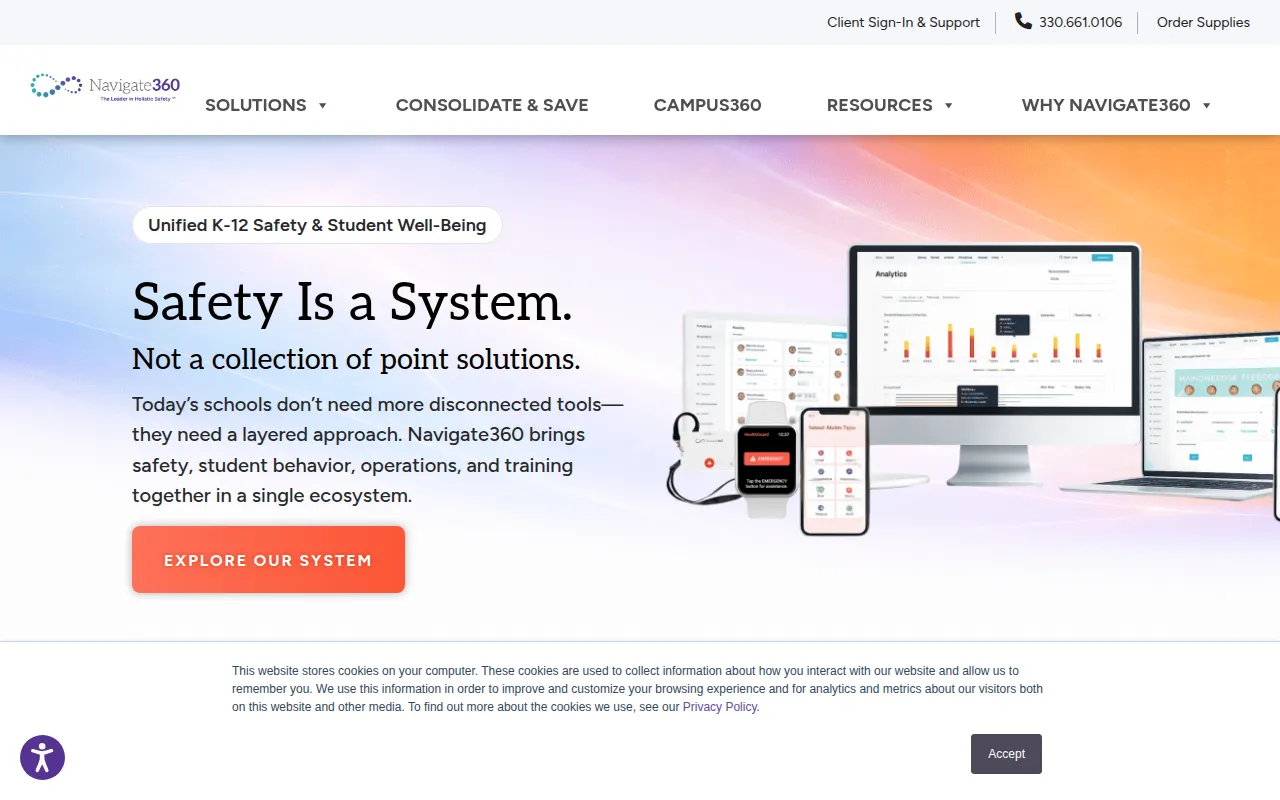
Navigate360 is a safety and health management platform designed for K-12 schools, healthcare facilities, workplaces, and public safety agencies. The software integrates emergency response tools, student behavioral tracking, and operational security into a single ecosystem.
For schools, the platform supports various needs, including digital threat detection, anonymous reporting, and student behavior management through case management and rewards systems. It also supports operational tasks like visitor management and site mapping, and provides specialized training for staff on active shooter response and suicide prevention.
Buyers should consider whether they need a full suite of safety tools or specific components, as the platform is designed as a consolidated system. Those in the education sector may also want to review how the tool supports alignment with state-specific safety mandates and legislation.
Key Features
Emergency Management
Includes panic buttons and alerting systems designed for coordinated response.
Student Behavior & Well-Being
Features a behavioral case manager and PBIS rewards to support early intervention and student support.
Digital Threat Detection
Supports the identification of potential threats through digital monitoring and anonymous reporting systems.
Visitor Management
Supports the entry and tracking of visitors and volunteers on campus.
Site Mapping
Provides interactive maps to help staff and first responders navigate facilities during emergencies.
Security Audits
Supports on-site assessments to identify gaps in physical and technological security.
Use Cases
K-12 Emergency Coordination
Using panic buttons and emergency management tools to coordinate responses between staff and first responders.
Student Behavioral Intervention
Tracking behavioral patterns and implementing PBIS rewards to support student well-being.
Campus Access Control
Managing visitor and volunteer check-ins to maintain facility security.
Safety Compliance and Training
Providing staff training and security audits to help meet state safety mandates.
Workplace Security
Implementing risk assessments and active shooter response training for non-educational facilities.
FAQ
What industries does Navigate360 serve?
- While primarily focused on K-12 schools and educational institutions, it also provides solutions for workplaces, healthcare facilities, and public safety agencies.
Does Navigate360 include student behavioral tools?
- Yes, it includes a behavioral case manager, PBIS rewards, and curricula focused on mental health and prevention.
How does the platform handle emergency responses?
- It provides emergency management tools, including panic buttons, site mapping, and communication pathways for first responders and staff.
Source category: Education & Training
Source subcategory: Facility Management
More tools in Education & Training
Other published listings in the Education & Training category.


More tools in the Facility Management software type
Related listings that share the same software type for comparison and shortlisting.