AI TOOL PROFILE
Helpwise: Customer Service Platform

- Customer Support
- Customer Support
- Small businesses
- Mid-market companies
- Customer support teams
- Sales teams
- Operations teams
Pricing
Pricing starts at $15 per user per month for the Standard plan. Higher tiers include Premium ($29/user/month) and Advanced ($49/user/month), with a 20% discount for annual billing.
At a glance
- Best for
- Small businesses, Mid-market companies, Customer support teams, Sales teams, Operations teams
- Key use cases
- Omnichannel Support, Lead and Deal Management, HR and Recruitment, Finance and Billing, Vendor Coordination
- Integrations
- Gmail, Microsoft 365, HubSpot, Pipedrive, Shopify
- Official website
- Visit Helpwise official website
How AI is used
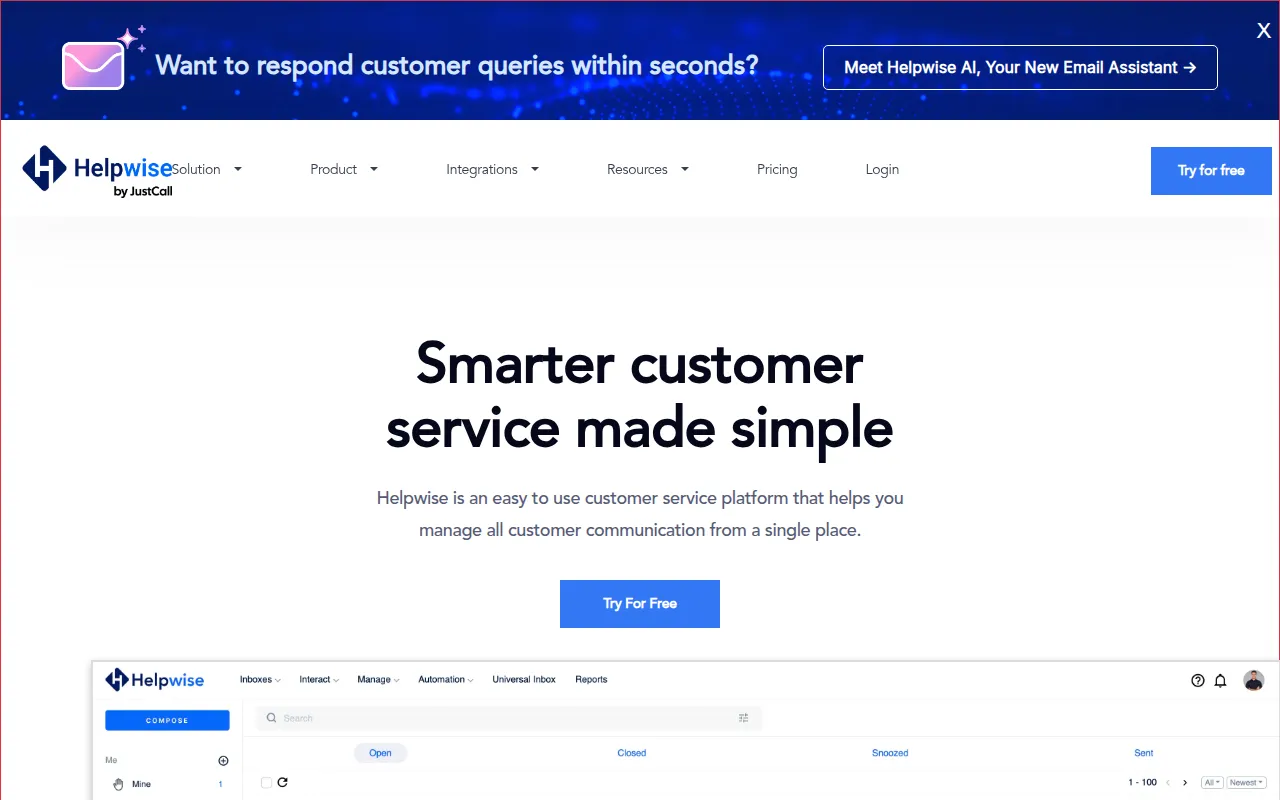
Helpwise is a customer service tool designed to consolidate communications from various sources—including email, live chat, and social media—into a universal inbox. It supports teams that need to move away from sharing single email passwords in favor of a collaborative environment for managing client interactions.
The platform is intended for diverse business functions, including customer support, sales, operations, HR, and finance. It provides tools to help teams delegate tasks internally and manage response times through automation and SLA settings.
Buyers should note that feature sets, such as AI assistance and advanced automation, are tiered across pricing plans. Teams should confirm which plan aligns with their specific channel needs and volume of automation rules.
Key Features
Universal Inbox
Consolidates queries from email, live chat, Instagram, Facebook, WhatsApp, and SMS into one view.
Shared Inbox Collaboration
Supports internal notes, mentions, and shared drafts to coordinate responses.
Automation Rules
Supports automatic query delegation, tagging, and replies based on custom workflows.
Smart Conversation Assignment
Distributes workload using round-robin or load-balancing logic to assign conversations to team members.
Collision Detection
Alerts team members in real time when multiple people are typing a response to the same thread.
Help Center
A knowledge base for hosting articles and guides that can be shared with customers.
SLA Management
Includes time-based conditions to help teams track and manage response lag.
Helpwise AI
An AI email assistant designed to help with drafting and summarizing communications.
Use Cases
Omnichannel Support
Managing customer inquiries across email, social media, and chat from a single dashboard.
Lead and Deal Management
Tracking deal-related emails using tags and collaborating on responses for sales teams.
HR and Recruitment
Managing inbound job applications and scheduling interviews from a shared HR mailbox.
Finance and Billing
Organizing accounting, billing, and approval emails in a shared environment.
Vendor Coordination
Tracking communication flow with vendors to support supply chain management.
Integrations
- Gmail
- Microsoft 365
- HubSpot
- Pipedrive
- Shopify
- Slack
- Zapier
- Asana
- Salesforce
- ClickUp
- Microsoft Teams
- Trello
- Stripe
- Quickbooks
FAQ
What is a shared inbox in Helpwise?
- A shared inbox allows multiple team members to send and receive messages from a single email address, which helps avoid duplicate replies and supports workload distribution.
Does Helpwise offer a free trial?
- Yes, Helpwise provides a 7-day free trial.
Which teams can benefit from Helpwise?
- It is designed for teams receiving customer queries, specifically customer support, sales, finance, HR, and operations teams.
Can Helpwise be used on mobile devices?
- Yes, Helpwise is available as a web app and through iOS and Android applications.
Source category: Customer Support
Source subcategory: Customer Support
More tools in Customer Support
Other published listings in the Customer Support category.



More tools in the Customer Support software type
Related listings that share the same software type for comparison and shortlisting.