AI TOOL PROFILE
MeetGeek | AI Note Taker and Meeting Assistant

- Productivity
- Meeting Assistant
- Small Businesses
- Mid-Market Companies
- Enterprise Companies
- Sales Teams
- HR Departments
- Customer Success Teams
- Product and Engineering Teams
Pricing
Offers a free Basic plan with 3 hours of transcription per month. Paid tiers include Pro at $9.99 per user/month and Business at $17 per user/month. Enterprise custom pricing is available; 30% discount for startups, non-profits, and education.
At a glance
- Best for
- Small Businesses, Mid-Market Companies, Enterprise Companies, Sales Teams, HR Departments
- Key use cases
- Sales Call Documentation, HR Interviewing, Customer Success Tracking, Product Research, Internal Team Alignment
- Integrations
- Zoom, Google Meet, Microsoft Teams, Slack, Notion
- Official website
- Visit MeetGeek – AI Meeting Minutes official website
How AI is used
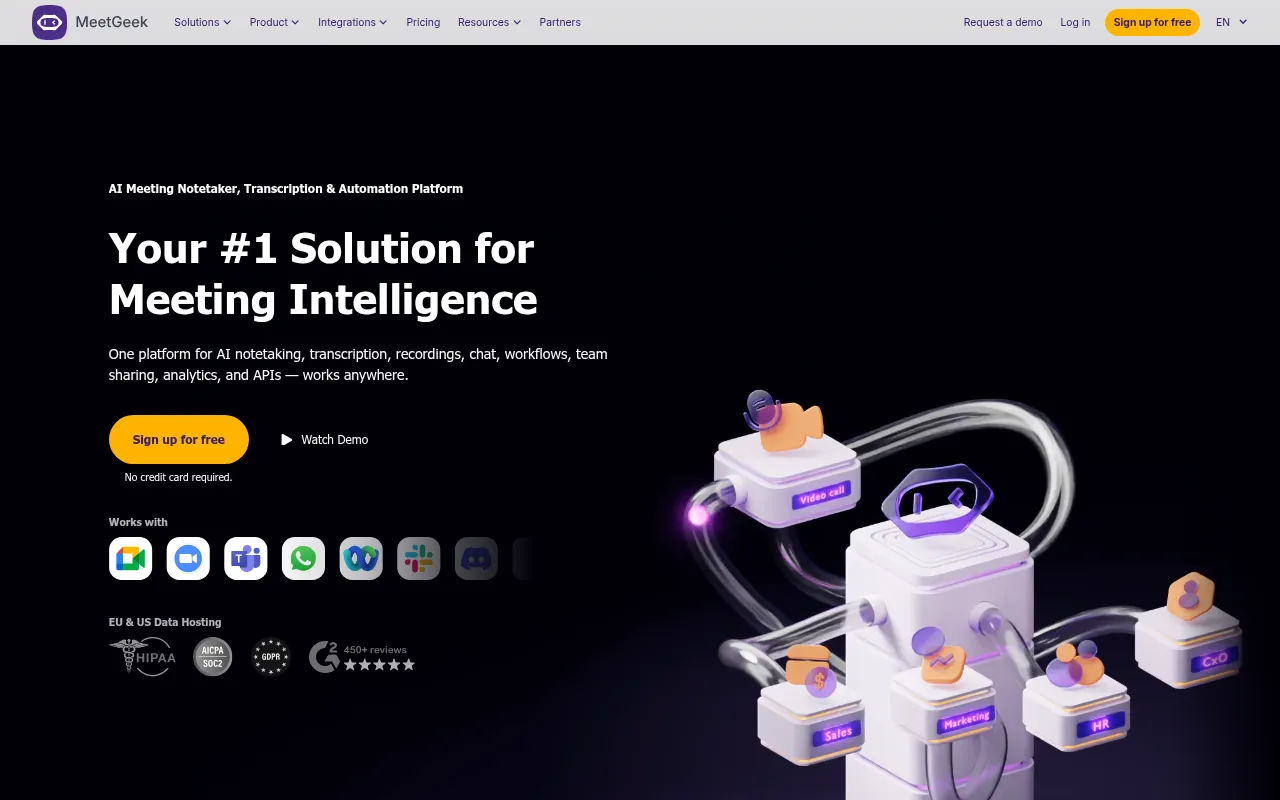
MeetGeek is an AI-powered meeting assistant designed for the recording, transcription, and summarization of professional conversations. It supports platforms such as Zoom, Google Meet, and Microsoft Teams, and supports offline recording via mobile apps.
The tool is designed for various business functions, including sales, HR, customer success, and product teams. It helps these groups maintain a searchable library of calls and helps extract action items or customer objections.
The platform supports workflow automation through integrations, allowing users to send meeting highlights to other business apps. Buyers should confirm which plan they need, as certain automation and team-sharing features are available in paid tiers.
For organizations with specific data requirements, the software supports SOC 2 Type II, HIPAA, GDPR, and CCPA compliance, with options for data hosting in the US or EU.
Key Features
Automatic Recording and Transcription
Joins meetings on Zoom, Google Meet, and Microsoft Teams to create text transcripts in 100+ languages.
AI Meeting Summaries
Generates summaries, detects meeting types, and helps list action items and decisions.
AI Chat with Meetings
Supports asking questions and extracting insights from past meeting transcriptions.
Offline Meeting Capture
Supports recording in-person conversations through mobile applications for iOS and Android.
Meeting Analytics
Provides data on speaker distribution, engagement levels, and sentiment analysis.
Workflow Automation
Syncs recordings, transcripts, and highlights to external apps using a public API or no-code connectors.
Use Cases
Sales Call Documentation
Capturing customer objections and next steps to help update CRM records.
HR Interviewing
Recording candidate interviews to share key moments with hiring managers.
Customer Success Tracking
Maintaining a history of customer interactions to identify pain points and help prevent churn.
Product Research
Transcribing user interviews to identify feature requests and sentiment for roadmap planning.
Internal Team Alignment
Sharing meeting summaries with team members who missed a call to help reduce follow-up meetings.
Integrations
- Zoom
- Google Meet
- Microsoft Teams
- Slack
- Notion
- Salesforce
- HubSpot
- Jira
- ClickUp
- Google Drive
- Zapier
- Make
- n8n
- Asana
- Monday.com
- Pipedrive
FAQ
Which platforms does MeetGeek support for recording?
- MeetGeek works with Zoom, Google Meet, and Microsoft Teams via a bot, and supports other browser-based meetings through its Chrome Extension. It also captures offline conversations via its mobile apps.
Does MeetGeek support languages other than English?
- Yes, it supports transcription and summarization in over 60 languages, with automatic language detection.
How does the pricing work for different team sizes?
- There is a free Basic plan for occasional use. For regular use, Pro starts at $9.99/user/month and Business at $17/user/month, while Enterprise offers custom pricing and governance controls.
Is the recorded meeting data secure?
- MeetGeek uses 256-bit AES and SSL/TLS encryption and supports SOC 2 Type II, HIPAA, GDPR, and CCPA standards.
Source category: Productivity
Source subcategory: Meeting Assistant
More tools in Productivity
Other published listings in the Productivity category.


More tools in the Meeting Assistant software type
Related listings that share the same software type for comparison and shortlisting.


