AI TOOL PROFILE
Liazon AI Email Scheduling Assistant

- Productivity
- Meeting Assistant
- Executives
- Startup founders
- Sales teams
- Recruiting operations
- Executive assistants
Pricing
Liazon offers a Free plan for basic email scheduling and a Premium plan that adds branded scheduling pages, calendar integrations, and conflict avoidance.
At a glance
- Best for
- Executives, Startup founders, Sales teams, Recruiting operations, Executive assistants
- Key use cases
- Executive Coordination, Recruiting and Interview Scheduling, Business Development Outreach, Multi-Stakeholder Rescheduling
- Integrations
- Google Calendar, Microsoft Outlook/365
- Official website
- Visit liazon official website
How AI is used
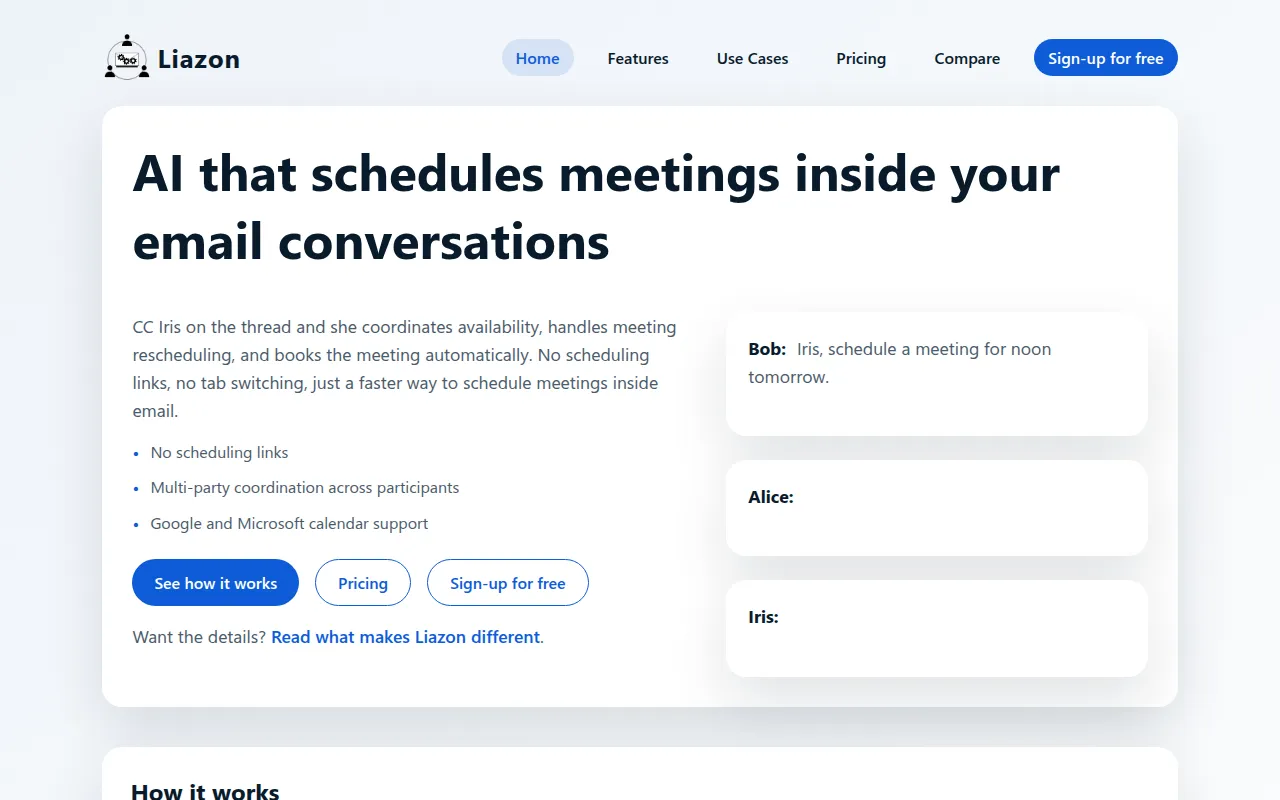
Liazon is a conversation-native scheduling tool that operates by adding an AI assistant named Iris to email threads. Instead of sending a booking link or a poll, users CC Iris into the conversation, and the AI reads natural language availability to propose and confirm meeting times.
The tool is designed for professionals who use email-first communication, such as startup founders, recruiters, and executive assistants. It supports the coordination of multiple participants and manages the transition from a conversation to a confirmed calendar event.
Liazon offers a Free plan for basic scheduling, while the Premium plan adds features such as calendar conflict avoidance and branded pages. Buyers should confirm if their workflow requires high-volume inbound booking, as this tool is built for thread-based coordination.
Key Features
Natural Language Parsing
Interprets plain-English availability such as "after 3" or "any afternoon" to identify workable meeting times.
Multi-Party Coordination
Gathers availability and negotiates times across multiple participants in a single email thread.
Automatic Time Zone Handling
Supports the adjustment of proposed times and final invites based on the participants' respective time zones.
Thread-Based Rescheduling
Supports moving meetings by replying in the existing email thread, where the AI re-coordinates a new time.
Ambiguous Reply Interpretation
Maps responses like "this works" or "these are fine" to the specific options being discussed in the thread.
Use Cases
Executive Coordination
Managing meeting requests for leadership without sending external scheduling links.
Recruiting and Interview Scheduling
Coordinating interview panels and candidate availability across different organizations and time zones.
Business Development Outreach
Reducing the back-and-forth required to book calls with partners and stakeholders.
Multi-Stakeholder Rescheduling
Updating meeting times for groups when an attendee needs to shift their schedule.
Integrations
- Google Calendar
- Microsoft Outlook/365
FAQ
Do I need to send links to schedule meetings with Liazon?
- No, Liazon is designed to work directly within email conversations by CC-ing the AI assistant, Iris, so no scheduling links are required.
Can Liazon handle meetings with multiple people?
- Yes, it supports multi-party coordination, gathering availability from several participants and confirming a time once the group agrees.
What is the difference between the Free and Premium plans?
- The Free plan supports email-based scheduling and rescheduling, while the Premium plan adds calendar integrations, branded scheduling pages, and conflict avoidance.
Does Liazon work with Outlook and Google Calendar?
- Yes, Liazon supports both Google Calendar and Microsoft Outlook/365 for booking and coordination.
Source category: Productivity
Source subcategory: Meeting Assistant
More tools in Productivity
Other published listings in the Productivity category.


More tools in the Meeting Assistant software type
Related listings that share the same software type for comparison and shortlisting.


