AI TOOL PROFILE
HyNote Review: AI Meeting Assistant and Note-Taking Software

- Productivity
- Meeting Assistant
- Small business owners
- Project managers
- Research teams
- Students and academics
- Sales professionals
Pricing
HyNote offers a free plan, with paid tiers starting at $6.66/month. Team pricing is available at $15 per seat/month.
At a glance
- Best for
- Small business owners, Project managers, Research teams, Students and academics, Sales professionals
- Key use cases
- Meeting Documentation, Document Analysis, Client Call Reviews, Academic Study
- Integrations
- Google Docs, Notion
- Official website
- Visit HyNote official website
How AI is used
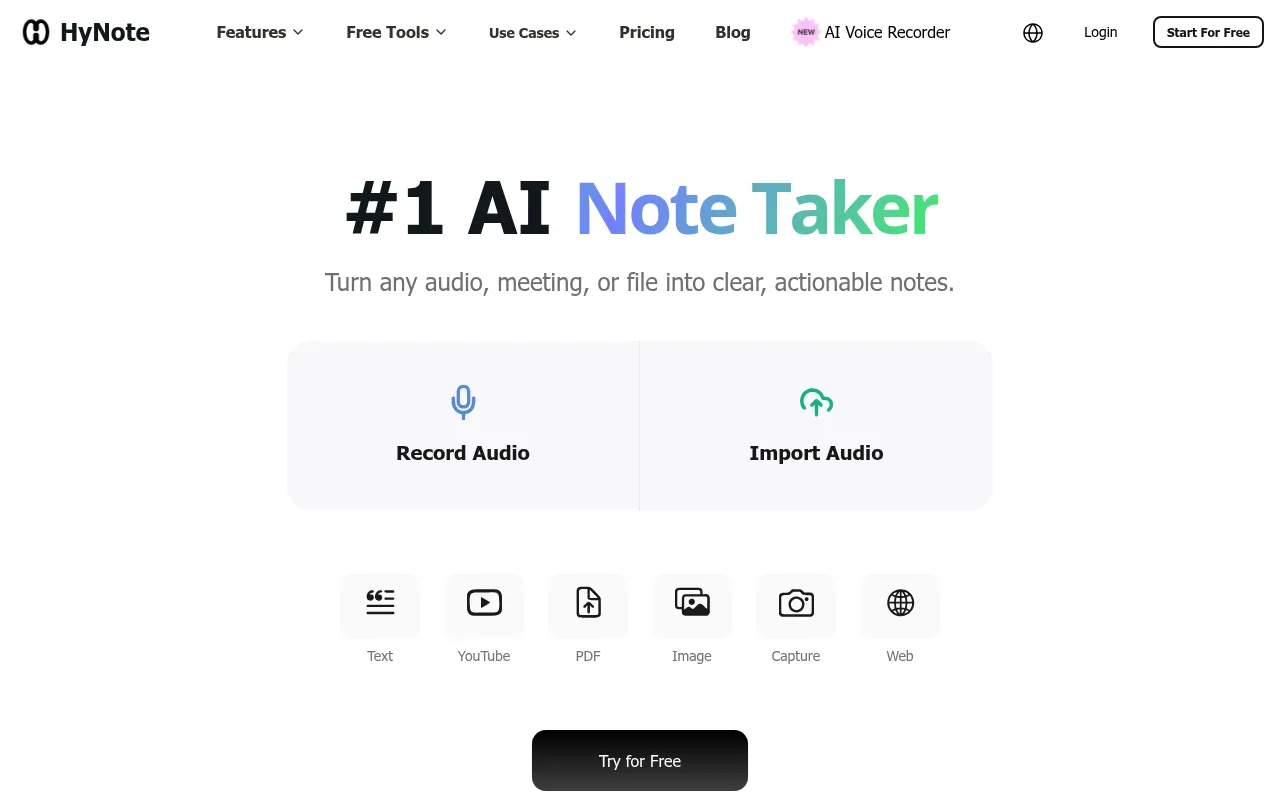
HyNote is an AI-powered platform designed to capture information from meetings, audio files, video, and documents. It supports turning unstructured data, such as brainstorming sessions or PDFs, into organized notes and summaries.
The tool is built for users including business professionals, technical advisors, and students. It supports the transcription of live meetings and the summarization of various file formats to help teams maintain records of their discussions.
Capabilities include speaker identification and the extraction of action items from notes. The platform also includes a feature to convert text notes into AI-generated audio briefings for listening on the go.
Buyers should confirm which plan they need based on their monthly transcription requirements, as minutes are capped on the Pro and Plus tiers.
Key Features
Live Transcription
Captures audio in real time and converts it to text with speaker identification.
AI Summaries
Generates summaries and highlights from meetings, PDFs, and other documents.
Action Item Extraction
Identifies and lists actionable next steps from recorded notes.
Audio Overview
Converts written notes and summaries into AI-generated audio briefings.
Multi-format Import
Supports uploading PDFs, EPUBs, TXT, DOCX, and YouTube links.
Cross-Device Sync
Supports access and synchronization across web, mobile, and tablet applications.
Use Cases
Meeting Documentation
Recording and transcribing team meetings to create structured summaries and task lists.
Document Analysis
Importing reports or research papers to extract key findings and main arguments.
Client Call Reviews
Capturing customer pain points and follow-up actions from sales calls.
Academic Study
Transcribing lectures and generating flashcards or quizzes from course materials.
Integrations
- Google Docs
- Notion
FAQ
How does HyNote handle data security?
- HyNote uses TLS 1.2+ for data in transit and AES-256 for data at rest, and states that it does not use private content to train its AI models.
What is the difference between the free and paid plans?
- The free plan covers basic recording and transcription, while paid plans add more transcription minutes and integrations with tools like Notion and Google Docs.
Can HyNote summarize files other than audio?
- Yes, it can summarize PDFs, EPUBs, TXT, DOCX files, and content from YouTube links.
Source category: Productivity
Source subcategory: Meeting Assistant
More tools in Productivity
Other published listings in the Productivity category.


More tools in the Meeting Assistant software type
Related listings that share the same software type for comparison and shortlisting.


