AI TOOL PROFILE
LiveSuggest: AI Meeting Assistant

- Productivity
- Meeting Assistant
- Sales teams
- Management consultants
- Job seekers
- Non-native speakers in professional settings
- Small business owners
Pricing
Paid plans include Basic at $3/month (3 hours), Plus at $8/month (10 hours), and Pro at $20/month (30 hours). A free 1-hour trial is available.
At a glance
- Best for
- Sales teams, Management consultants, Job seekers, Non-native speakers in professional settings, Small business owners
- Key use cases
- Sales Call Support, Consultant Client Meetings, Job Interview Assistance, Multilingual Meetings
- Integrations
- Google Meet, Zoom, Microsoft Teams, PDF import, DOCX import
- Official website
- Visit LiveSuggest official website
How AI is used
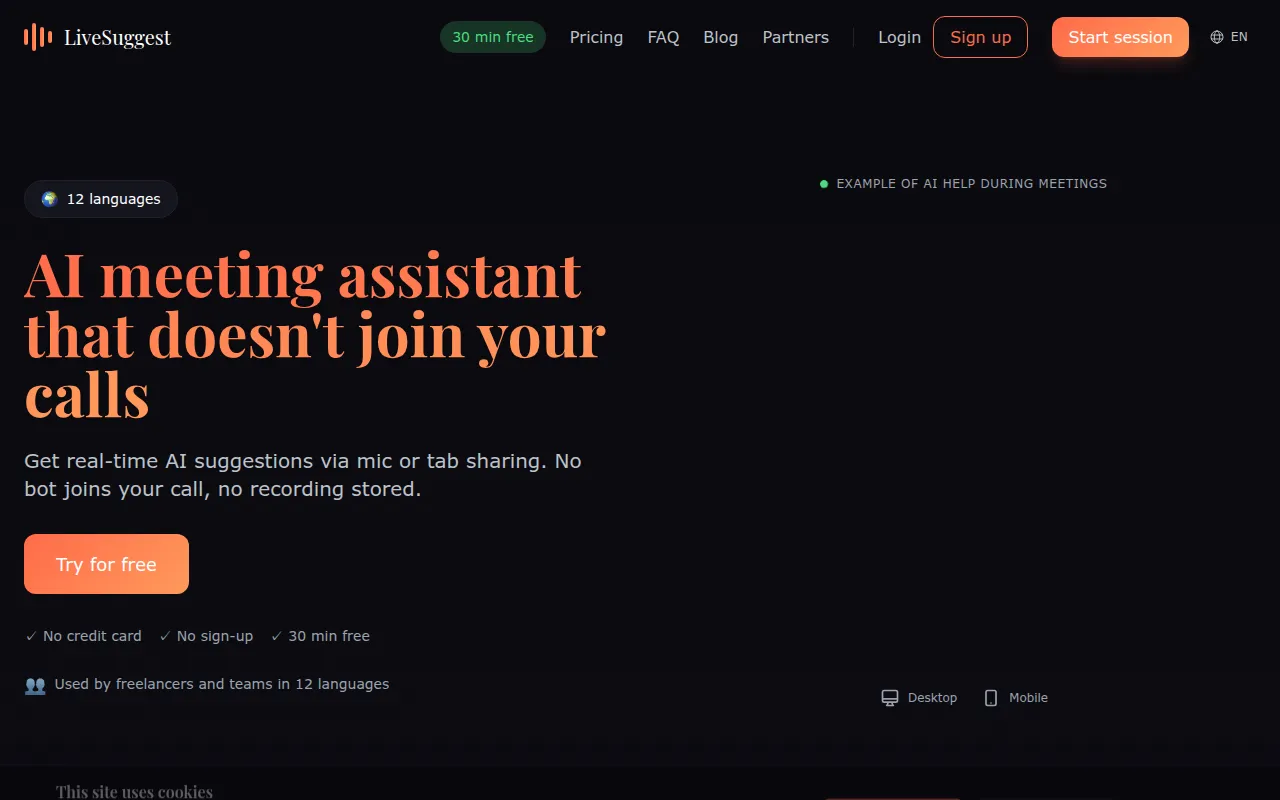
LiveSuggest is a browser-based AI assistant designed to provide real-time suggestions during online and in-person meetings. It does not join calls as a visible participant or bot, instead capturing audio via the device microphone or browser tab sharing.
It is designed for sales representatives, consultants, and job interviewers who seek live support for objection handling, term explanations, or action-item tracking. The tool uses AI models, including GPT-4o and Claude, to generate prompts based on the live conversation and uploaded reference documents.
Buyers should note that the tool requires consent from all meeting participants before audio processing begins. It functions as a support tool rather than a recording service, as it does not store audio or transcripts after a session ends.
Because it operates in a separate browser window, it supports various platforms including Zoom, Microsoft Teams, and Google Meet via browser access.
Key Features
Bot-less Operation
Provides AI support without joining the meeting as a visible participant or bot.
Real-time Suggestions
Generates live prompts for follow-up actions, new ideas, and term clarifications as the conversation unfolds.
Document-Powered Context
Supports uploading PDF, DOCX, and TXT files to provide the AI with specific project or client context.
Multilingual Support
Supports 12 different languages, including translation and explanation of foreign language expressions.
Privacy-First Processing
Processes audio in real time and discards it immediately, with no stored recordings or transcripts on vendor servers.
Use Cases
Sales Call Support
Supports sales reps with real-time objection handling and re-engagement prompts during prospect calls.
Consultant Client Meetings
Capturing key decisions and action items to help maintain focus on facilitation.
Job Interview Assistance
Helps candidates structure responses using the STAR method and clarify technical terms.
Multilingual Meetings
Provides real-time translation and explanation of terms for non-native speakers.
Integrations
- Google Meet
- Zoom
- Microsoft Teams
- PDF import
- DOCX import
- TXT import
FAQ
Does LiveSuggest join the meeting as a participant?
- No, LiveSuggest runs in your browser and captures audio via your microphone or tab sharing, so no bot appears in the participant list.
Is my audio recorded or stored?
- Audio is processed in real time and immediately discarded; the service does not store recordings or transcripts.
Which pricing plan is right for me?
- The Basic plan ($3/mo) is for light use (3 hours), Plus ($8/mo) offers 10 hours, and Pro ($20/mo) provides 30 hours and more document capacity.
What platforms does LiveSuggest work with?
- It works with platforms that run in a browser or allow screen sharing with audio, including Zoom, Google Meet, and Microsoft Teams.
Source category: Productivity
Source subcategory: Meeting Assistant
More tools in Productivity
Other published listings in the Productivity category.


More tools in the Meeting Assistant software type
Related listings that share the same software type for comparison and shortlisting.


