AI TOOL PROFILE
mebos: Automated Transcription Software

- Productivity
- Meeting Assistant
- Journalists
- Market researchers
- Students
- Podcast creators
Pricing
Pricing includes a Pay As You Go option at $10 per hour or a Professional plan at $30 per month (which includes 4 hours). Enterprise packages are available for API access and volume discounts.
At a glance
- Best for
- Journalists, Market researchers, Students, Podcast creators
- Key use cases
- Journalistic Interviews, Market Research, Academic Recording, Podcast Captioning
- Integrations
- Word export, PDF export, SRT export, VTT export
- Official website
- Visit mebos official website
How AI is used
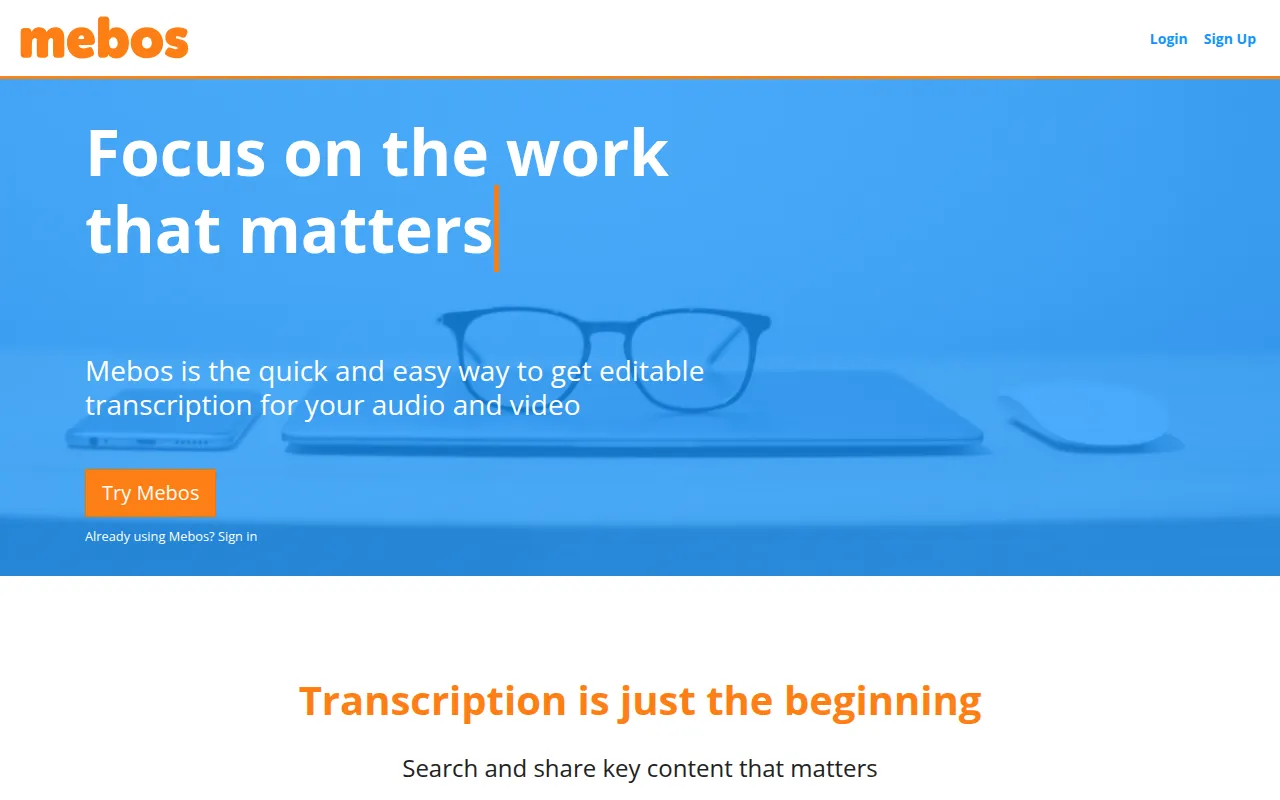
mebos is an automated transcription service designed to turn audio and video recordings into editable text. The platform uses speech recognition and machine learning to generate first-draft transcripts, which users can refine using a built-in online editor.
It is geared toward individuals and small teams, such as students, journalists, and market researchers, who process interviews, lectures, or podcasts. The software supports multiple speaker identification and timestamping to help organize the output.
Users can export finished documents into several formats, including Word and PDF, or caption formats like SRT and VTT. Buyers should confirm whether the pay-as-you-go or monthly subscription model best fits their transcription volume.
Before choosing mebos, buyers may want to verify if the specific languages and export formats they require are supported among the platform's nearly 20 language options.
Key Features
Audio and Video Conversion
Converts uploaded audio and video files into text transcripts.
Online Editing Tool
A web-based editor used to refine transcripts and manage text.
Speaker Identification
Supports multiple speakers and marks when the speaker changes in a recording.
Multi-Language Support
Provides transcription support for nearly 20 languages, including English, German, and French.
Custom Dictionary
Allows users to define specific terms to support the transcription process.
Export Formats
Supports exporting files to Word, PDF, SRT, and VTT formats.
Use Cases
Journalistic Interviews
Converting interview recordings into text for drafting articles.
Market Research
Processing research interview audio to analyze participant responses.
Academic Recording
Transcribing lectures and class recordings for study notes.
Podcast Captioning
Generating SRT or VTT files for closed captioning on video content.
Integrations
- Word export
- PDF export
- SRT export
- VTT export
FAQ
What is the pricing for mebos?
- mebos offers Pay As You Go pricing at $10 per hour and a Professional plan at $30 per month which includes 4 hours of transcription.
Does mebos support multiple languages?
- Yes, it supports nearly 20 languages, including English, German, and French.
Can I export transcripts to different formats?
- Yes, mebos supports exports to Word, PDF, and closed caption formats including SRT and VTT.
Source category: Productivity
Source subcategory: Meeting Assistant
More tools in Productivity
Other published listings in the Productivity category.


More tools in the Meeting Assistant software type
Related listings that share the same software type for comparison and shortlisting.


