AI TOOL PROFILE
Google Meet: Video Conferencing Software

- Productivity
- Meeting Assistant
- Small Businesses
- Mid-Market Companies
- Enterprise Companies
- Startups
Pricing
Google Meet uses a freemium model. A no-cost version allows meetings up to 60 minutes with 100 participants; premium features require a Google Workspace or Google One Premium plan.
At a glance
- Best for
- Small Businesses, Mid-Market Companies, Enterprise Companies, Startups
- Key use cases
- Large-Scale Virtual Meetings, Collaborative Document Review, Meeting Documentation, International Team Calls
- Integrations
- Google Docs, Google Sheets, Google Slides
- Official website
- Visit Google Meet official website
How AI is used
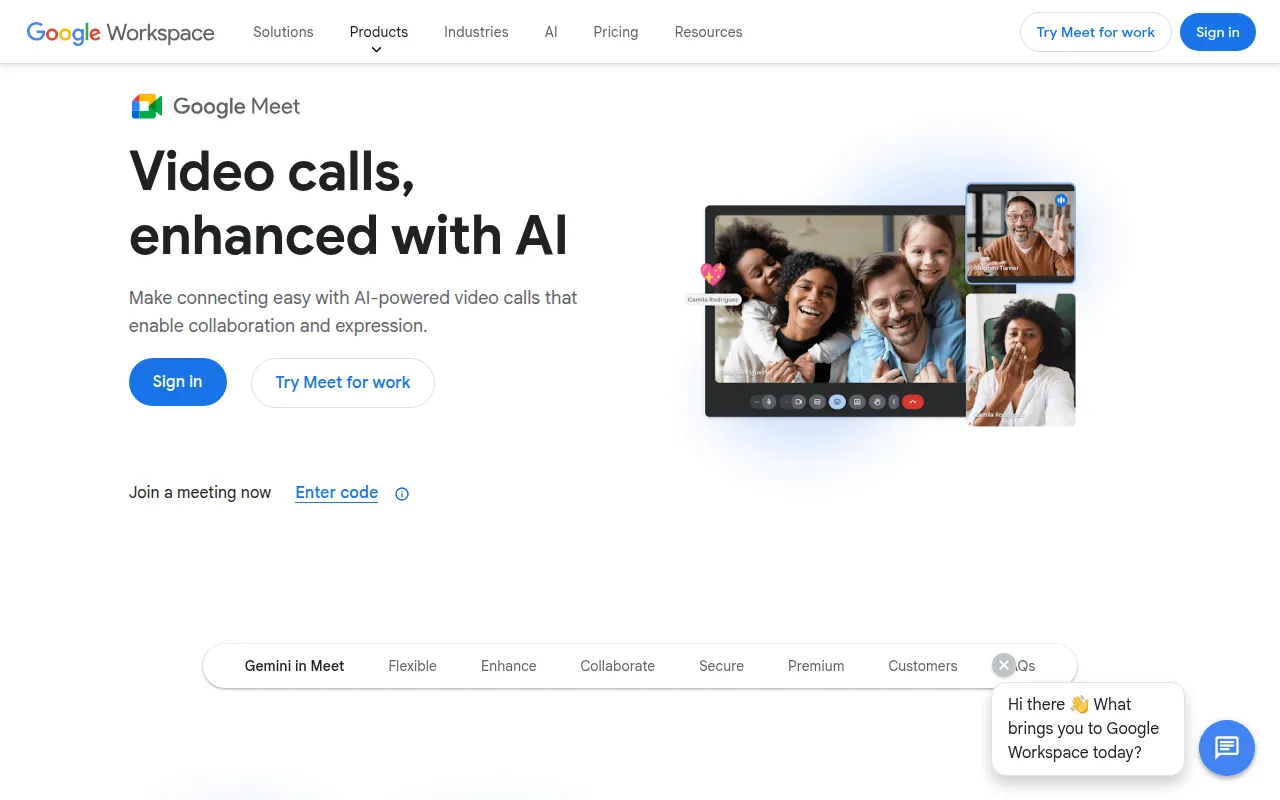
Google Meet is a browser-based video conferencing tool for individuals and organizations. It allows users to host video calls from a browser or mobile app, and participants can join without requiring a software installation.
The tool supports a variety of users, from small startups to large enterprise companies. It is designed for different meeting types, including one-on-one chats and larger presentations with up to 1,000 participants.
The platform includes features such as noise cancellation and live captions. It supports collaboration through integrations with Google Docs, Sheets, and Slides, allowing users to meet directly from these files.
Buyers should confirm their plan requirements, as features such as meeting recordings, transcripts, and extended call durations are available through Google Workspace or Google One Premium plans.
Key Features
Video Quality
Supports up to 1080p video quality, depending on available bandwidth.
AI Note-Taking
Includes a 'take notes for me' feature for capturing meeting details via Gemini for Google Workspace.
Live Captions
Provides subtitles as participants speak in real time, with translated captions available in over 65 languages on premium plans.
Noise Cancellation
Designed to help reduce background noise and interference during calls.
Workspace Integration
Supports meeting directly from Google Docs, Sheets, and Slides.
Encrypted Streams
Video and audio streams are encrypted by default.
Use Cases
Large-Scale Virtual Meetings
Hosting video conferences with up to 1,000 participants for company-wide updates or webinars.
Collaborative Document Review
Meeting directly within Google Docs, Sheets, or Slides to review work in real time.
Meeting Documentation
Using AI-powered note-taking and transcription to capture and summarize discussion points.
International Team Calls
Connecting with global colleagues using translated captions to support language barriers.
Integrations
- Google Docs
- Google Sheets
- Google Slides
FAQ
Is there a free version of Google Meet?
- Yes, users with a Google Account can host meetings for up to 60 minutes with up to 100 participants at no cost.
Do participants need a Google account to join a meeting?
- For the free version, participants generally need a Google Account or organizer approval. Google Workspace customers can invite participants via a link regardless of their account status.
Which features are restricted to paid plans?
- Premium features including meeting recordings, transcripts, call durations up to 24 hours, and larger participant limits are available through Google Workspace or Google One Premium plans.
Is Google Meet secure?
- All video and audio streams are encrypted by default.
Source category: Productivity
Source subcategory: Meeting Assistant
More tools in Productivity
Other published listings in the Productivity category.


More tools in the Meeting Assistant software type
Related listings that share the same software type for comparison and shortlisting.


