AI TOOL PROFILE
Clockk Review: Automated Time Tracking Software

- Operations
- Time Tracking
- Freelancers
- Digital Agencies
- Consultants
- Accountants
- Software Developers
- Legal Professionals
Pricing
Pricing starts at $8 per user/month for the Insight plan. Higher tiers include Studio ($15-$18) and Agency ($20-$24), with a complimentary Express plan also available.
At a glance
- Best for
- Freelancers, Digital Agencies, Consultants, Accountants, Software Developers
- Key use cases
- Supporting Bid Preparation, Capturing Fragmented Billable Time, Billing Verification, Internal Productivity Review
- Integrations
- FreshBooks
- Official website
- Visit clockk official website
How AI is used
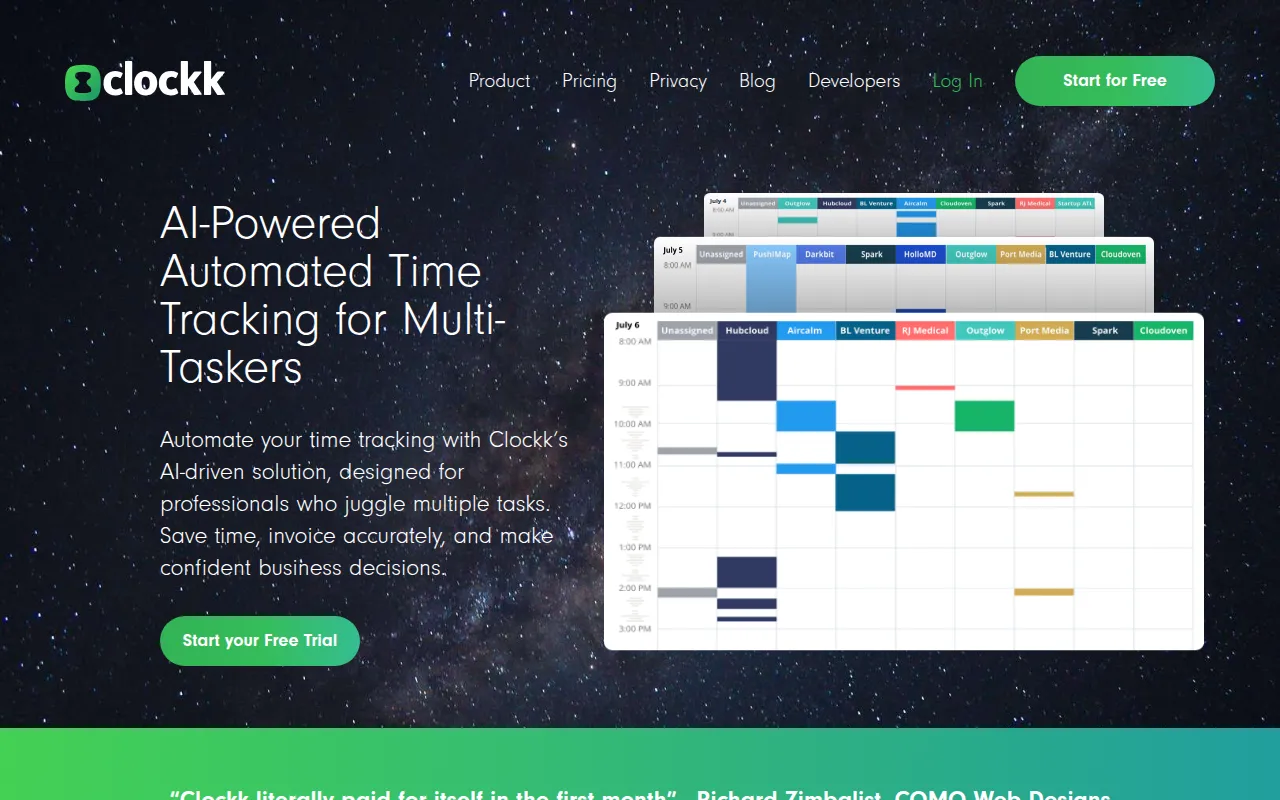
Clockk is an automated time tracking tool designed for professionals who work across various digital platforms, such as accountants, agencies, and software developers. It operates in the background, recording active windows, browser history, and calendar events to build a record of the day's work.
The software is designed for users who frequently switch between tasks and may forget to start or stop manual timers. By organizing this captured data into an Activity view, it supports the process of assigning time to specific projects or clients for invoicing purposes.
Buyers should note that a complete set of data requires both a desktop app and a browser extension. The platform is presented as a productivity and billing tool rather than an employee monitoring system, with a focus on user-controlled data privacy.
Key Features
Automated Time Capture
Records activity across browsers, desktop apps, documents, and calendars without manual timers.
AI-Powered Project Grouping
Uses machine learning to help organize and tag tracked work into specific projects or clients.
Activity View
Provides a breakdown of the workday, showing files edited and apps used, organized by project.
Assign Always
Allows users to set rules so that specific tasks are automatically assigned to the same project in the future.
Idle Time Detection
Identifies periods of inactivity to help refine tracked hours.
Timesheet Cheatsheet
Delivers a daily email snapshot of tracked activities to assist with time entry.
Use Cases
Supporting Bid Preparation
Reviewing historical time data by project to help estimate the time required for similar future jobs.
Capturing Fragmented Billable Time
Recording short bursts of work across multiple clients that may be missed by manual timers.
Billing Verification
Using the Activity view to verify specific documents and emails worked on for a client to support invoicing.
Internal Productivity Review
Tracking time spent on internal administration or non-billable activities to analyze operational efficiency.
Integrations
- FreshBooks
FAQ
Is Clockk used for employee monitoring?
- No, the company states it is not an employee monitoring tool and that users maintain control over who sees their tracked data.
Does Clockk require a credit card for the free trial?
- Yes, all plans come with a free trial that does not require a credit card.
What happens if I don't upgrade from the free trial?
- Accounts that do not upgrade automatically shift to the complimentary Express plan, which includes the daily email and limited data retention.
Can it track time on mobile devices?
- Currently, Clockk does not have a mobile app and cannot track phone call history due to OS restrictions.
Source category: Operations
Source subcategory: Time Tracking
More tools in Operations
Other published listings in the Operations category.


More tools in the Time Tracking software type
Related listings that share the same software type for comparison and shortlisting.