AI TOOL PROFILE
DeskTime: Automatic Time Tracking Software
- Productivity
- Time Tracking
- Small teams
- Mid-market companies
- Enterprise organizations
- Remote and hybrid teams
- Freelancers
Pricing
Plans start at $6.42 per user per month billed annually. A 14-day free trial is available, and custom pricing is provided for enterprises with 200+ users.
At a glance
- Best for
- Small teams, Mid-market companies, Enterprise organizations, Remote and hybrid teams, Freelancers
- Key use cases
- Remote Team Oversight, Project Estimating, Payroll Support, Shift Planning
- Integrations
- Jira, Asana, GitLab, Trello, Zapier
- Official website
- Visit draugiem group desktime official website
How AI is used
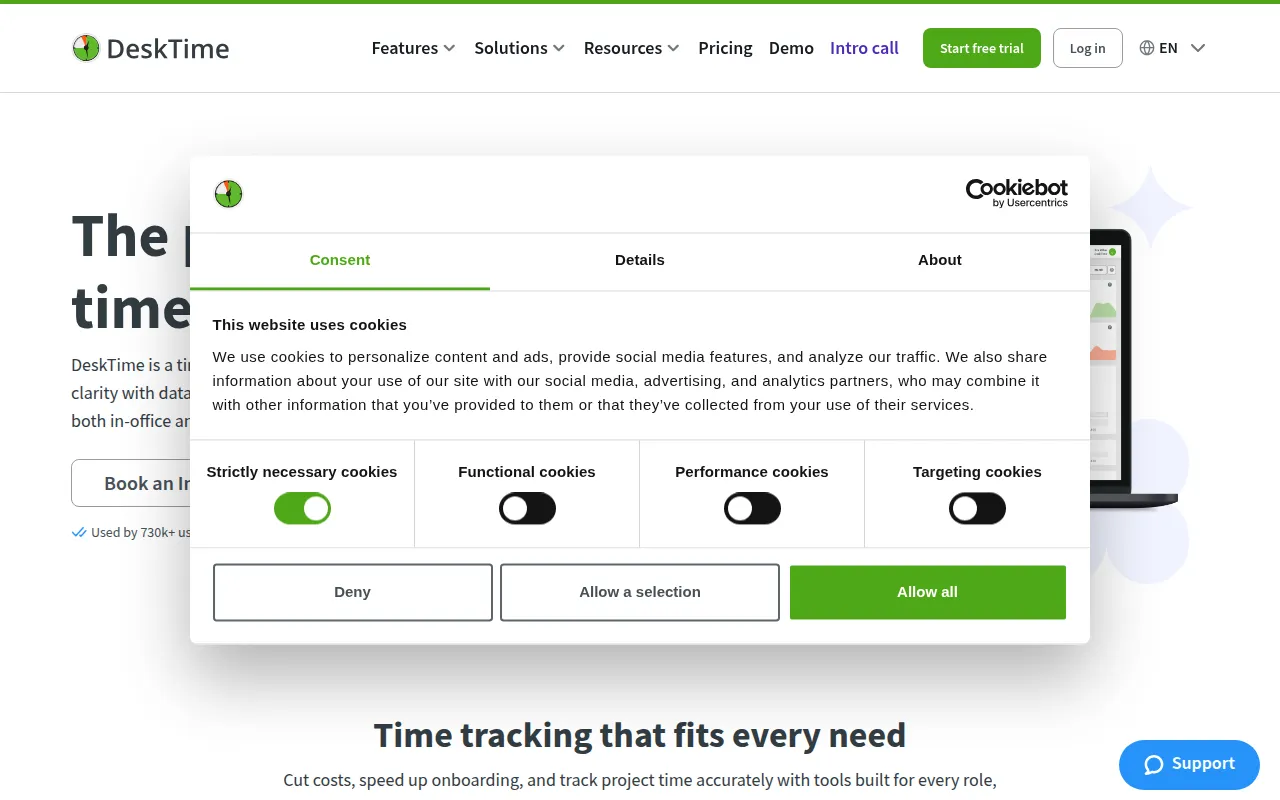
DeskTime is an automatic time tracking tool designed for teams of various sizes, including freelancers and large enterprises. The software records time spent on apps, websites, and specific projects in the background via a desktop app, which may reduce the need for manual clock-in for every task.
The platform is intended for managers, IT operations, and HR leads who need visibility into how their team allocates time, particularly in hybrid or remote work environments. It includes workforce management tools such as shift scheduling and absence calendars.
Buyers should confirm which plan fits their needs; for example, screenshots and specific integrations are available in the Premium plan. To help balance monitoring with privacy, the tool includes a 'Private Time' feature for employees.
Key Features
Automatic Time Tracking
Tracks work time in the background via a desktop app to reduce manual data entry.
URL and App Tracking
Monitors websites and applications used to provide insights into work patterns.
Project Time Tracking
Supports tracking and managing time spent on specific tasks and projects.
AI Summary
Provides daily and weekly insights and recommendations based on work patterns.
Workforce Management
Includes tools for shift scheduling, absence calendars, and attendance management.
Productivity Calculations
Provides data on productivity based on the apps and sites used.
Use Cases
Remote Team Oversight
Supports the monitoring of work hours and activity for distributed teams.
Project Estimating
Uses tracked project data to help estimate future project durations and budget labor costs.
Payroll Support
Uses automatic time logs to support payroll and billing processes.
Shift Planning
Manages employee rotations and visibility into out-of-office status via the absence calendar.
Integrations
- Jira
- Asana
- GitLab
- Trello
- Zapier
- Google Calendar
- Outlook
FAQ
How much does DeskTime cost?
- Pricing starts at $6.42 per user per month when billed annually. Premium and custom Enterprise plans are also available.
Is there a free trial for DeskTime?
- Yes, DeskTime offers a 14-day free trial for new users.
Does DeskTime track activity automatically?
- Yes, it includes an automatic time tracking feature via a desktop app that records work time in the background.
How does DeskTime handle employee privacy?
- It includes a 'Private Time' feature that allows employees to pause tracking and complies with GDPR and ISO 27001 standards.
Source category: Productivity
Source subcategory: Time Tracking
More tools in Productivity
Other published listings in the Productivity category.


More tools in the Time Tracking software type
Related listings that share the same software type for comparison and shortlisting.