AI TOOL PROFILE
Blitzit Review: Task Management and Pomodoro Timer

- Productivity
- Time Tracking
- Freelancers
- Students
- Professionals with ADHD
- Windows and macOS users
Pricing
Blitzit offers a monthly plan for $6.99 or an annual plan for $4.99 per month ($59.88 billed yearly). A 7-day free trial is available.
At a glance
- Best for
- Freelancers, Students, Professionals with ADHD, Windows and macOS users
- Key use cases
- Structuring the Workday, Managing Focused Work Sessions, Time Tracking for Billing, Task Prioritization
- Integrations
- Google Calendar, Notion, ClickUp, Asana, Zapier webhooks
- Official website
- Visit blitzit official website
How AI is used
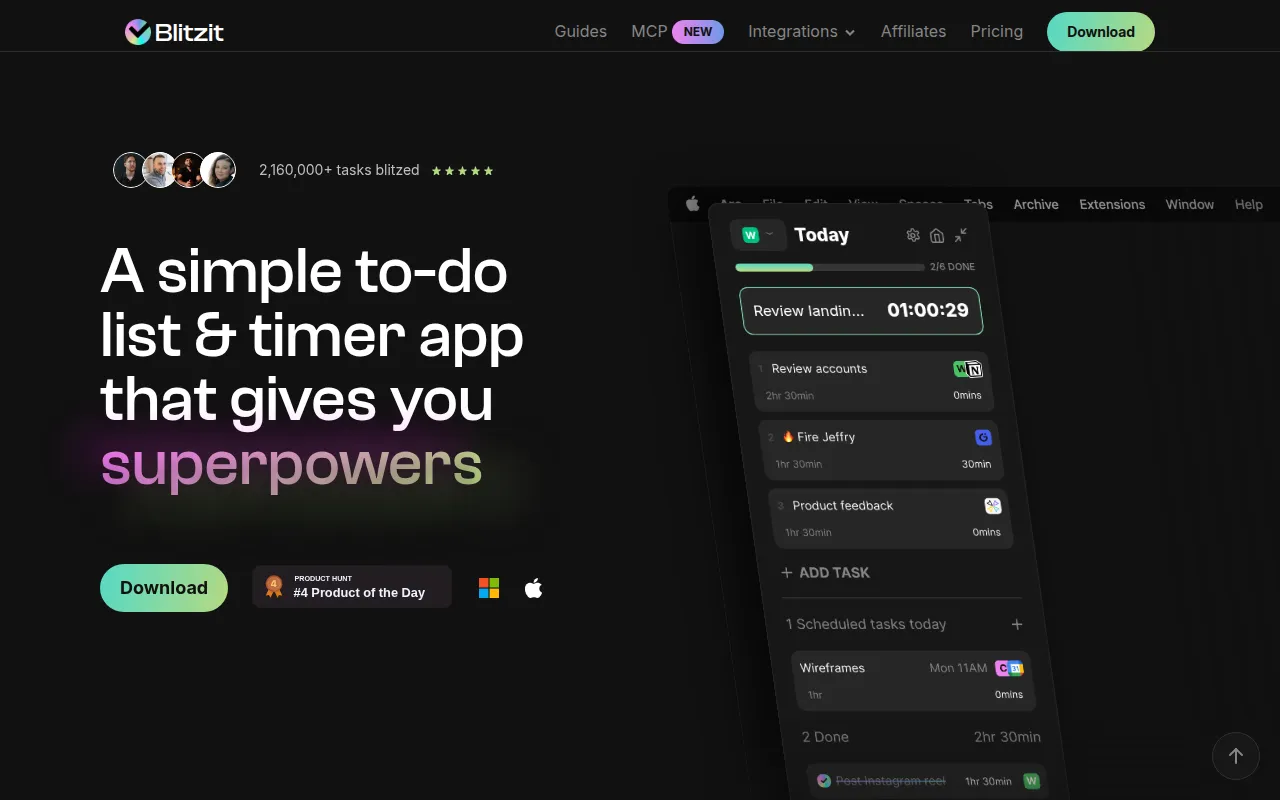
Blitzit is a desktop-based productivity tool available for Windows and macOS. It combines task listing with time management, featuring a floating timer that remains visible to help users maintain focus on their current task.
The software is designed for individuals, including freelancers and students, who manage distractions or time blindness. It supports planning days with time estimates and using Pomodoro-style work sprints and breaks to structure the workday.
Key capabilities include AI-assisted task creation and sync with specific external calendars and databases. Buyers should note that while a mobile app is in beta, the core experience is currently centered on the desktop version.
Users can monitor their time through productivity reports, which may help in refining how they estimate the time required for future tasks.
Key Features
Floating Pomodoro Timer
A visible timer that remains on screen during work sprints and breaks to help users stay aware of time.
Task Estimation and Tracking
Supports setting estimated times for tasks and tracking actual time spent.
AI Task Assistant
An AI tool called Blitzy that helps turn notes and thoughts into organized tasks and schedules.
Eisenhower Matrix
A prioritization framework designed to help users categorize tasks by urgency and importance.
Productivity Reports
Provides insights into time spent across different lists to help users review their punctuality.
Task Scheduling
Supports the creation of one-time or recurring tasks with reminders.
Use Cases
Structuring the Workday
Planning daily and weekly tasks with time estimates and arranging them via drag-and-drop.
Managing Focused Work Sessions
Using Focus mode and the Pomodoro timer to help minimize distractions during a specific task.
Time Tracking for Billing
Tracking actual time spent on client tasks to use as a reference for billing.
Task Prioritization
Organizing a backlog of items using the Eisenhower Matrix to categorize tasks.
Integrations
- Google Calendar
- Notion
- ClickUp
- Asana
- Zapier webhooks
FAQ
Is Blitzit available on mobile?
- A mobile app is currently in beta for adding and managing tasks on the go.
What operating systems does Blitzit support?
- Blitzit is designed as a desktop application for Windows and macOS.
Does Blitzit have a free trial?
- Yes, users can try the app for 7 days before purchasing a plan.
Can I sync Blitzit with other tools?
- Yes, it supports integrations with Google Calendar, Notion, ClickUp, Asana, and Zapier webhooks.
Source category: Productivity
Source subcategory: Time Tracking
More tools in Productivity
Other published listings in the Productivity category.


More tools in the Time Tracking software type
Related listings that share the same software type for comparison and shortlisting.


