AI TOOL PROFILE
Circleback.ai: AI Meeting Notes and Action Items

- Productivity
- Meeting Assistant
- Small business owners
- Operations managers
- Department leads
- Teams with high meeting volumes
Pricing
Circleback.ai allows users to start for free, with a subscription model available for continued use.
At a glance
- Best for
- Small business owners, Operations managers, Department leads, Teams with high meeting volumes
- Key use cases
- Post-Meeting Documentation, Tracking Team Deliverables, Knowledge Retrieval, CRM and Task Management Updates
- Integrations
- Google Calendar, Gmail, Outlook, Slack, HubSpot
- Official website
- Visit Circleback.ai official website
How AI is used
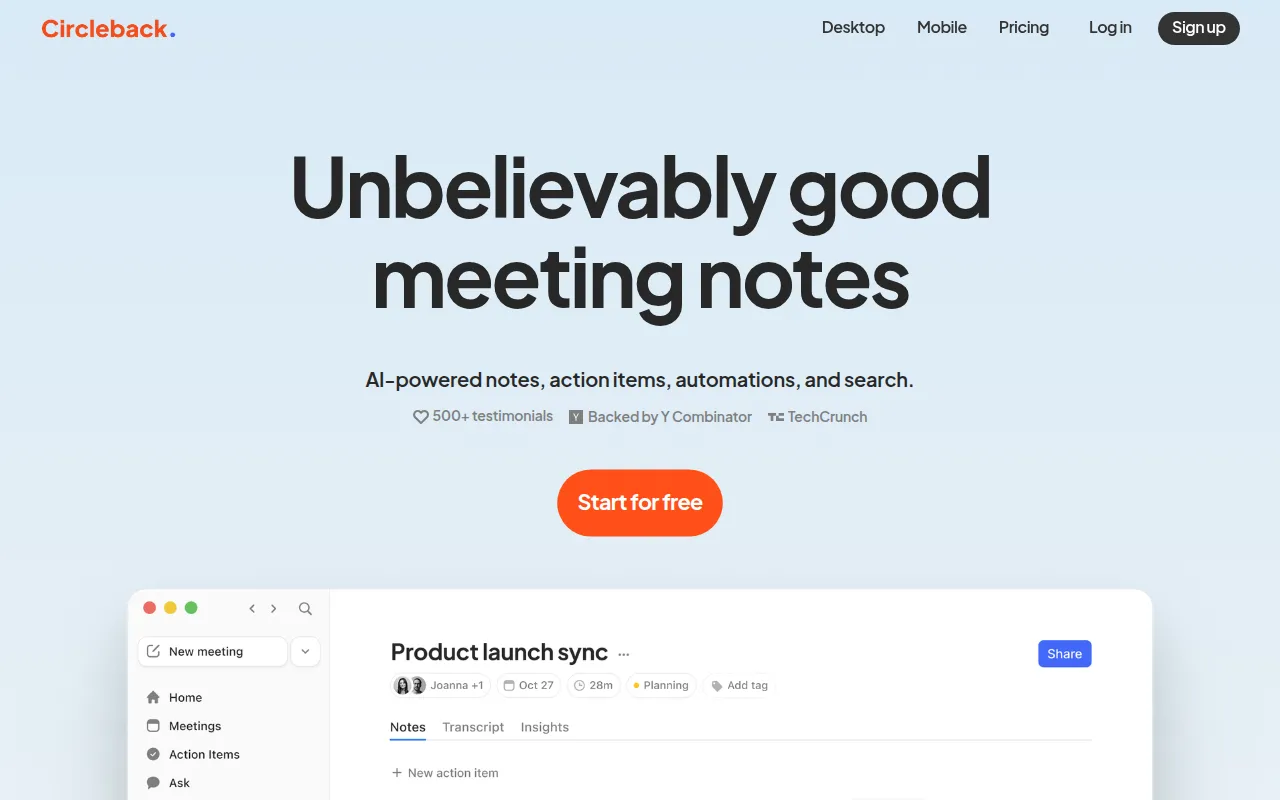
Circleback.ai is a productivity tool designed to capture meeting notes and identify next steps. It works across video conferencing platforms and supports in-person conversations, transcribing dialogue and organizing it into structured notes.
The software is intended for businesses that hold frequent meetings. By identifying speakers and assigning action items, it helps teams maintain a record of commitments made during calls.
Beyond transcription, the tool allows users to search through meeting history using AI. This may help managers find specific decisions or details from past conversations without reviewing full transcripts.
Buyers should confirm how the tool fits into their existing tech stack, as it supports connections to CRM and project management tools. Users should also verify the specific terms of the free tier versus the subscription model.
Key Features
AI-Generated Notes
Automatically generates organized meeting notes based on conversation transcripts.
Automatic Action Item Capture
Identifies, assigns, and organizes tasks and deliverables mentioned during meetings.
Contextual AI Search
Supports asking questions to retrieve answers based on data from previous meetings.
Multi-Language Transcription
Supports transcription in over 100 languages with speaker identification by name.
Cross-Platform Support
Compatible with Zoom, Google Meet, Microsoft Teams, Slack huddles, and in-person conversations.
Use Cases
Post-Meeting Documentation
Generating structured notes and summaries after a call to reduce manual data entry.
Tracking Team Deliverables
Capturing and organizing action items from meetings to assist with task assignment.
Knowledge Retrieval
Searching across a history of meetings to find specific information from past discussions.
CRM and Task Management Updates
Updating records in HubSpot or Salesforce and creating tasks in Linear based on meeting outcomes.
Integrations
- Google Calendar
- Gmail
- Outlook
- Slack
- HubSpot
- Salesforce
- Attio
- Linear
- Notion
- Monday
- Zoho
- Zapier
- Make
FAQ
What platforms does Circleback.ai work with?
- It works with Zoom, Google Meet, Microsoft Teams, Slack huddles, and can be used for in-person conversations.
Does Circleback.ai support multiple languages?
- Yes, it supports transcription in over 100 languages and includes speaker identification by name.
Can Circleback.ai integrate with my CRM?
- Yes, it supports integrations with tools such as HubSpot, Salesforce, and Attio to update contacts and deals automatically.
Is there a free version of Circleback.ai?
- The evidence indicates users can start for free, though a subscription may be required for continued use.
Source category: Productivity
Source subcategory: Meeting Assistant
More tools in Productivity
Other published listings in the Productivity category.


More tools in the Meeting Assistant software type
Related listings that share the same software type for comparison and shortlisting.


