AI TOOL PROFILE
droppah Review: Hospitality Rostering and Time Tracking Software

- Operations
- Calendar and Scheduling
- Restaurants
- Cafés
- Bars
- Hospitality venues
Pricing
Free for up to 10 employees. Paid plans include a Time Clock plan at $2 per employee per month and 'The Works' plan at $4 per employee per month, billed monthly in USD.
At a glance
- Best for
- Restaurants, Cafés, Bars, Hospitality venues
- Key use cases
- Automated Staff Scheduling, Digital Time Tracking, Managing Shift Changes, Payroll Data Preparation
- Integrations
- PayHero, Xero, Square, Clover, Lightspeed
- Official website
- Visit droppah official website
How AI is used
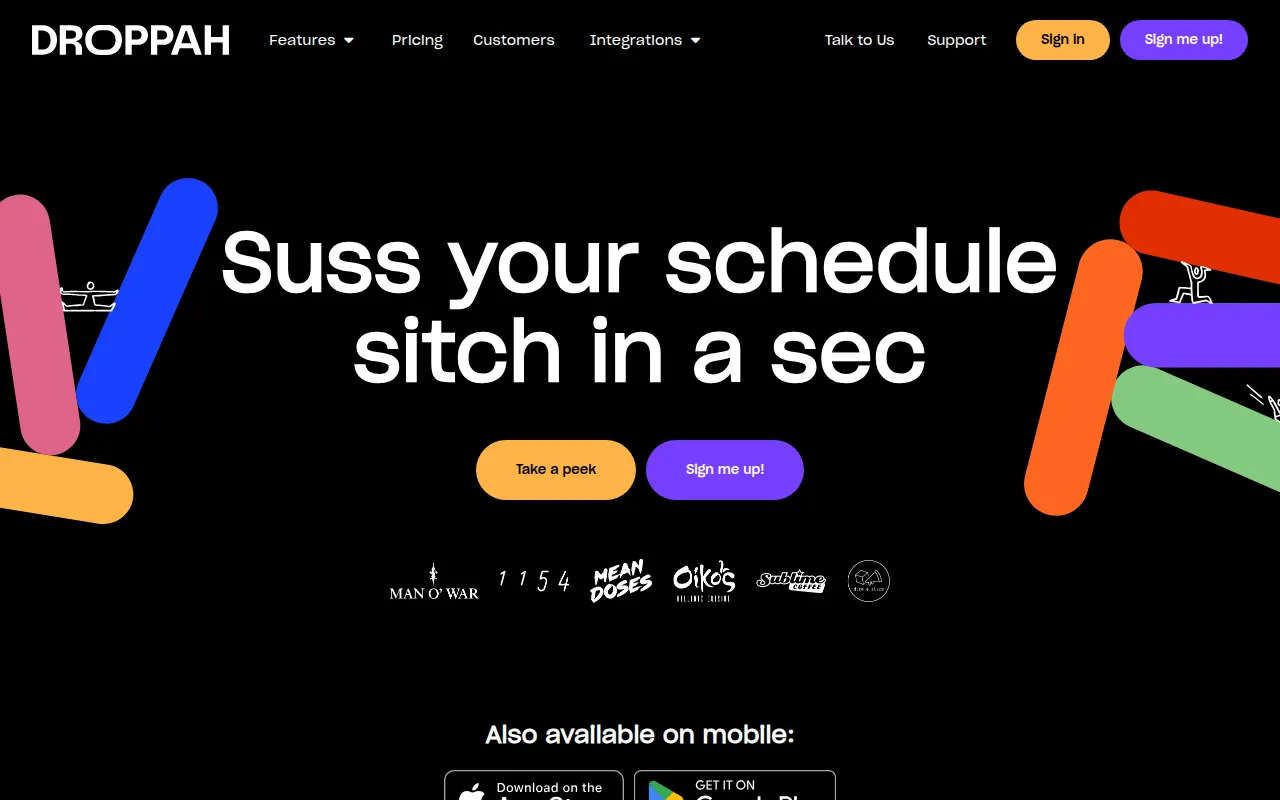
droppah is a scheduling and attendance tool designed for the hospitality sector, including restaurants, cafés, and bars. It helps reduce manual effort in building rosters by using AI to account for staff skills, availability, and preferences.
The software is built for hospitality operators who need to manage shift swaps and track employee hours. It includes a photo time clock to monitor attendance and provides insights into labor cost ratios relative to revenue.
Buyers should note that while basic time tracking is available on a lower-cost plan, full rostering and budget tools require the higher tier. It is also worth confirming how the CSV exports align with existing payroll workflows if a direct integration is not used.
Key Features
AI-driven roster optimization
Helps build rosters by balancing staff skills, availability, preferences, and costs.
Photo time clock
Tracks employee hours and breaks with photo verification.
Revenue-based roster planning
Supports building rosters based on expected daily revenue using past sales or POS data.
Automated overtime calculations
Uses set rules to automatically calculate overtime and allowance costs.
Shift swap mobile app
Allows employees to request and manage shift swaps and cover via a mobile application.
Labour cost insights
Provides visibility into labour cost ratios and roster versus timesheet variance in real time.
Use Cases
Automated Staff Scheduling
Using AI tools to create weekly rosters that consider employee preferences and business budget requirements.
Digital Time Tracking
Using a photo time clock to record shift start and end times.
Managing Shift Changes
Handling employee shift swap requests and cover through a mobile app with manager approval.
Payroll Data Preparation
Exporting timesheets as CSV files or syncing data to payroll systems to support wage processing.
Integrations
- PayHero
- Xero
- Square
- Clover
- Lightspeed
- CSV export
FAQ
How does the free plan work for small teams?
- droppah is free for accounts with up to 10 total employees, including those who are archived. If the account exceeds 10 employees, a paid plan is required.
Can employees manage their own shifts?
- Yes, employees can use the mobile app to view their rosters, request time off, and organize shift swaps with eligible co-workers.
Does droppah integrate with payroll software?
- Yes, it integrates with systems such as PayHero and Xero, and it supports exporting timesheets as CSV files for other payroll systems.
Is there a trial period available?
- droppah offers a 14-day free trial that provides access to all features before a subscription plan is chosen.
Source category: Operations
Source subcategory: Calendar & Scheduling
More tools in Operations
Other published listings in the Operations category.


More tools in the Calendar and Scheduling software type
Related listings that share the same software type for comparison and shortlisting.