AI TOOL PROFILE
Akiflow | Time-Blocking Digital Planner & Calendar
- Productivity
- Calendar and Scheduling
- Founders
- C-level executives
- Developers
- Designers
- Marketers
- Sales teams
- Operators
Pricing
Pricing was not clearly available from the provided evidence. A 7-day free trial with Aki is mentioned; buyers should confirm current pricing on the vendor website.
At a glance
- Best for
- Founders, C-level executives, Developers, Designers, Marketers
- Key use cases
- Centralizing Task Management, Meeting Documentation, Daily and Weekly Planning, Voice Task Capture
- Integrations
- Google Calendar, Outlook Calendar, Zoom, Google Meet, Microsoft Teams
- Official website
- Visit akiflow official website
How AI is used
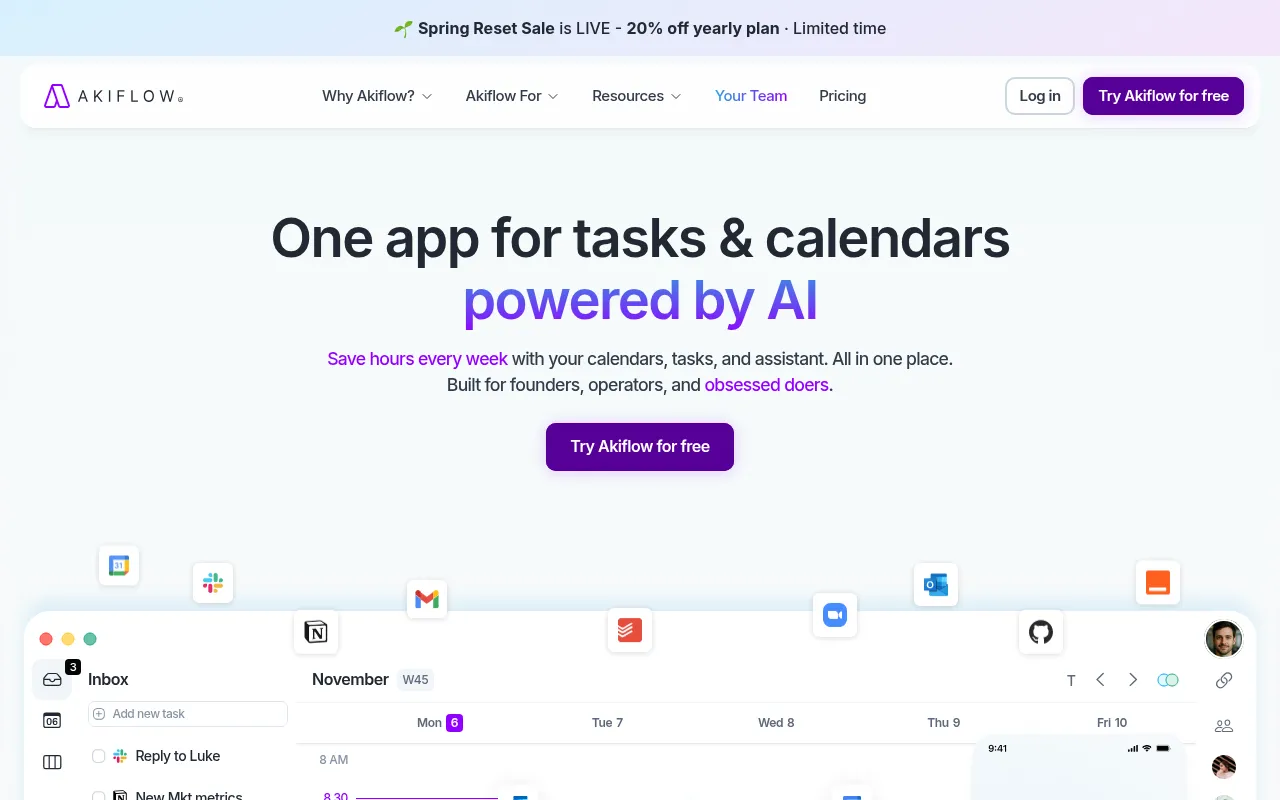
Akiflow is a productivity platform that combines a calendar, task manager, and a universal inbox. It is designed for professional users, such as founders, executives, and sales teams, who need to coordinate multiple schedules and task lists.
The tool supports time-blocking, allowing users to allocate specific slots for tasks, and includes an AI assistant named Aki. Aki is designed to join video meetings to record, transcribe, and summarize discussions, which may help in extracting action items.
Buyers should confirm if the two-way sync with their specific tools meets their requirements and check if the 7-day trial is sufficient to test the AI meeting features within their workflow.
Key Features
Time-Blocking
Supports organizing tasks into dedicated time blocks on the calendar.
Universal Inbox
Centralizes tasks from various integrated tools with two-way synchronization.
Aki AI Meeting Assistant
Joins, records, transcribes, and summarizes Zoom, Google Meet, and Microsoft Teams calls.
Email-to-Task Conversion
Supports converting emails into tasks within the platform.
Slack Message Saving
Allows users to save Slack messages to be addressed as tasks.
Focus Mode
A mode designed to help users stay focused on their current task.
Use Cases
Centralizing Task Management
Capturing tasks from different sources into a single inbox and syncing them across tools.
Meeting Documentation
Using an AI assistant to record and summarize video meetings and extract action items.
Daily and Weekly Planning
Using time-blocking to organize a to-do list into a structured calendar plan.
Voice Task Capture
Using voice commands via Siri or the app to add tasks and events.
Integrations
- Google Calendar
- Outlook Calendar
- Zoom
- Google Meet
- Microsoft Teams
- Slack
- Zapier
- IFTTT
- Todoist
- ClickUp
FAQ
What does the Akiflow AI assistant do?
- The AI assistant, Aki, can join, record, transcribe, and summarize Zoom, Google Meet, and Microsoft Teams calls, and can extract action items.
Can I use Akiflow with my existing calendars?
- Akiflow supports syncing with Google Calendar and Outlook Calendar, including support for hiding specific calendars.
Is there a free trial for Akiflow?
- The evidence mentions a 7-day free trial that includes access to Aki, which can be canceled at any time.
Source category: Productivity
Source subcategory: Calendar & Scheduling
More tools in Productivity
Other published listings in the Productivity category.


More tools in the Calendar and Scheduling software type
Related listings that share the same software type for comparison and shortlisting.