AI TOOL PROFILE
Chronicle Cloud: Classroom Note-taking App for Teachers

- Education and Training
- Collaboration
- K-12 Teachers
- School Administrators
- Special Education Educators
- Collaborative Teaching Teams
Pricing
Chronicle Cloud uses a freemium model where all features are available across tiers. Plans differ by storage: Personal is free (5MB), Premium is $3.99/month (500MB), and Professional is $5.99/month (1GB).
At a glance
- Best for
- K-12 Teachers, School Administrators, Special Education Educators, Collaborative Teaching Teams
- Key use cases
- Student Observation and Documentation, Formative Assessment Tracking, Parent-Teacher Communication, Collaborative Teaching, Lesson Planning
- Integrations
- Google Drive export, Dropbox export
- Official website
- Visit chronicle cloud official website
How AI is used
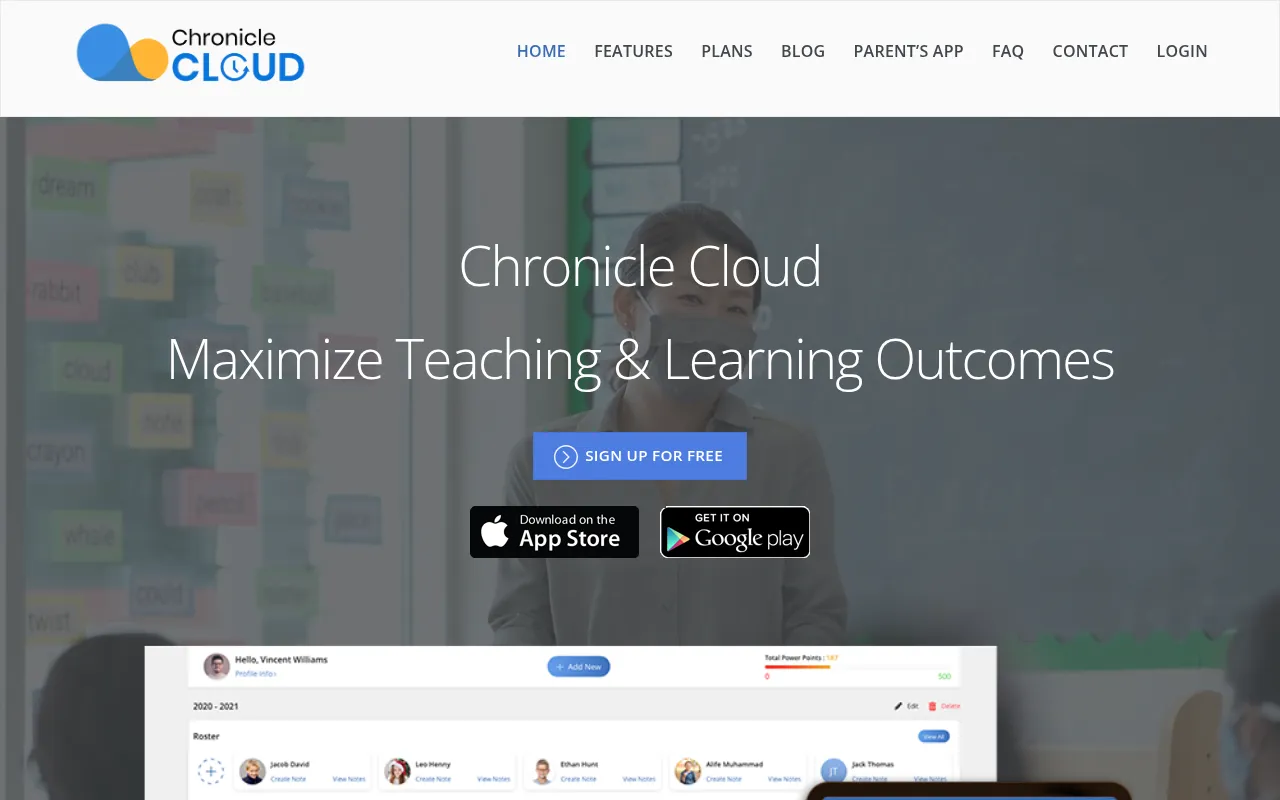
Chronicle Cloud is a note-taking and classroom management tool designed for teachers. It allows educators to capture observational data through text and multimedia attachments, which can be applied to individual students or small groups.
The software is available for iPad, Android tablets, and web browsers. It includes a dashboard that combines attendance and grading to help teachers maintain student records in one place.
Beyond basic notes, the tool includes frameworks for formative assessment and feedback, and a separate app for parents to receive assignments and updates. Buyers should note that the different pricing tiers are based on storage capacity rather than feature access.
Prospective users should confirm if the storage limits of the free or lower-priced plans meet their needs for multimedia attachments, as audio and video files may require a professional plan.
Key Features
Multimedia Note-taking
Supports capturing and uploading images, audio files, and MP4 videos to accompany observational notes.
Traffic Light Assessment
A five-tiered color system designed to track formative assessments of learning and social behaviors.
Integrated Gradebook
Tracks student levels and benchmark scores to help guide instructional decisions.
Speed Notes
Allows teachers to search for and reuse previous feedback and notes using keywords.
Vision Processing AI
Integrated with Synapse ViSN platform for hands-free multimedia capture and image processing using AI/ML techniques.
Parent's App
Allows teachers to share specific notes and assignments with parents, who can then submit finished work back to the teacher.
Attendance Tracking
Includes a system for recording attendance and observing students' emotional states.
Use Cases
Student Observation and Documentation
Capturing anecdotal and observational notes during lessons with multimedia evidence for individual students or groups.
Formative Assessment Tracking
Using the Traffic Light system to log understanding of learning objectives to inform future instruction.
Parent-Teacher Communication
Sharing progress notes and assignments with parents via the connected Parent's App.
Collaborative Teaching
Sharing student data and classes with other teachers within the same school to coordinate instruction.
Lesson Planning
Preparing lesson plans with multimedia attachments and using AR/VR capabilities.
Integrations
- Google Drive export
- Dropbox export
FAQ
What is the difference between the Premium and Professional plans?
- All features are available in both plans; the difference is the storage limit. Premium offers 500MB for $3.99/month, while Professional offers 1GB for $5.99/month.
Can parents and students access Chronicle Cloud?
- The main app is designed for teachers, but there is a separate Parent's App that allows parents to view shared notes and submit assignments.
Which devices are supported by Chronicle Cloud?
- The software is available for iPad, Android tablets, and via a web browser on PC and Mac.
How can teachers share their notes with others?
- Teachers can grant viewing or editing privileges to other teachers within the same school, or share specific notes with parents via the Parent's App.
Source category: Education & Training
Source subcategory: Collaboration
More tools in Education & Training
Other published listings in the Education & Training category.


More tools in the Collaboration software type
Related listings that share the same software type for comparison and shortlisting.


