AI TOOL PROFILE
Bluescape Review: Secure Visual Collaboration Software

- Productivity
- Collaboration
- Enterprise companies
- Mid-market companies
- Government and intelligence agencies
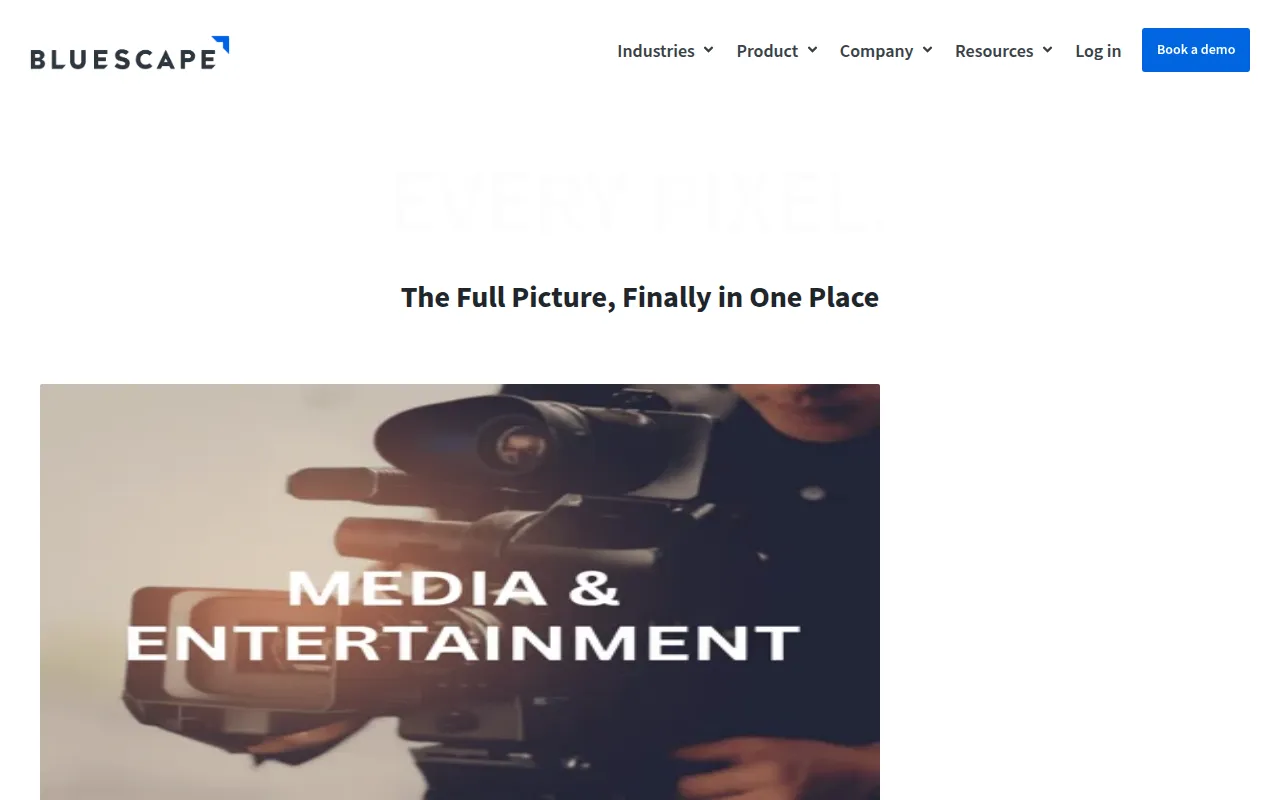
- Media and entertainment studios
- Security operations teams
Pricing
Pricing was not clearly available from the provided evidence. Buyers should confirm current pricing on the vendor website.
At a glance
- Best for
- Enterprise companies, Mid-market companies, Government and intelligence agencies, Media and entertainment studios, Security operations teams
- Key use cases
- Security Operations Centers, Creative Production, Government Mission Planning, Virtual War Rooms
- Integrations
- n8n, Google Drive, Box, OneDrive, Adobe Creative Cloud
- Official website
- Visit bluescape official website
How AI is used
Bluescape is a professional virtual workspace for teams that need to collaborate on high-resolution visual content. It focuses on high-fidelity imagery and video handling, which supports technical or creative production workflows.
The software is designed for users in government, defense, security operations, and media production. It supports several deployment options, including public cloud, private cloud, and air-gapped environments, to meet security requirements.
The platform supports synchronized video playback and live video feeds for operational awareness. Buyers should note that the tool is geared toward high-security and enterprise needs.
Prospective buyers should confirm if their specific security compliance needs, such as FedRAMP Moderate or DoD IL4/IL5, are a primary requirement, as these certifications are a core part of the platform's offering.
Key Features
High-Fidelity Image Handling
Supports ultra-high-resolution images in various file types without compression.
Live Video Feeds
Supports streaming live content, such as dashboards and secure isolated inputs.
Synchronized Video Playback
Enables multiple users to view and step through video frames simultaneously for review.
Document Annotation
Provides tools to view and add comments directly onto documents within the workspace.
Multi-Page Export
Supports aggregating information from multiple canvases and exporting them as a multi-page PDF document.
Granular Access Controls
Provides attribute-based permissions at the object, workspace, team, or organization levels.
AI Integration
Includes a native integration with n8n to orchestrate AI workflows and summarize data within the workspace.
Use Cases
Security Operations Centers
Supports the creation of a common operating picture for incident response and personnel coordination.
Creative Production
Managing storyboards, scene designs, and reviews with high-resolution assets.
Government Mission Planning
Providing a secure environment for intelligence sharing and planning with mission partners.
Virtual War Rooms
Bringing dispersed stakeholders together for data analysis and decision-making in real time.
Integrations
- n8n
- Google Drive
- Box
- OneDrive
- Adobe Creative Cloud
- Shotgrid
FAQ
What makes Bluescape different from a standard digital whiteboard?
- Bluescape is designed for high-fidelity information and can handle ultra-high-resolution images and synchronized video without the compression typically found in basic brainstorming tools.
Is Bluescape secure enough for government use?
- Yes, it is authorized to operate at FedRAMP Moderate and by the U.S. DoD at IL4/IL5 for Controlled Unclassified Information (CUI) data.
How is Bluescape deployed?
- It can be deployed on a public cloud (AWS, Azure, Google Cloud), in a private cloud, on-premises, or in air-gapped environments.
Source category: Productivity
Source subcategory: Collaboration
More tools in Productivity
Other published listings in the Productivity category.


More tools in the Collaboration software type
Related listings that share the same software type for comparison and shortlisting.


