AI TOOL PROFILE
RedeApp Review: Mobile Work and Communities Platform

- Productivity
- Collaboration
- Frontline workforce management
- Healthcare providers
- Hospitality businesses
- Industrial and construction firms
- Non-profit organizations
Pricing
RedeApp offers a free 'GO' plan for basic networking. Paid 'PLUS' and 'PRO' tiers provide additional features like shifts, AI assistance, and advanced administrative controls. Buyers should confirm current pricing on the vendor website.
At a glance
- Best for
- Frontline workforce management, Healthcare providers, Hospitality businesses, Industrial and construction firms, Non-profit organizations
- Key use cases
- Frontline Communication, External Partner Collaboration, Shift Coordination, Secure Health Data Sharing, Company-Wide Announcements
- Integrations
- Formstack, Google SSO, Microsoft SSO
- Official website
- Visit red e app official website
How AI is used
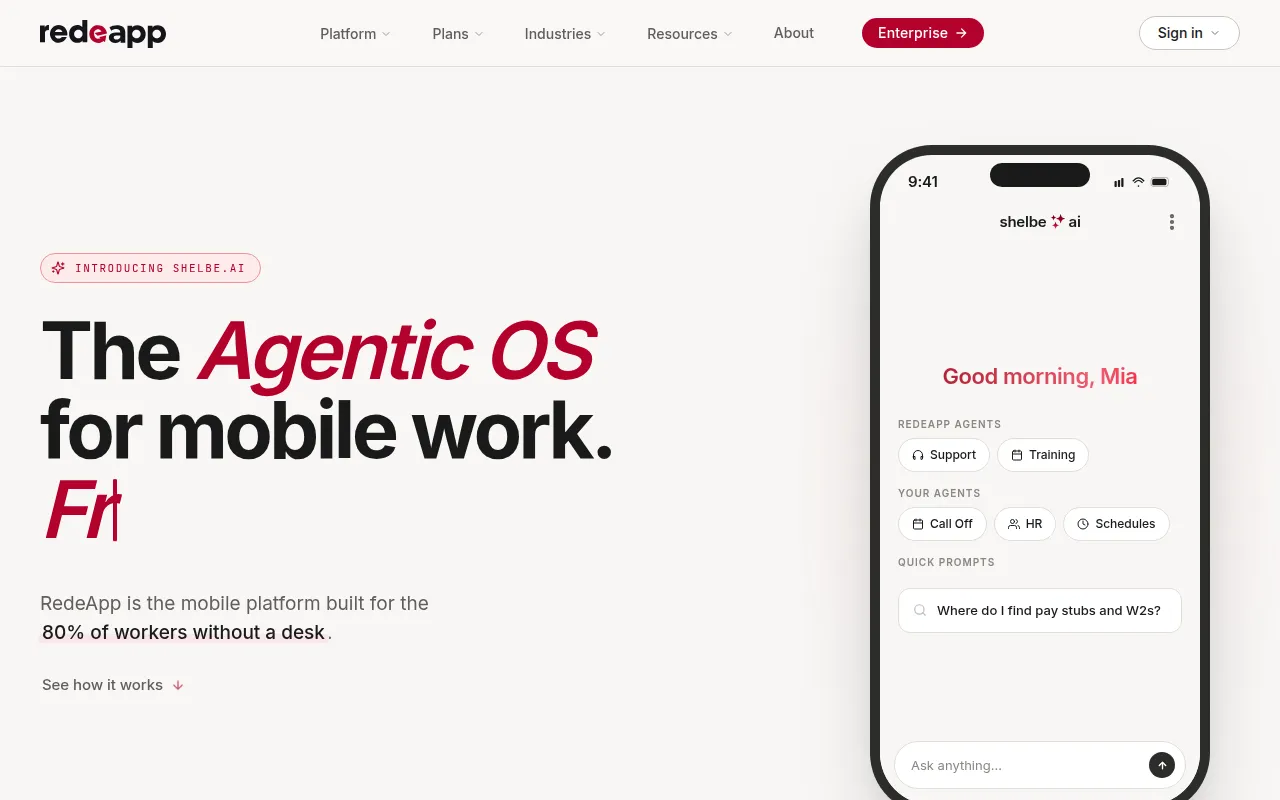
RedeApp is a mobile-first platform designed to support communication between office-based staff and frontline employees. It provides a structured environment where organizations can manage different groups, share files, and send official broadcasts.
The tool is designed for businesses with mobile workforces, such as those in healthcare, hospitality, and industrial sectors. It supports the inclusion of external partners, like vendors and contractors, allowing them to collaborate in specific areas without accessing internal company conversations.
Beyond messaging, the platform includes operational tools like shift management and an App Hub to consolidate access to other business tools. Buyers should confirm which plan they need, as operational features like analytics and shifts are not included in the free version.
Security features include SOC 2 compliance and HIPAA-compliant messaging for those handling sensitive health information.
Key Features
Organized Communities
Customizable spaces for teams, departments, or projects with adjustable visibility and posting permissions.
Broadcasts
A tool for leadership to send company-wide updates and official communications.
App Hub
A centralized gateway that connects to HR systems, payroll, and other external tools to help reduce app-switching.
Shift Management
Tools to help manage shift requirements, availability, and scheduling changes.
Shelbe AI Assistant
An AI assistant and analytics tool designed to provide insights on workforce engagement.
Enterprise Security
Includes 256-bit AES encryption, TLS 1.2, and SOC 2 compliance.
Use Cases
Frontline Communication
Connecting employees who do not have a company email address through mobile messaging and push notifications.
External Partner Collaboration
Bringing vendors, contractors, or volunteers into secure, limited-access communities.
Shift Coordination
Managing staff schedules and communicating shift changes in real time to mobile teams.
Secure Health Data Sharing
Using HIPAA-compliant messaging to share care plan updates and protected health information.
Company-Wide Announcements
Sending labeled broadcasts to help ensure all staff see critical updates.
Integrations
- Formstack
- Google SSO
- Microsoft SSO
FAQ
Is RedeApp free to use?
- Yes, the RedeApp GO plan is free and includes basic communities, messaging, and file sharing.
Can external partners use RedeApp?
- Yes, the platform allows you to bring in vendors, customers, or volunteers into specific communities without giving them access to internal conversations.
Is RedeApp secure for healthcare use?
- Yes, it provides HIPAA-compliant messaging and SOC 2 compliance to help protect personal health information.
What is the difference between the GO and PLUS plans?
- While GO covers basic communication, the PLUS plan adds operational features such as shifts, analytics, and AI assistance.
Source category: Productivity
Source subcategory: Collaboration
More tools in Productivity
Other published listings in the Productivity category.


More tools in the Collaboration software type
Related listings that share the same software type for comparison and shortlisting.


