AI TOOL PROFILE
Project Drive: Google Drive Project Management

- Productivity
- Collaboration
- Google Workspace users
- Marketing teams
- Consulting firms
- Legal teams
- Small to mid-sized businesses
Pricing
Pricing starts with a free Starter plan for up to 5 projects. The Professional plan is $12 per user per month. Enterprise pricing is custom and includes unlimited AI queries.
At a glance
- Best for
- Google Workspace users, Marketing teams, Consulting firms, Legal teams, Small to mid-sized businesses
- Key use cases
- Marketing Campaign Management, Client Deliverable Tracking, Software Development Coordination, HR Initiative Tracking, Legal Case Management
- Integrations
- Google Drive, CSV export, PDF export
- Official website
- Visit project drive official website
How AI is used
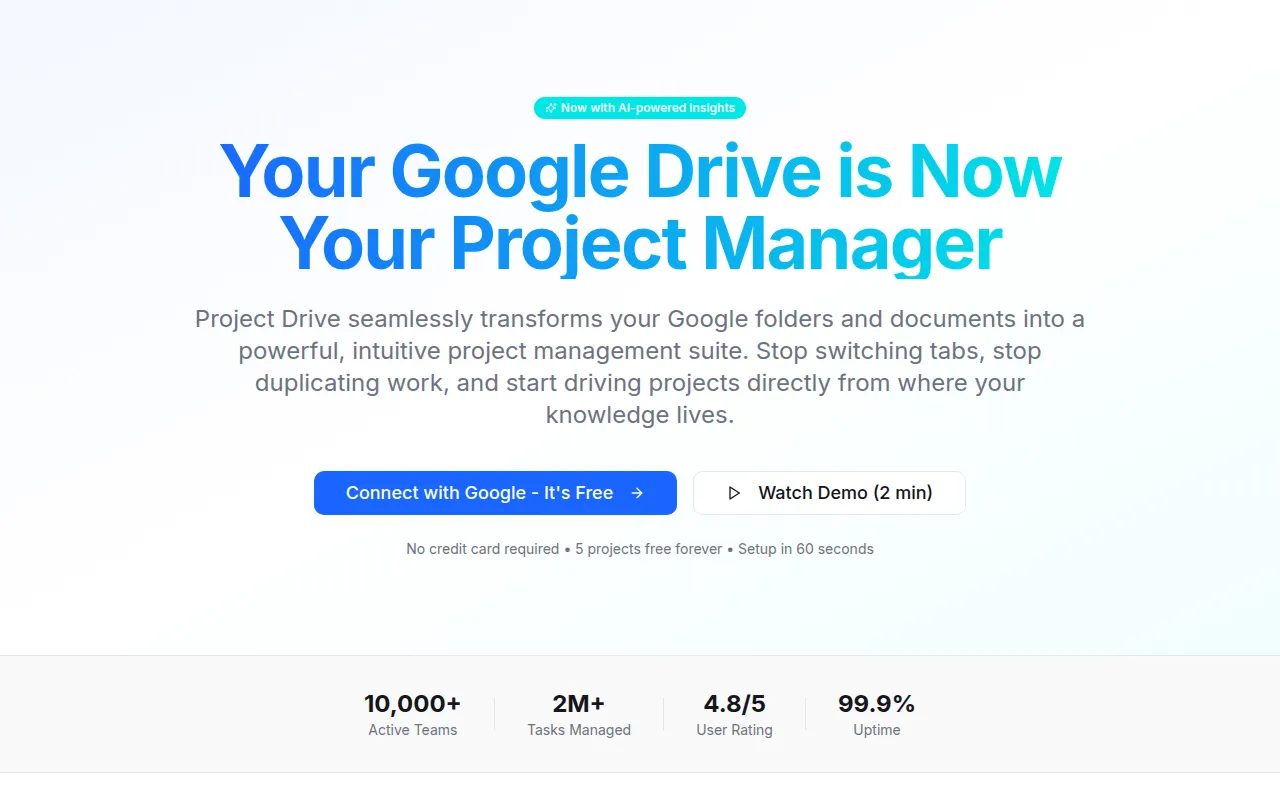
Project Drive is a project management tool built for Google Workspace users. It treats Google Drive folders as projects and individual Google Docs as tasks, which is designed to reduce the disconnect between where work is planned and where documentation is stored.
The tool is intended for teams across various functions, including marketing, legal, and software development, who want to organize existing Drive files into a structured workflow. It provides multiple ways to visualize tasks, including boards and timelines, and includes an AI assistant to help process meeting notes.
Buyers should note that the core functionality relies on Google Drive. Features such as Gantt charts and AI extraction require a paid plan.
Key Features
Google Drive Integration
Connects to Google Drive folders to turn documents and files into trackable project tasks.
AI Assistant
Designed to extract requirements and track decisions from meeting notes within Google Docs.
Project Views
Supports Kanban boards, Gantt charts, and calendar views to organize work.
Drag-and-Drop Workflow
Supports moving Google Docs across different status columns in a Kanban board.
Enterprise Security
Includes SOC 2 certification, SSO support, and granular permission settings.
REST API
Provides API access for teams to build custom integrations and automate workflows.
Use Cases
Marketing Campaign Management
Organizing creative briefs and content calendars within Google Drive while tracking progress to publication.
Client Deliverable Tracking
Keeping research and project plans in sync for consulting firms while managing client-facing documents.
Software Development Coordination
Linking technical specs and meeting notes to a workflow and using AI to extract requirements.
HR Initiative Tracking
Managing onboarding documents and policy updates while tracking implementation progress.
Legal Case Management
Tracking contract reviews and compliance tasks with access controls on case documents.
Integrations
- Google Drive
- CSV export
- PDF export
FAQ
How does Project Drive work with Google Drive?
- It connects to your Google Drive and allows you to select a folder to become a project, where documents in that folder are treated as tasks.
Is there a free version of Project Drive?
- Yes, there is a free Starter plan that supports up to 5 projects, though it does not include Gantt charts or the AI assistant.
What does the AI Assistant do?
- The AI Assistant is designed to read meeting notes in Google Docs to extract action items, requirements, and decisions.
Source category: Productivity
Source subcategory: Collaboration
More tools in Productivity
Other published listings in the Productivity category.


More tools in the Collaboration software type
Related listings that share the same software type for comparison and shortlisting.


