AI TOOL PROFILE
NodeLand: Collaborative Visual Workspace and Mind Mapping

- Productivity
- Collaboration
- Consultants
- Strategists
- Creators
- Operators
- Knowledge Workers
Pricing
NodeLand offers a free plan with limited workspaces and documents. A Premium plan is available for $4 per month with unlimited workspaces and 500 monthly AI credits, while Teams pricing is custom.
At a glance
- Best for
- Consultants, Strategists, Creators, Operators, Knowledge Workers
- Key use cases
- Structuring Research, Converting Long-Form Content, Planning Initiatives, Collaborative Process Mapping
- Official website
- Visit NodeLand official website
How AI is used
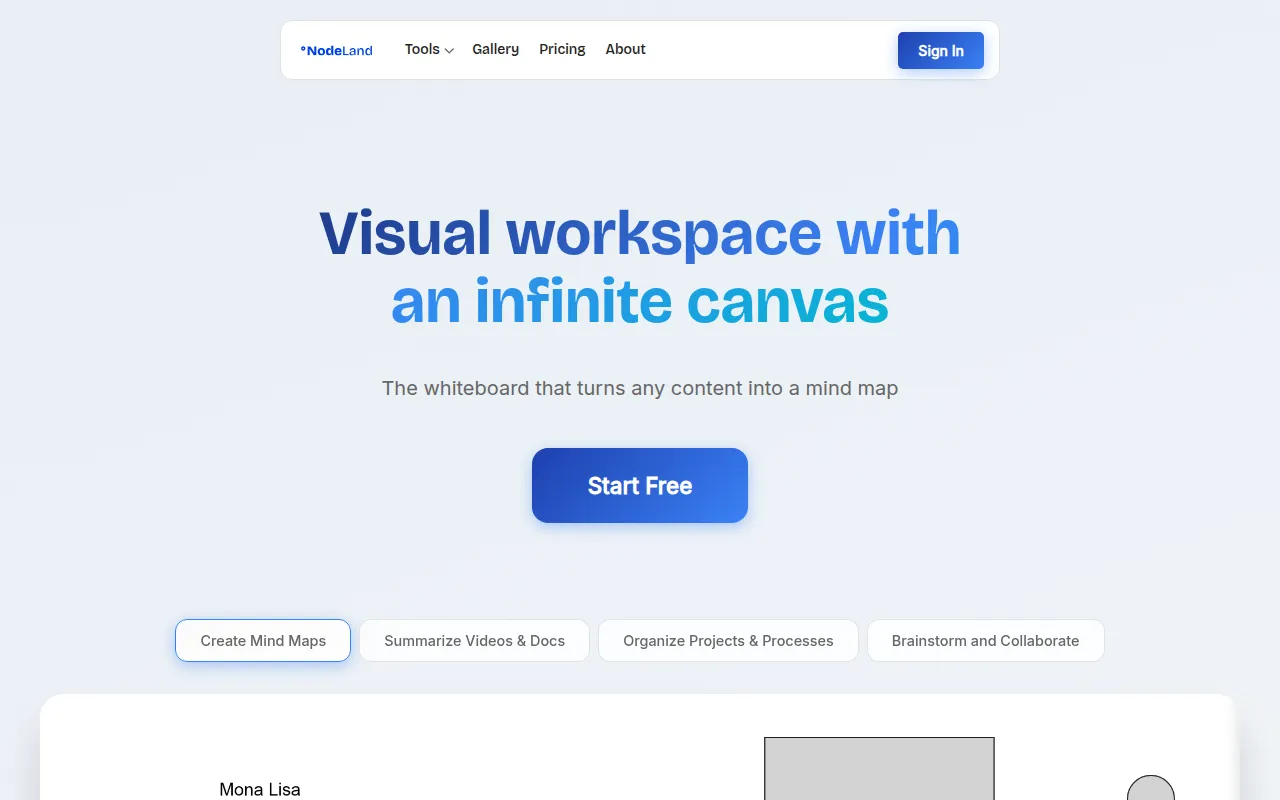
NodeLand is a visual workspace platform designed for individuals and teams who use spatial organization for their work. It provides an infinite canvas where users can create mind maps, connect ideas, and build knowledge management systems by attaching notes, files, and links to specific nodes.
The platform is designed for professionals such as consultants and creators who need to keep complex thinking visible. It supports both solo work and team collaboration, allowing users to align plans and map processes in a shared space.
One of the primary capabilities is the use of AI to convert long-form content—such as PDFs, video transcripts, and reports—into structured visual maps. This may help users identify key concepts and relationships without manually reviewing every page of a document.
Buyers should confirm plan limits, as the free version is restricted to a specific number of documents and workspaces, and AI features require a paid subscription.
Key Features
Infinite Canvas
A spatial workspace that allows users to organize ideas and zoom between high-level strategy and granular details.
AI-Assisted Summarization
Designed to convert documents, PDFs, transcripts, and videos into structured visual maps.
Collaborative Mind Mapping
Supports teams working in the same workspace to align plans and manage shared knowledge.
AI Chat Functionality
Integrated AI chat to assist with the visual organization process.
Contextual Nodes
Nodes within the map can hold attached notes, files, and links.
Use Cases
Structuring Research
Using the infinite canvas to synthesize information from multiple sources.
Converting Long-Form Content
Turning reports, PDFs, and video transcripts into visual structures for review.
Planning Initiatives
Building visual roadmaps and workflows to move from brainstorming to execution.
Collaborative Process Mapping
Working with teams to map out business processes and align on project plans.
FAQ
What can NodeLand's AI summarize?
- NodeLand's AI is designed to convert documents, PDFs, transcripts, and videos into structured visual maps and mind maps.
Is there a free version of NodeLand?
- Yes, there is a free plan that includes 1 workspace and 2 documents, though it does not include AI credits.
Who is NodeLand designed for?
- It is designed for individuals and teams, specifically consultants, strategists, creators, and operators who organize complex information visually.
Source category: Productivity
Source subcategory: Collaboration
More tools in Productivity
Other published listings in the Productivity category.


More tools in the Collaboration software type
Related listings that share the same software type for comparison and shortlisting.


