AI TOOL PROFILE
bitfit IT Asset Management Software

- Operations
- IT Asset Management
- Small businesses
- Mid-market companies
- Enterprise IT departments
- Operations managers
Pricing
bitfit offers a free forever plan for up to 50 records. Paid plans start at $250 per month (billed annually) for the Basic tier, with Midsize and Enterprise options available.
At a glance
- Best for
- Small businesses, Mid-market companies, Enterprise IT departments, Operations managers
- Key use cases
- IT Hardware Tracking, Stockroom Inventory Control, Bulk Equipment Deployment, Audit and Activity Logging
- Integrations
- ServiceNow, Zendesk, JIRA, Slack, JAMF
- Official website
- Visit bitfit official website
How AI is used
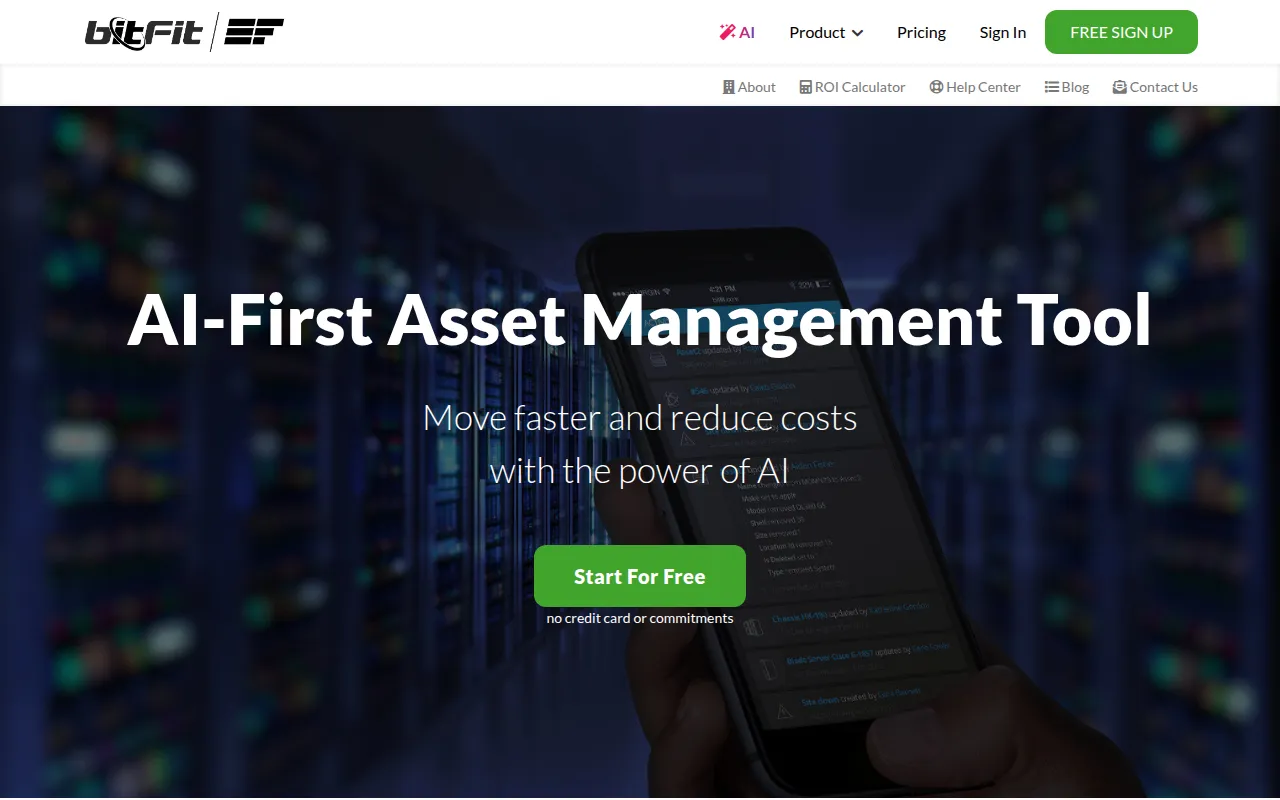
bitfit is a cloud-based IT asset management tool that supports the tracking of hardware lifecycles. It is designed for businesses that need a centralized portal to manage machines, locations, and vendors.
The software supports inventory tasks such as asset check-ins, check-outs, and transfers. It includes data organization tools such as custom fields and a drag-and-drop editor for configuring asset fields, which helps teams tailor the system to their specific hardware types.
Buyers should note that while a free plan is available for small inventories, full functionality and higher record limits require paid monthly or annual subscriptions. The platform also provides mobile apps for iOS and Android to support scanning and updates.
Key Features
Asset Lifecycle Tracking
Supports monitoring hardware from initial receipt through deployment and retirement.
Stockroom Management
Tracks inventory volumes per location and supports setting minimum and maximum stock levels.
Bulk Asset Operations
Provides specialized pages for performing mass check-outs, check-ins, transfers, and receiving.
QR and Barcode Printing
Generates and prints QR labels for assets, locations, and stockrooms.
AI-Supported Data Management
Includes AI features to help with data entry, identify data hygiene issues, and assist in generating reports.
Role-Based Access Control
Offers customizable permissions and roles to control access to specific records.
REST API
Provides API access to perform system actions and connect with other tools.
Use Cases
IT Hardware Tracking
Maintaining a digital record of company hardware, including status, location, and user assignment.
Stockroom Inventory Control
Managing the availability of consumables and hardware in various physical storage locations.
Bulk Equipment Deployment
Using bulk pages and QR scanning to assign multiple assets to users.
Audit and Activity Logging
Reviewing change logs to see when an asset was updated and by which user.
Integrations
- ServiceNow
- Zendesk
- JIRA
- Slack
- JAMF
- Landesk
- OneLogin
- Okta
- Zapier
- Google Sheets
FAQ
Is there a free version of bitfit?
- Yes, bitfit offers a 'Free Forever' account that supports up to 50 records and 50 users.
Can bitfit be used on mobile devices?
- Yes, bitfit provides apps for iOS and Android, which include built-in QR label scanning.
Does bitfit support bulk updates?
- Yes, the platform has specialized pages for bulk check-out, check-in, transfer, and receiving, as well as general bulk record updates.
What are the pricing options for growing businesses?
- Beyond the free plan, there is a Basic plan starting at $250/month (billed annually), a Midsize plan at $950/month (billed annually), and custom Enterprise pricing.
Source category: Operations
Source subcategory: IT Asset Management
More tools in Operations
Other published listings in the Operations category.


More tools in the IT Asset Management software type
Related listings that share the same software type for comparison and shortlisting.