AI TOOL PROFILE
Automox: IT Endpoint Management Software

- Software Development
- IT Asset Management
- IT Teams
- Mid-Market Companies
- Enterprise Companies
Pricing
Pricing starts at $1 per endpoint per month for the Patch OS plan with an annual commitment. Higher tiers, including Automate Essentials and Automate Enterprise, use custom pricing; volume discounts are available for 200+ devices.
At a glance
- Best for
- IT Teams, Mid-Market Companies, Enterprise Companies
- Key use cases
- Remote Workforce Patching, Multi-OS Management, Third-Party Software Updates, Custom System Configuration
- Official website
- Visit automox official website
How AI is used
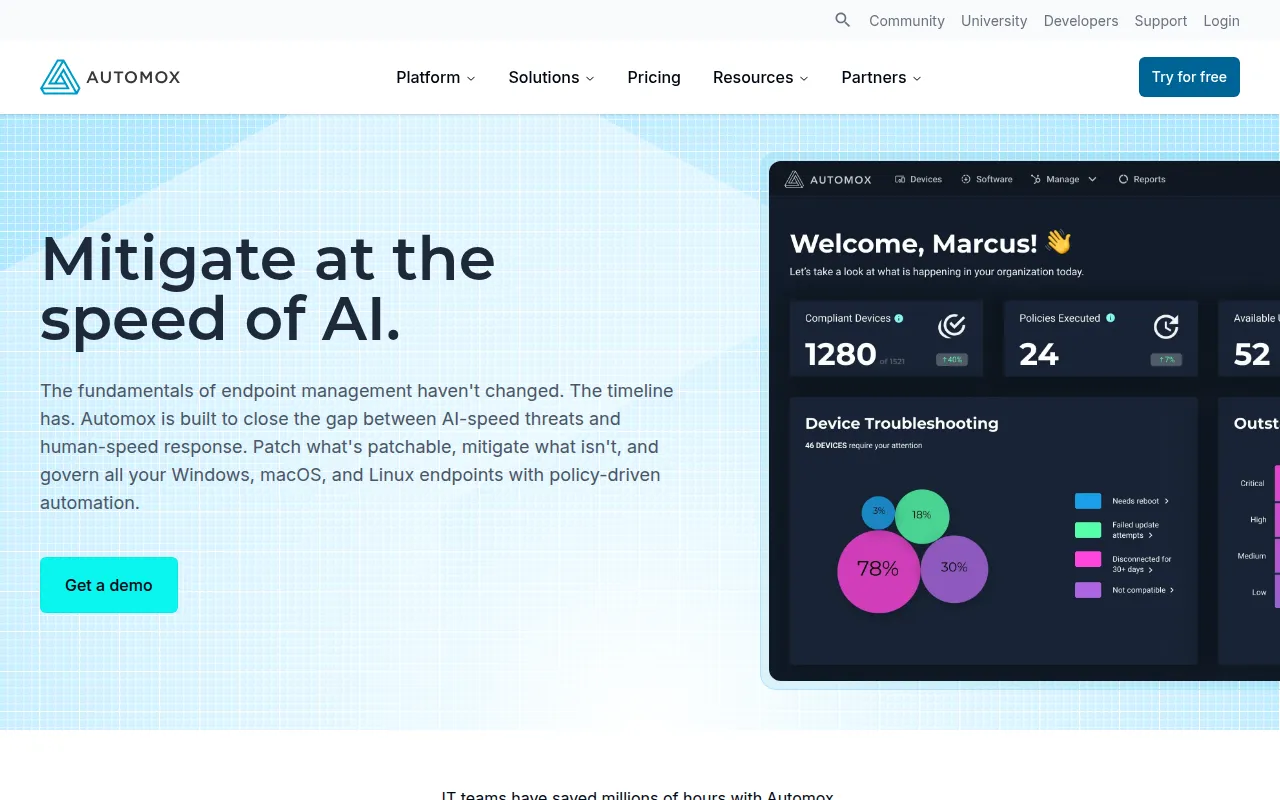
Automox is a cloud-based endpoint management tool designed to automate the patching of operating systems and third-party applications. It uses a lightweight agent to connect devices to a central console, which allows IT teams to push updates and configurations regardless of where the device is located.
The platform supports IT teams in mid-market and enterprise environments that handle diverse hardware setups including Windows, macOS, and Linux. It supports a wide range of third-party software updates and provides a way to run custom scripts for configuration tasks.
Beyond patching, the tool includes remote control capabilities for troubleshooting and unified reporting to help with security audits. Because it is cloud-native, it does not require on-premises infrastructure or VPNs to manage remote workers.
Buyers should confirm which pricing tier fits their needs, as basic OS patching is available at a lower entry point, while advanced automation and third-party patching are part of higher-tier plans.
Key Features
Automated OS Patching
Supports the delivery of operating system updates for Windows, macOS, and Linux.
Third-Party Patching
Provides update support for over 580 third-party applications.
Worklets Scripting
Supports the use of PowerShell or bash scripts to automate system configurations and remediation tasks.
Remote Control
Allows technicians to connect to Windows or macOS endpoints for troubleshooting and file transfers.
Unified Compliance Reporting
Generates reports on patch coverage, policy execution, and endpoint status for audits.
Ask Otto AI Assistant
An AI-powered assistant designed to help users with automation tasks.
Use Cases
Remote Workforce Patching
Updating devices over the internet without requiring users to connect via VPN.
Multi-OS Management
Managing security updates for a mixed environment of Windows, Mac, and Linux machines from one dashboard.
Third-Party Software Updates
Automating updates for common business apps like Chrome, Zoom, and Adobe.
Custom System Configuration
Using Worklets to deploy scripts for software installation or system hardening.
FAQ
Does Automox require a VPN to patch remote devices?
- No, Automox uses a lightweight agent that allows devices to patch automatically as long as they have an internet connection.
Which operating systems are supported by Automox?
- The platform supports Windows, macOS, and Linux endpoints.
What is the starting price for Automox?
- The Patch OS plan starts at $1 per endpoint per month with an annual commitment.
Can Automox patch apps other than the operating system?
- Yes, the platform provides support for patching over 580 third-party applications, which typically requires a higher-tier plan.
Source category: Software Development
Source subcategory: IT Asset Management
More tools in Software Development
Other published listings in the Software Development category.


More tools in the IT Asset Management software type
Related listings that share the same software type for comparison and shortlisting.