AI TOOL PROFILE
SmartDraw: Diagramming and Floor Planning Software

- Operations
- Design and Prototyping
- Small and medium-sized businesses
- Enterprise companies
- Public safety departments
- Facility managers
Pricing
Enterprise licensing is available starting at $99 per user per year.
At a glance
- Best for
- Small and medium-sized businesses, Enterprise companies, Public safety departments, Facility managers
- Key use cases
- Commercial Floor Planning, Emergency Planning, Process Documentation, Forensic Documentation, Retail Space Design
- Integrations
- Microsoft, Google, Jira, Confluence, Git
- Official website
- Visit smartdraw official website
How AI is used
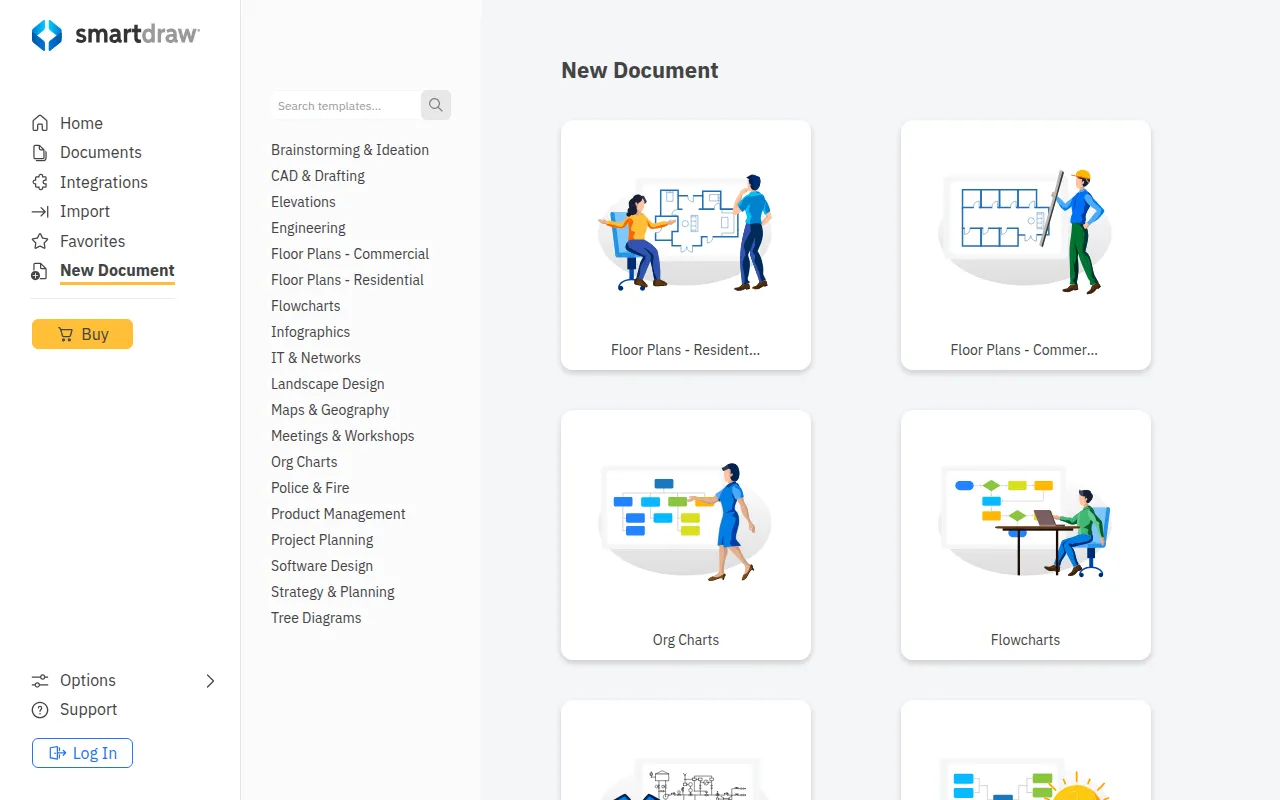
SmartDraw is a visual communication tool for creating commercial floor plans, business process flowcharts, and technical diagrams. It is designed for users who need precise, scaled drawings but do not have extensive CAD training.
The software supports various technical needs, including accident reconstruction for law enforcement, fire evacuation planning, and office space optimization. Users may start designs from scratch or overlay layouts on imported PDFs and Google Maps.
For larger organizations, the platform provides administrative controls such as SSO user provisioning and maintains security certifications including SOC2 Type II and PCI. Enterprise customers may have access to dedicated support representatives for onboarding.
Buyers should confirm if the enterprise licensing model fits their specific user count and how the integration with Microsoft or Google workspace aligns with their workflow requirements.
Key Features
Scaled Drawing Creation
Supports the creation of floor plans and layouts without requiring CAD expertise.
PDF and Map Import
Allows importing PDFs and Google Maps to be used as overlays for scaled layouts.
Industry Symbol Libraries
Includes standard symbols for commercial plans, electrical planning, and accident reconstruction.
AI Diagrams
Features AI-driven capabilities to help generate diagrams.
Data-Enabled Visuals
Supports generating organizational charts and database diagrams from specific data sources.
SSO Provisioning
Supports single sign-on for managing user access in enterprise environments.
Use Cases
Commercial Floor Planning
Designing layouts for warehouses, restaurants, and medical buildings to map equipment and traffic flow.
Emergency Planning
Creating evacuation plans and fire pre-plans with marked escape routes and safety equipment locations.
Process Documentation
Developing flowcharts and organizational charts to document business workflows.
Forensic Documentation
Creating accident reconstructions and crime scene sketches for legal proceedings.
Retail Space Design
Creating store layouts and planograms to manage shelving and customer flow.
Integrations
- Microsoft
- Jira
- Confluence
- Git
FAQ
Do I need CAD experience to use SmartDraw?
- No, the software is designed to help users create scaled drawings and floor plans without the complexities of traditional CAD software.
What industries use SmartDraw?
- It is used in construction, healthcare, education, manufacturing, retail, and by fire and police departments.
How does SmartDraw handle existing documents?
- Users can import PDFs or Google Maps to use as a base and then overlay their own scaled layouts.
What is the pricing for SmartDraw?
- Enterprise licensing starts at $99 per user per year.
Source category: Operations
Source subcategory: Design & Prototyping
More tools in Operations
Other published listings in the Operations category.


More tools in the Design and Prototyping software type
Related listings that share the same software type for comparison and shortlisting.


