AI TOOL PROFILE
DesignFiles Review: Interior Design Business Software

- Construction
- Design and Prototyping
- Interior Designers
- E-Designers
- Interior Design Firms
- Design Agencies
Pricing
Plans start at $55/month for e-Design and $75/month for Full Service, with an additional $30/month per extra user. A free trial is available.
At a glance
- Best for
- Interior Designers, E-Designers, Interior Design Firms, Design Agencies
- Key use cases
- Client Onboarding, Bid and Presentation Prep, Project Tracking, Procurement Management
- Integrations
- QuickBooks Online
- Official website
- Visit designfiles official website
How AI is used
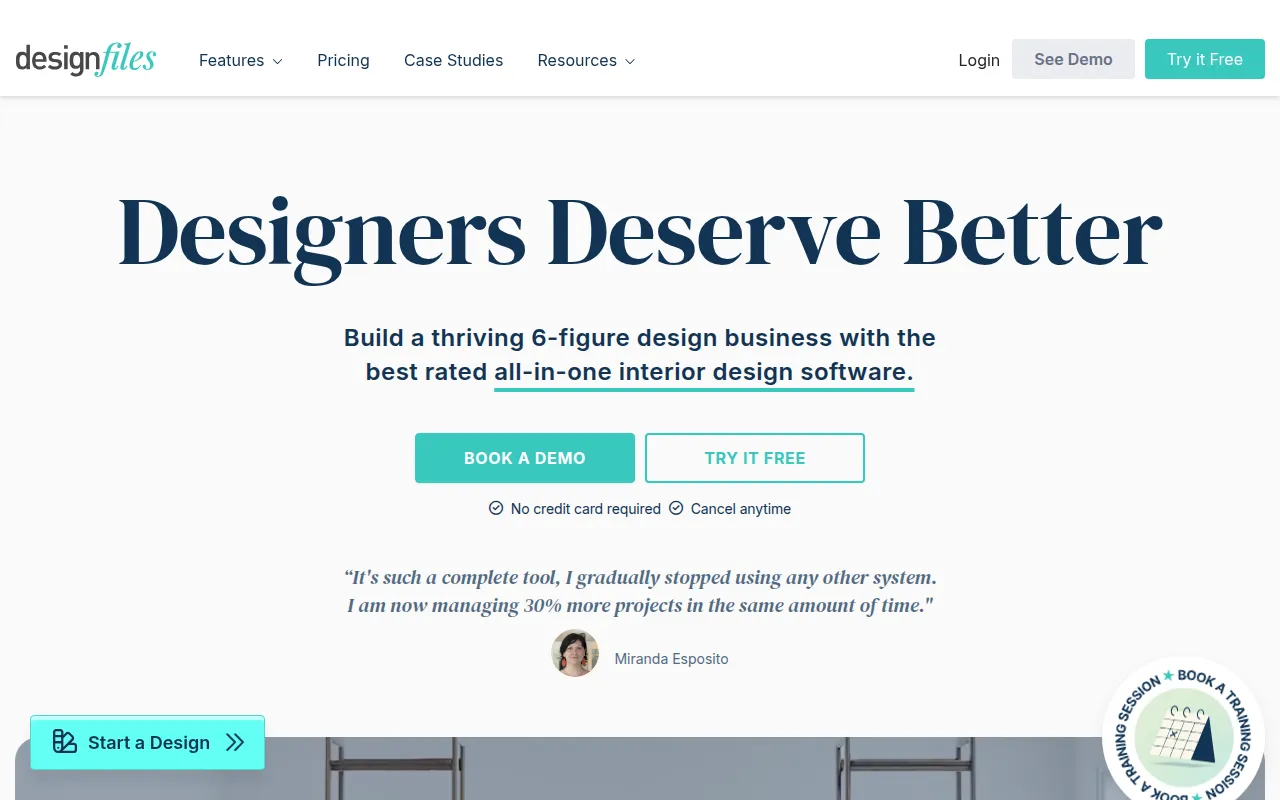
DesignFiles is a business software platform built for interior design professionals. It combines creative tools, such as a moodboard editor and 3D floor planner, with administrative features like invoicing and project calendars.
The tool supports a range of users, including full-service designers, e-designers, and design agencies. It helps these professionals handle client communication, source products, and manage the financial aspects of their projects in one location.
Buyers should confirm if they require a full-scale accounting system, as the software does not include native accounting but supports synchronization with QuickBooks Online. It is also worth verifying which plan level aligns with their specific service model, such as virtual e-design versus full-service decorating.
Key Features
Moodboard Editor
Tools to create design boards, adjust perspectives, and remove backgrounds from product images.
3D Floor Planner
Supports the creation of floor plans and 3D renderings for client spaces.
Product Clipper & Library
Allows users to save products from the web into a personal library for use across projects.
AI Render
An integrated AI rendering tool for design visualizations.
Client Portal
A space where clients can review designs, provide feedback, and approve items.
Project Management Tools
Includes a project calendar, task management with Kanban views, and a time tracker.
Financial Tools
Supports the creation of quotes, invoices, and purchase orders, and supports online payment collection.
Use Cases
Client Onboarding
Using customizable design questionnaires to collect room dimensions, budget limits, and style preferences.
Bid and Presentation Prep
Generating branded PDF presentations and shoppable product lists for client review.
Project Tracking
Managing deadlines via the project calendar and tracking billable hours with the time tracker.
Procurement Management
Creating vendor purchase orders and tracking product status for installation.
Integrations
- QuickBooks Online
FAQ
Who is DesignFiles designed for?
- It is designed for interior designers, e-designers, and full-service design agencies who need to manage the creative and administrative sides of their business.
Does DesignFiles handle accounting?
- It supports invoicing, quotes, and purchase orders, but it does not have a full accounting system. It offers a direct integration with QuickBooks Online to sync financial data.
What are the pricing options?
- There is an e-Design plan for $55/month and a Full Service plan for $75/month, with additional users costing $30/month each.
Is there a way to try the software before paying?
- Yes, DesignFiles offers a free trial and a 90-day money-back guarantee.
Source category: Construction
Source subcategory: Design & Prototyping
More tools in Construction
Other published listings in the Construction category.


More tools in the Design and Prototyping software type
Related listings that share the same software type for comparison and shortlisting.


