AI TOOL PROFILE
EZ-CAM: CAD/CAM Software for CNC Machining

- Software Development
- Design and Prototyping
- Machine shops
- Manufacturing companies
- Mold makers
- Educational facilities
Pricing
High-end products cost upwards of $7,000. A free 14-day trial version with all features is available, though it is limited to posting 15 lines of code.
At a glance
- Best for
- Machine shops, Manufacturing companies, Mold makers, Educational facilities
- Key use cases
- CNC Milling, CNC Turning, Wire EDM Machining, Programming from Blueprints
- Integrations
- Alibre CAD, SolidWorks plug-in, DXF import, DWG import, IGES import
- Official website
- Visit ez cam official website
How AI is used
EZ-CAM is a CAD/CAM software family including dedicated tools for milling (EZ-MILL), turning (EZ-TURN), and wire EDM (EZ-EDM). The software helps operators translate designs into G-code for CNC machines, supporting configurations from 2-axis up to 5-axis machining.
It is designed for manufacturing companies, machine shops, and mold makers. The software supports programming via 2D CAD data, solid models, or blueprints, and includes Alibre CAD for solid modeling integration.
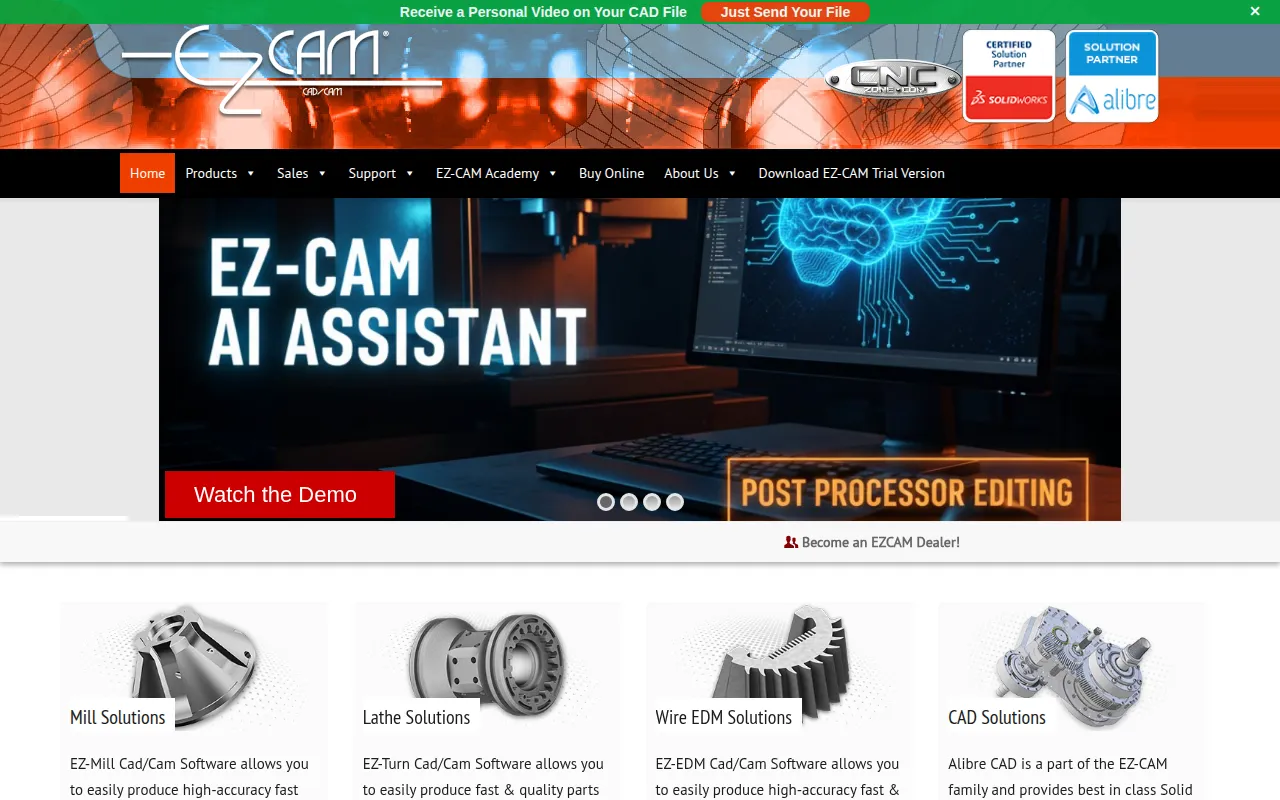
Key capabilities include a large library of post-processors and AI-powered editing for those post-processors via the EZ-CAM AI Assistant. The interface uses a wizard-based approach intended to assist users who may have limited G-code programming knowledge.
Buyers should confirm their specific machine requirements and axis needs, as different product tiers, such as Express and Pro, offer different levels of 3D and multi-axis support.
Key Features
AI-Powered Post-Processor Editing
The EZ-CAM AI Assistant supports post-processor editing using natural language interaction.
SmartClick Automation
Helps create worksteps for holes, chamfers, fillets, pockets, and contours.
Post-Processor Library
Provides a wide range of G-code translators compatible with various CNC machines.
3D Toolpaths
Supports 3D roughing, re-roughing, and finishing strategies for part production.
High-Speed Machining
Includes toolpaths designed to remove material and a detect open edges option.
CAD Import and Integration
Supports importing multiple file formats and integrates with Alibre CAD for solid modeling.
Use Cases
CNC Milling
Programming parts for mills and routers from 2-axis to 5-axis positioning.
CNC Turning
Creating toolpaths for lathes, supporting 2-axis through C/Y axis machining.
Wire EDM Machining
Developing G-code for 2-axis and 5-axis CNC Wire EDM machines.
Programming from Blueprints
Using 2D CAD data or blueprints to build geometry and apply machining operations.
Integrations
- Alibre CAD
- SolidWorks plug-in
- DXF import
- DWG import
- IGES import
- STEP import
- ACIS import
- PARASOLID import
- STL import
FAQ
Is EZ-CAM compatible with my CNC machine?
- EZ-CAM maintains a library of post-processors designed to work with a wide variety of CNC machines, including mills, lathes, and EDM.
Does EZ-CAM include CAD capabilities?
- Yes, Alibre CAD is included with the purchase of EZ-CAM products to support solid modeling and design.
How much does EZ-CAM cost?
- Pricing varies by product, though high-end versions are listed as costing upwards of $7,000.
Can I try EZ-CAM before buying?
- A free 14-day trial version with all features is available for download, though it is limited to posting 15 lines of code.
Source category: Software Development
Source subcategory: Design & Prototyping
More tools in Software Development
Other published listings in the Software Development category.


More tools in the Design and Prototyping software type
Related listings that share the same software type for comparison and shortlisting.


