AI TOOL PROFILE
ClickDesigns: Graphic Design & Mockup Software

- Marketing
- Design and Prototyping
- Small business owners
- Digital marketers
- Affiliate marketers
- Ecommerce store owners
- Bloggers
- Freelance designers
Pricing
A free plan is available. Paid plans start at $10/month, with other tiers including Standard ($20/month), Pro ($30/month), and Expert ($49/month).
At a glance
- Best for
- Small business owners, Digital marketers, Affiliate marketers, Ecommerce store owners, Bloggers
- Key use cases
- E-commerce Product Visualization, Social Media Management, Digital Product Launches, Print Marketing, KDP Publishing
- Integrations
- WordPress, Shopify, GoHighLevel, ClickFunnels, Convertri
- Official website
- Visit clickdesigns official website
How AI is used
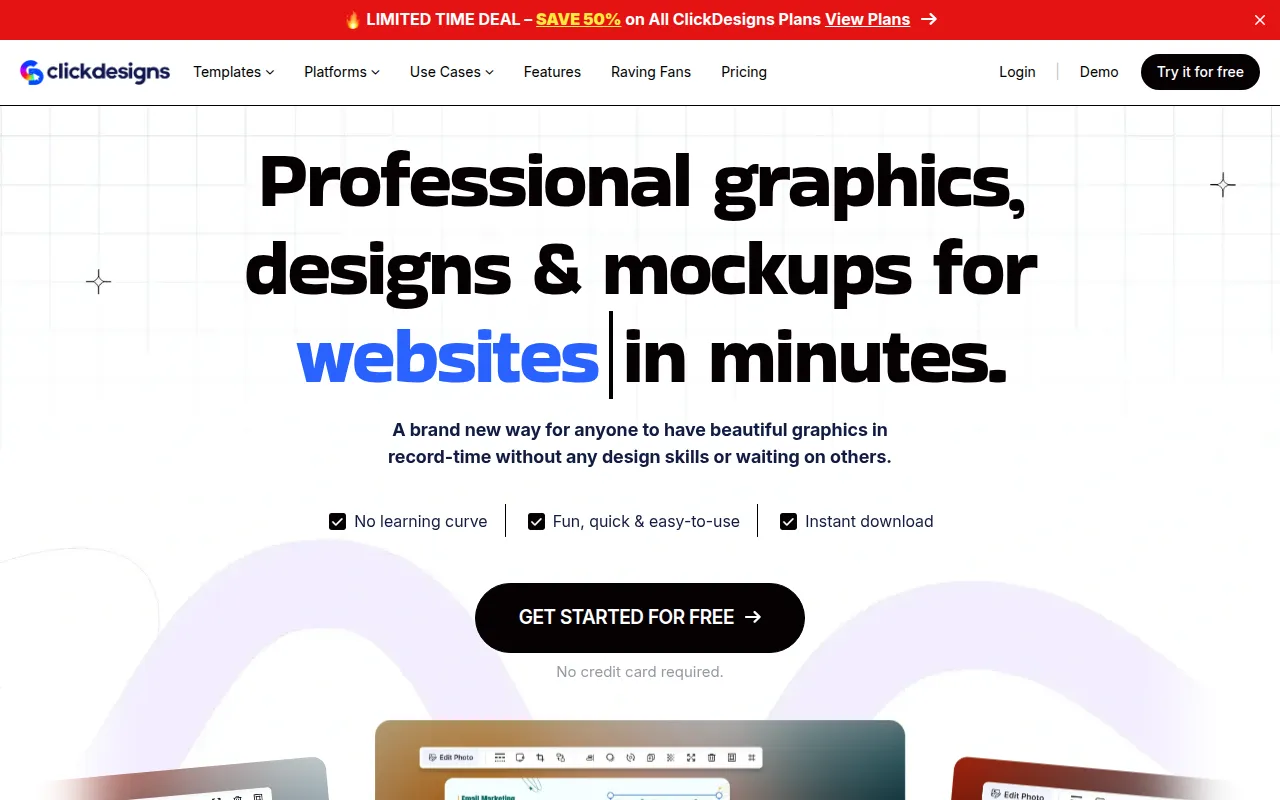
ClickDesigns is a cloud-based design tool designed for users who need professional-looking visuals but lack formal graphic design training. It provides a library of templates for logos, social media posts, and website headers, alongside a drag-and-drop editor.
The software is designed for digital marketers, ecommerce sellers, and content creators. It supports the creation of both 2D and 3D product mockups, which may help in showcasing digital products or physical packaging without a professional photo studio.
Beyond static images, the platform includes AI tools for background removal and image generation, as well as social media scheduling capabilities. It is intended to act as a centralized hub for visual assets to help reduce the need to switch between different specialized tools.
Buyers should consider how the AI credit limits on different plans align with their expected monthly usage, as these limits vary between the Standard, Pro, and Expert tiers.
Key Features
Designer-Made Templates
Access to over 20,000 templates for logos, social media, and website page layouts.
3D Mockup Creator
Tools to generate 3D product covers, boxshots, and device mockups for digital and physical products.
AI Design Tools
A suite of over 35 AI tools, including a background remover, AI writer, and image generator.
Social Content Planner
Supports scheduling and posting content across platforms like Facebook, Instagram, and LinkedIn.
Print-Ready Export
Allows users to export designs in CMYK at 300 DPI for professional printing of business cards and flyers.
Brand Kits
Supports the organization of brand colors and fonts to help maintain visual consistency.
Use Cases
E-commerce Product Visualization
Creating 3D mockups and packaging labels for Shopify, Amazon, or Etsy stores.
Social Media Management
Designing and scheduling posts for multiple social channels.
Digital Product Launches
Developing e-book covers, software boxshots, and lead magnet visuals for sales funnels.
Print Marketing
Preparing business cards, flyers, and brochures for offline brand promotion.
KDP Publishing
Designing covers and interior elements aligned with Kindle Direct Publishing dimensions.
Integrations
- WordPress
- Shopify
- GoHighLevel
- ClickFunnels
- Convertri
- Groove
FAQ
Do I need design experience to use ClickDesigns?
- No, the platform is designed for non-designers and uses a drag-and-drop editor with a library of templates.
Is there a free version of ClickDesigns?
- Yes, ClickDesigns offers a free plan that allows users to explore templates and tools without requiring a credit card.
How does the AI tool usage work?
- AI credits are assigned monthly based on the specific plan (e.g., 100 uses for Standard, 1,000 for Expert), and these credits do not roll over.
Source category: Marketing
Source subcategory: Design & Prototyping
More tools in Marketing
Other published listings in the Marketing category.


More tools in the Design and Prototyping software type
Related listings that share the same software type for comparison and shortlisting.


