AI TOOL PROFILE
colormass: 3D Infrastructure for Furniture Brands

- Software Development
- Design and Prototyping
- Furniture manufacturers
- Textile brands
- 3D design teams
- eCommerce operations managers
Pricing
Pricing was not clearly available from the provided evidence. Buyers should confirm current pricing on the vendor website.
At a glance
- Best for
- Furniture manufacturers, Textile brands, 3D design teams, eCommerce operations managers
- Key use cases
- Marketing Image Creation, Online Product Configuration, AR Asset Generation, Material Digitization
- Integrations
- ERP integration, eCommerce integration, .usdz export, .gltf export
- Official website
- Visit colormass official website
How AI is used
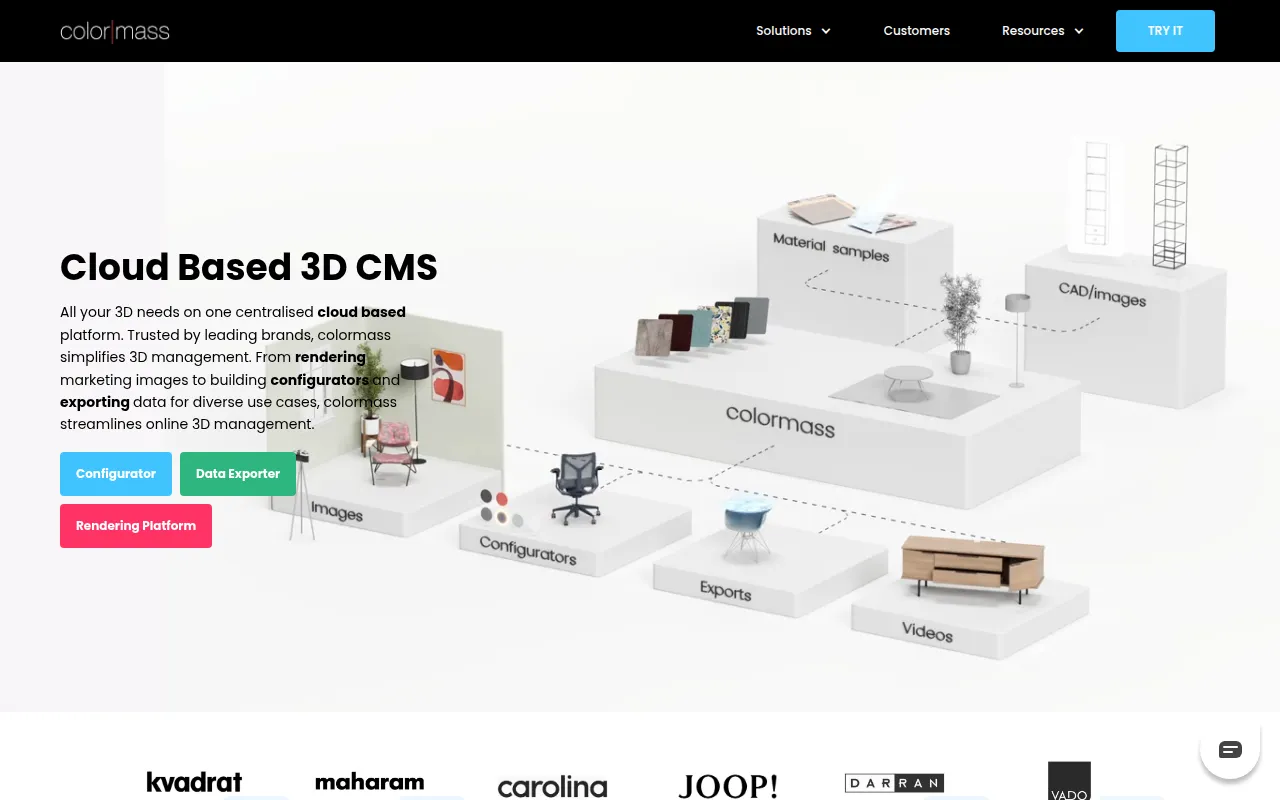
colormass is a cloud-based 3D content management system designed to handle 3D workflows, from material scanning to final image rendering. It is built for the furniture and textile industries to help them maintain a single source of truth for their product assets.
The platform allows users to upload a master 3D file and generate different outputs, such as marketing renders, interactive web configurators, or AR-ready files. This approach may reduce the need to manually create separate low-poly and high-poly versions of the same product.
Buyers should note that the system focuses on photorealistic output and material accuracy, including a PBR scanner and AI tools for generating material maps from images. Because it provides an API for eCommerce and ERP integration, businesses should verify the technical resources available for their specific setup.
Key Features
Single Asset System
Supports using one master 3D file across rendering, configurators, and AR exports.
Cloud Rendering Platform
Supports editing and rendering of 3D scenes directly within a web browser.
Product Configurator
A tool for managing and displaying 3D product variations with an associated API for web integration.
Material AI
Uses AI to convert flatbed scans or photos of textiles into PBR material maps.
Data Exporter
Exports 3D geometry and material data, including .usdz and .gltf formats for AR.
PBR Scanner
Hardware and software solution for scanning real-world surfaces to create digital materials.
Use Cases
Marketing Image Creation
Generating studio images and room environments for furniture catalogs.
Online Product Configuration
Building interactive 3D viewers that allow customers to customize product options on a website.
AR Asset Generation
Generating .usdz and .gltf files to support app-less augmented reality experiences via QR codes.
Material Digitization
Converting physical fabric and surface samples into digital PBR materials using AI or scanners.
Integrations
- ERP integration
- eCommerce integration
- .usdz export
- .gltf export
FAQ
What is colormass used for?
- It is a 3D infrastructure platform used to manage 3D assets, create marketing renders, and build online product configurators, primarily for the furniture industry.
How does the Material AI feature work?
- The Material AI converts standard photos or flatbed scans of textiles into PBR (Physically Based Rendering) maps for use in 3D renders.
Does colormass support Augmented Reality (AR)?
- Yes, it can generate .usdz and .gltf formats to support app-less AR experiences via QR codes.
Is colormass suitable for non-furniture businesses?
- The platform is specifically designed and optimized for the furniture and textile industries.
Source category: Software Development
Source subcategory: Design & Prototyping
More tools in Software Development
Other published listings in the Software Development category.


More tools in the Design and Prototyping software type
Related listings that share the same software type for comparison and shortlisting.


