AI TOOL PROFILE
Design.com: AI-Powered Branding and Graphic Design
- Marketing
- Design and Prototyping
- Small Businesses
- Freelancers
- Startups
Pricing
A free version is available to try. Pricing was not clearly available from the provided evidence. Buyers should confirm current pricing on the vendor website.
At a glance
- Best for
- Small Businesses, Freelancers, Startups
- Key use cases
- Brand Identity Startup, Social Media Content Creation, Print Material Preparation, Corporate Stationery Design
- Official website
- Visit design official website
How AI is used
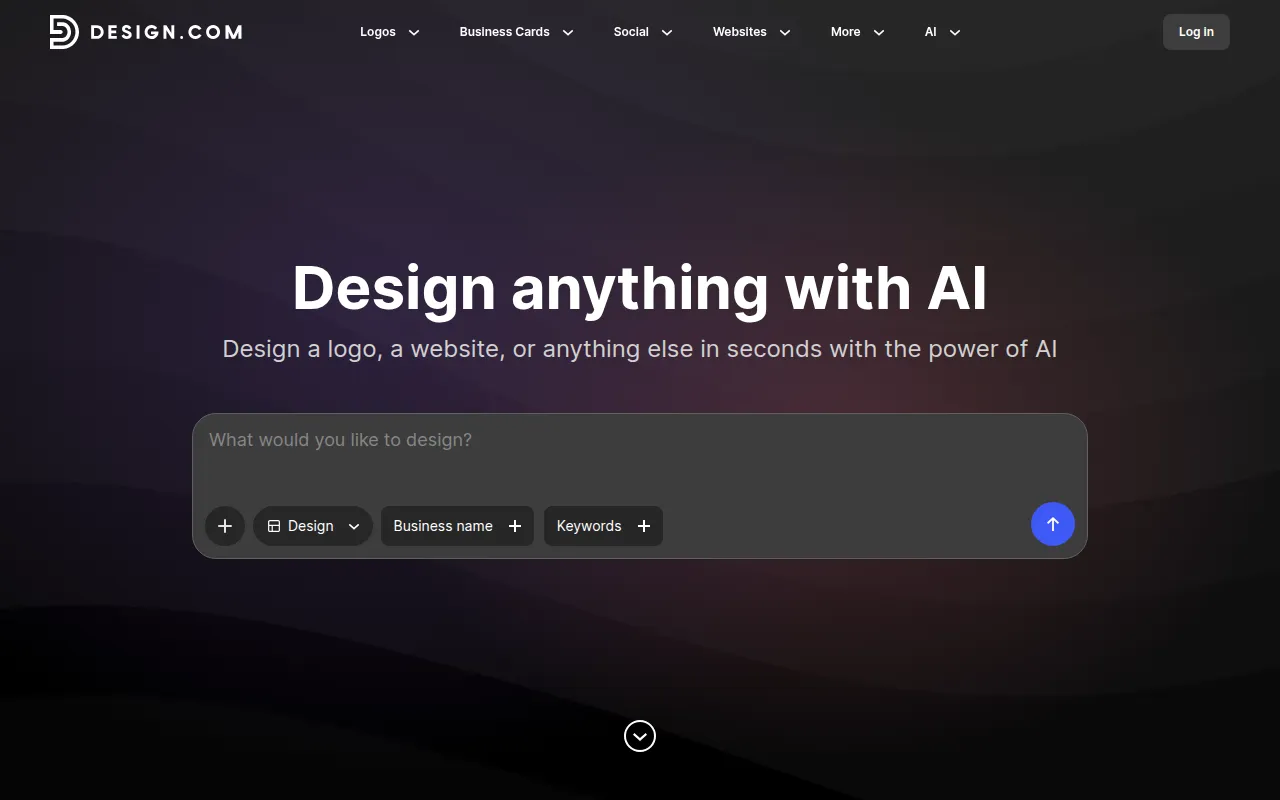
Design.com is a design platform and creative marketplace that uses AI to help users create a range of visual assets. It provides generators for logos, business cards, and social media graphics.
The tool is designed for startups, freelancers, and small to mid-market companies. Users can customize layouts, fonts, and colors, and export files in several formats, including vector files for printing.
Buyers should confirm if the free version provides all specific export formats required for their printing needs.
Key Features
AI Logo Generator
Creates customizable logos based on business names and keywords.
AI Background Remover
Tool designed to remove backgrounds from images.
AI Business Card Generator
Generates business card layouts that can be customized with brand colors and fonts.
Social Media Template Library
Provides templates for Facebook covers, Instagram posts, and YouTube banners.
Vector Export
Supports downloads in SVG, EPS, and PDF formats for printing.
AI Presentation Maker
Tool designed to help users generate presentation slides.
Use Cases
Brand Identity Startup
Using AI logo and business name generators to establish a new company's visual identity.
Social Media Content Creation
Designing branded posts, stories, and banners for platforms like Instagram and Facebook.
Print Material Preparation
Creating flyers, posters, and menus for physical distribution using vector exports.
Corporate Stationery Design
Generating matching letterheads and email signatures to help maintain brand consistency.
FAQ
What can I create with Design.com?
- You can create logos, business cards, social media posts, banners, flyers, posters, menus, and email signatures.
Does Design.com provide files for printing?
- Yes, it provides high-resolution PNG and JPG files, as well as vector formats like SVG, EPS, and PDF.
Is there a free version of Design.com?
- Yes, the platform is free to try, allowing users to browse and edit designs.
Source category: Marketing
Source subcategory: Design & Prototyping
More tools in Marketing
Other published listings in the Marketing category.


More tools in the Design and Prototyping software type
Related listings that share the same software type for comparison and shortlisting.


