AI TOOL PROFILE
Parseur AI Data Extraction Software

- Data and Analytics
- Document Automation
- Small and medium-sized businesses
- Operations teams
- Non-technical business users
- Developers needing a parsing API
Pricing
Parseur is free to start with self-serve plans, then uses a pay-as-you-grow pricing model. Buyers should confirm current pricing on the vendor website.
At a glance
- Best for
- Small and medium-sized businesses, Operations teams, Non-technical business users, Developers needing a parsing API
- Key use cases
- Invoice and receipt processing, Lead management, HR candidate screening, Logistics data capture, Email alert conversion
- Integrations
- Zapier, Make, Power Automate, Excel export, CSV export
- Official website
- Visit parseur com official website
How AI is used
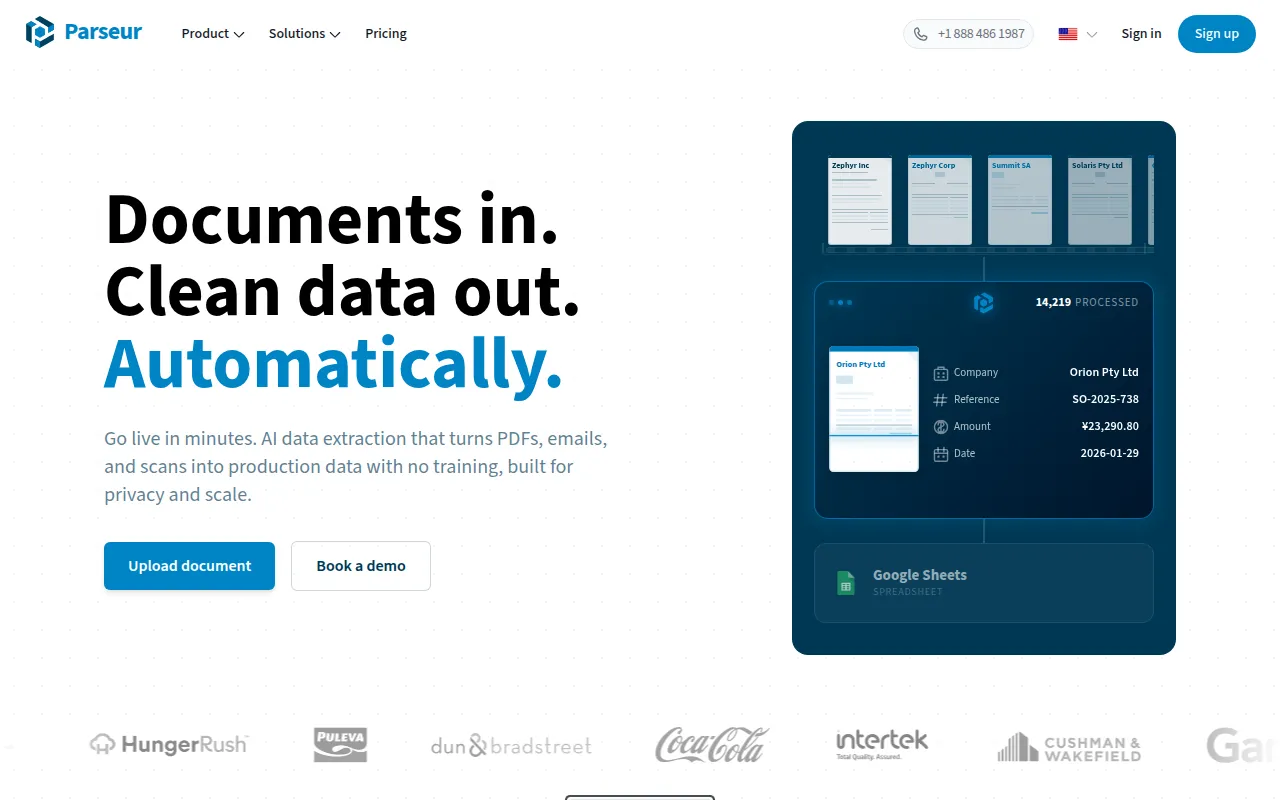
Parseur is a document parsing platform designed to turn unstructured text from emails, PDFs, images, and spreadsheets into structured data. It offers three different extraction engines: an AI-based engine for flexible needs, an OCR engine for PDFs, and a text engine for emails and HTML. This allows users to choose between layout-aware AI or rule-based templates depending on the document type.
The tool supports non-technical users via a web app and provides a REST API for developers who wish to embed parsing into their products. It supports the automatic import of documents and can push extracted data to various third-party applications in real time.
Buyers should confirm the current pricing for self-serve plans as costs scale based on document volume. Data is processed and hosted in the EU to maintain GDPR compliance.
Key Features
AI-based extraction
Uses artificial intelligence to identify and extract specific fields from documents based on user-provided lists and instructions.
Zonal and Dynamic OCR
Supports converting PDFs into structured data using fixed coordinate boxes or dynamic fields that move within a layout.
Text parsing engine
Extracts data from structured or semi-structured emails and HTML pages using rules.
Document extraction API
Allows developers to programmatically send documents for parsing and receive data via webhooks.
Data normalization
Supports standardizing dates, geolocating addresses, and splitting full names into components.
Use Cases
Invoice and receipt processing
Extracting line items and totals from invoices to support accounts payable workflows.
Lead management
Converting real estate leads received via email into structured data for CRM entry.
HR candidate screening
Extracting key information from resumes for export into an applicant tracking system.
Logistics data capture
Processing information from bills of lading and delivery notes.
Email alert conversion
Converting Google Alerts emails into a structured format for Excel or Google Sheets.
Integrations
- Zapier
- Make
- Power Automate
- Excel export
- CSV export
- JSON export
FAQ
Do I need technical skills to use Parseur?
- No, non-technical teams can configure extraction and exports using the web app. An API is available for those who require programmatic integration.
What formats does Parseur support?
- It supports emails, PDFs (native and scanned), images, spreadsheets, and HTML pages.
How does Parseur handle data privacy?
- Data is processed and hosted in the EU, and the platform is aligned with GDPR, UK GDPR, CCPA, and PDPA regulations.
Source category: Data & Analytics
Source subcategory: Document Automation
More tools in Data & Analytics
Other published listings in the Data & Analytics category.


More tools in the Document Automation software type
Related listings that share the same software type for comparison and shortlisting.





