AI TOOL PROFILE
Dattle: Mobile Data Collection and AI Analysis

- Data and Analytics
- Form Builder
- Field researchers
- Small operations teams
- Mobile data collectors
- Users requiring private on-device data storage
Pricing
Pricing was not clearly available from the provided evidence. AI processing is managed via a pay-as-you-go coin system. Buyers should confirm current pricing on the vendor website.
At a glance
- Best for
- Field researchers, Small operations teams, Mobile data collectors, Users requiring private on-device data storage
- Key use cases
- Field Data Collection, Collaborative Data Tracking, Automated Entry Analysis, Trend Visualization
- Integrations
- CSV export
- Official website
- Visit accumulus official website
How AI is used
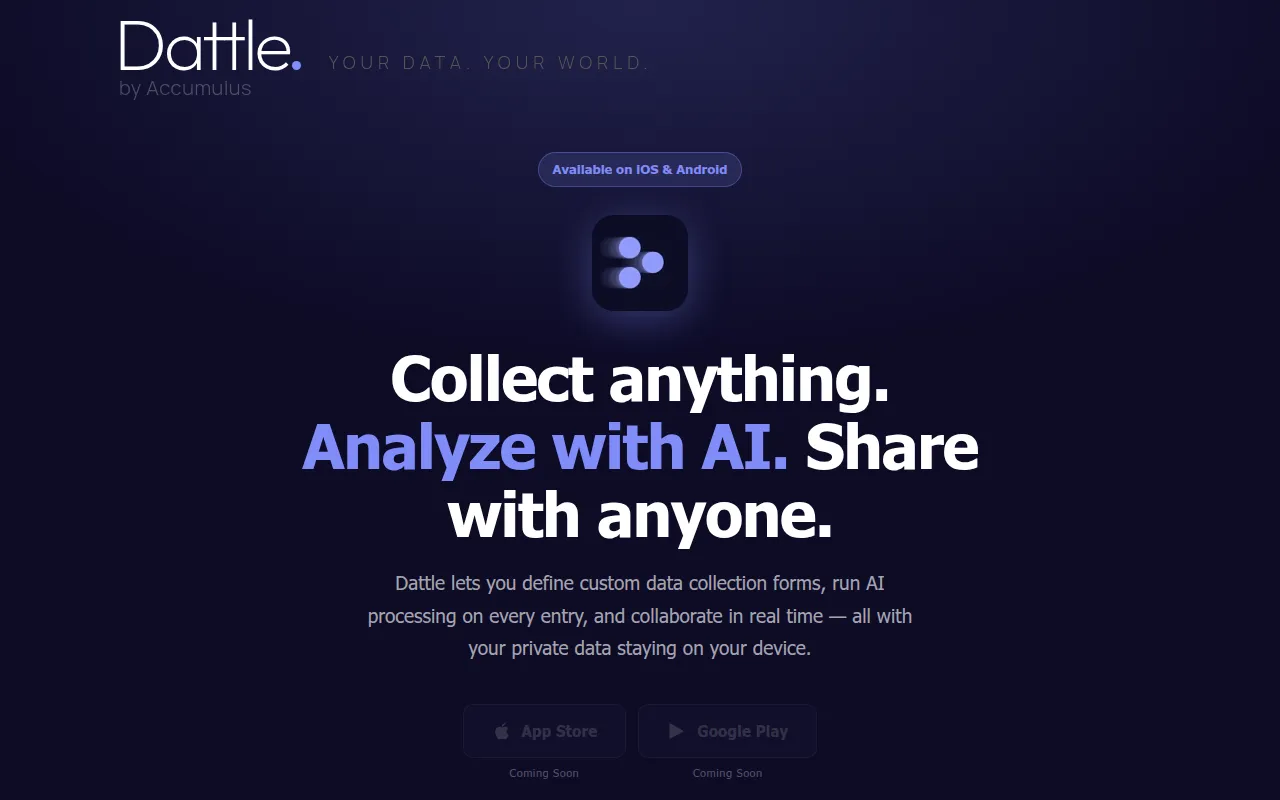
Dattle is a mobile application designed for custom data collection. Users can define their own forms, called "dattles," and choose between private, shared, or public access levels.
The tool supports capturing information via a mobile device and offers the option to apply AI analysis to specific fields using custom prompts. It includes a built-in graph view to help users visualize patterns in their collected data.
Buyers should note that data privacy depends on the collection type; private collections stay on the device and are not synced or backed up. For moving data into other systems, the app supports CSV export.
Buyers should confirm how the pay-as-you-go AI coin system fits their budget and whether the on-device storage model meets their backup requirements.
Key Features
Custom Data Forms
Allows users to define custom fields and create tailored data collection forms.
AI-Powered Analysis
Supports connecting AI processing to fields using custom prompts.
Tiered Access Levels
Includes Private, Shared, and Public collection settings to manage data access.
Graph View
A built-in visualization tool with configurable series to track data trends.
Real-Time Sync
Syncs Shared and Public collections across collaborators in real time.
CSV Export
Supports exporting collections, including AI-generated output columns, to CSV files.
Use Cases
Field Data Collection
Defining custom forms to capture specific information on a mobile device.
Collaborative Data Tracking
Using shared collections that sync in real time across a team.
Automated Entry Analysis
Applying AI processing to automatically analyze captured data based on custom prompts.
Trend Visualization
Using the built-in graph view to identify patterns within collected data sets.
Integrations
- CSV export
FAQ
How does Dattle handle data privacy?
- Private collections are stored exclusively on the user's device and are not backed up, synced, or transmitted, except for temporary AI processing if the user chooses to initiate it.
How is the AI analysis billed in Dattle?
- AI processing is connected to specific fields using custom prompts and is paid for using a pay-as-you-go coin system.
Can Dattle be used for team collaboration?
- Yes, users can create Shared or Public collections that sync in real time across all collaborators.
Can I export my data from Dattle?
- Dattle supports exporting collections, including any AI-generated output, to CSV files.
Source category: Data & Analytics
Source subcategory: Form Builder
More tools in Data & Analytics
Other published listings in the Data & Analytics category.


More tools in the Form Builder software type
Related listings that share the same software type for comparison and shortlisting.


