AI TOOL PROFILE
ActiveMerge: Document Automation and PDF Generation

- Productivity
- Document Automation
- Small businesses
- HR departments
- Legal professionals
- Customer Success Managers
- Educational administrators
Pricing
Plans include a Free tier (25 documents once), Pro ($19/month for 200 docs), Plus ($39/month for 750 docs), and Business ($89/month for 2500 docs). Additional documents range from $0.15 to $0.40 each.
At a glance
- Best for
- Small businesses, HR departments, Legal professionals, Customer Success Managers, Educational administrators
- Key use cases
- Bulk Certificate Generation, Contract and Agreement Automation, CSM Client Reporting, Invoice and Report Creation
- Integrations
- Zapier, Make, Airtable, Notion, Google Sheets
- Official website
- Visit activemerge official website
How AI is used
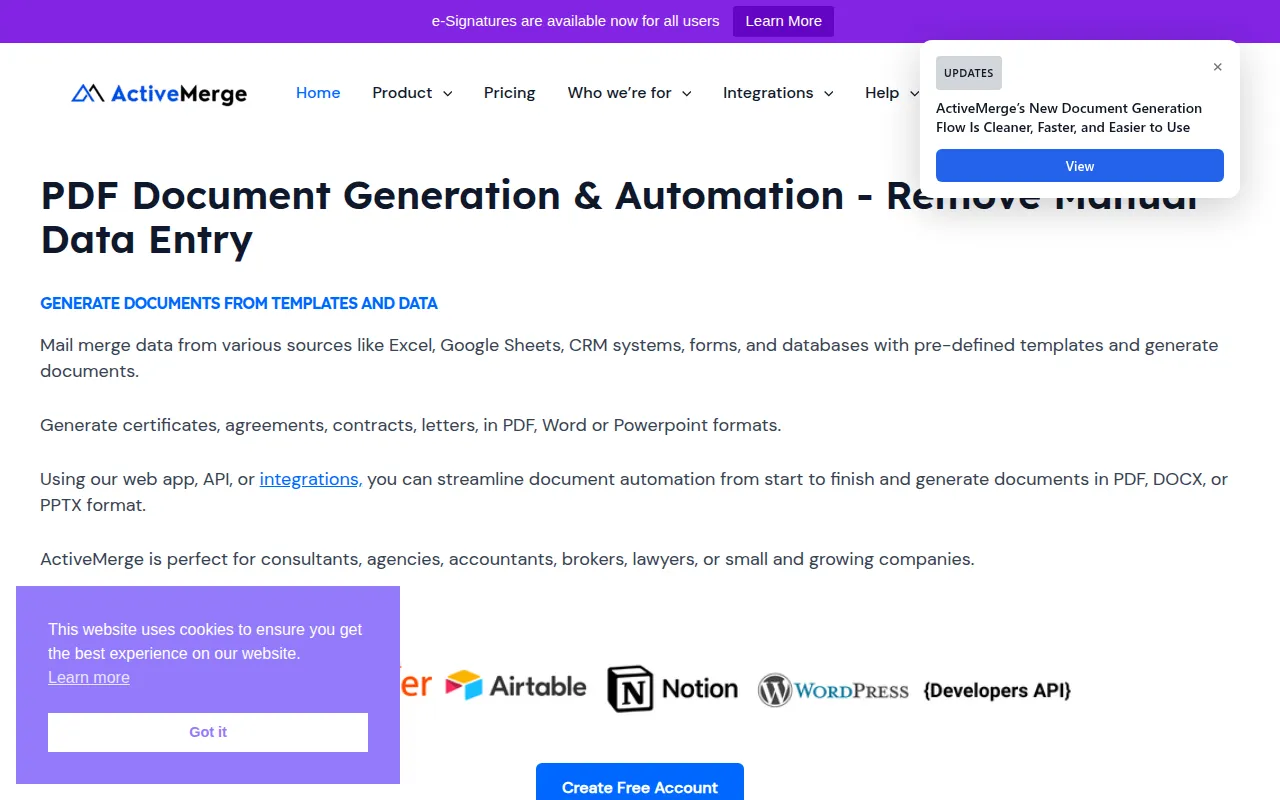
ActiveMerge is a tool designed to automate the generation of documents by pulling data from various sources—such as Excel, Google Sheets, and CRM systems—and inserting it into predefined Word or PowerPoint templates. The platform can output these files as PDFs, DOCX, or PPTX, which can then be downloaded in bulk or sent via email.
It supports a variety of users, including HR departments, legal professionals, and customer success managers. The system also supports image generation for items like employee badges and includes AI OCR capabilities to extract data from existing PDFs or images for use in templates.
Buyers should note that the platform is hosted on German servers and automatically deletes generated files within 24 hours. Depending on the volume of documents needed, users can choose between different monthly tiers or pay additional per-document fees.
Key Features
Multi-Format Generation
Supports the creation of documents in PDF, DOCX, and PPTX formats based on uploaded templates.
AI OCR Data Extraction
Supports extracting text and organized data from images or PDFs to be used as input for document placeholders.
Template-Based Mail Merge
Merges data from XLSX, CSV, JSON, and Google Sheets into templates using a placeholder system.
Bulk Image Generation
Allows users to create multiple images at once, such as employee badges, using data substitution.
Automated Workflows
Supports combining multiple templates into reusable workflows that can be triggered via API or webhooks.
Secure EU Hosting
Data is processed on servers in Germany with AES encryption at rest and TLS encryption in transit.
Use Cases
Bulk Certificate Generation
Creating personalized diplomas or certificates for educational institutions.
Contract and Agreement Automation
Generating standardized legal agreements or employment contracts using CRM data.
CSM Client Reporting
Producing customized quarterly business review (QBR) decks and onboarding guides using client usage data.
Invoice and Report Creation
Generating bulk invoices or business reports from structured data files.
Integrations
- Zapier
- Make
- Airtable
- Notion
- Google Sheets
- Google Docs
- WordPress
- Contact Form 7
- Gravity Forms
FAQ
What file formats does ActiveMerge support for templates and output?
- Templates must be in DOCX (Word) or PPTX (PowerPoint) format. The tool can export generated documents as PDF, DOCX, or PPTX.
How is data security handled in ActiveMerge?
- Data is encrypted using AES at rest and TLS in transit, hosted on German servers, and all generated files are automatically deleted after 24 hours.
Does ActiveMerge offer a free trial?
- Yes, there is a free plan that allows users to generate 25 documents once to test the service.
Source category: Productivity
Source subcategory: Document Automation
More tools in Productivity
Other published listings in the Productivity category.






