AI TOOL PROFILE
PageProof: Online Proofing and Approval Software

- Operations
- Collaboration
- Marketing Agencies
- Creative Agencies
- Design Teams
- Enterprise Marketing Departments
Pricing
Paid plans start at $249 per month for the Team plan. A Team Plus plan is available at $399 per month, and Enterprise plans are provided by quote. A free trial is available.
At a glance
- Best for
- Marketing Agencies, Creative Agencies, Design Teams, Enterprise Marketing Departments
- Key use cases
- Creative Asset Approval, Video and Audio Review, Print and Packaging Verification, Website and Digital Proofing
- Integrations
- Adobe Creative Cloud, Figma, Canva, monday.com, Asana
- Official website
- Visit Pageproof official website
How AI is used
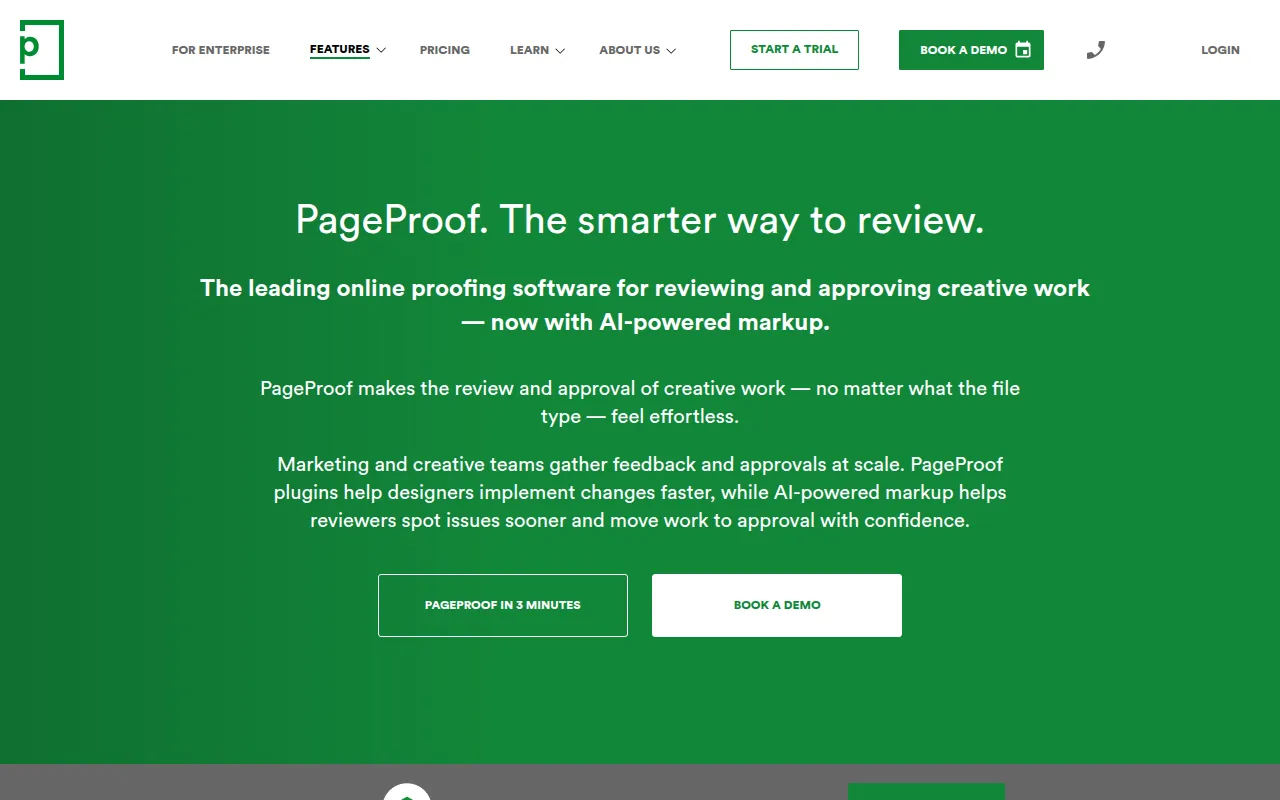
PageProof is an online proofing tool designed to centralize the feedback and approval process for creative assets. It supports a range of formats, including PDFs, videos, audio, and website URLs, which may reduce the need for long email chains and manual follow-ups.
The platform is built for marketing teams, creative agencies, and design departments. It provides tools for marking up proofs, tracking different versions of a project, and automating the sequence of reviewers to guide work toward final sign-off.
Buyers can utilize AI-driven features that analyze proofs and suggest markups based on brand guidelines or production rules. The tool also includes utilities such as color separation previews for packaging and barcode scanning for print verification.
Buyers should confirm which plan fits their needs, as certain security features like SSO and SCIM are reserved for the Enterprise tier. It is also recommended to confirm that the automated workflow templates align with internal approval steps.
Key Features
AI-Powered Markup
Analyzes creative work to suggest edits and highlight issues directly on the proof.
Automated Workflows
Moves proofs through a set sequence of reviewers with automated reminders to help reduce manual follow-ups.
Version Tracking and Compare Mode
Supports tracking multiple versions of a file and uses a side-by-side compare mode to visualize changes.
ColorSep Preview
Allows reviewers to preview color separation plates to check ink coverage before print production.
Barcode Scanner
Locates and verifies barcodes and QR codes within a proof to ensure they are functional.
Checklist Templates
Provides guided checklists to help reviewers maintain brand standards during the review process.
Use Cases
Creative Asset Approval
Gathering and consolidating feedback on PDFs, images, and designs from internal teams and external clients.
Video and Audio Review
Reviewing time-based media with markers and comments placed directly on the project timeline.
Print and Packaging Verification
Using specialized tools to check color separations and barcodes before sending files to production.
Website and Digital Proofing
Reviewing live websites, staging sites, and Figma prototypes for digital product development.
Integrations
- Adobe Creative Cloud
- Figma
- Canva
- monday.com
- Asana
- Slack
- Microsoft Teams
- Google Drive
- OneDrive
- Box
- Dropbox
- Airtable
- ClickUp
- Trello
FAQ
Do my clients or reviewers need a PageProof account to leave feedback?
- No, reviewers can access proofs directly from an email invitation in their browser without installing software or creating an account.
What file types does PageProof support?
- It supports a wide range of files, including PDFs, videos, audio, HTML emails, website URLs, and design prototypes from tools like Figma.
Which plan should I choose based on my team size?
- The Team plan is designed for small teams, while Team Plus is for growing teams needing more templates. Enterprise plans are for larger organizations requiring SSO, SCIM, and dedicated support.
Source category: Operations
Source subcategory: Collaboration
More tools in Operations
Other published listings in the Operations category.


More tools in the Collaboration software type
Related listings that share the same software type for comparison and shortlisting.


