AI TOOL PROFILE
OnAir: Customer Communication Platform

- Customer Support
- Contact Center
- Small Businesses
- Mid-Market Companies
- Sales Teams
- Customer Support Teams
Pricing
Plans start at $9/user/month for Basic, $19/user/month for Professional, and $49/user/month for Business. A 7-day free trial is available.
At a glance
- Best for
- Small Businesses, Mid-Market Companies, Sales Teams, Customer Support Teams
- Key use cases
- Sales Outreach, Customer Support, Managed Office Hours, Lead Collection
- Integrations
- Slack, Webhooks, Google Calendar
- Official website
- Visit onair official website
How AI is used
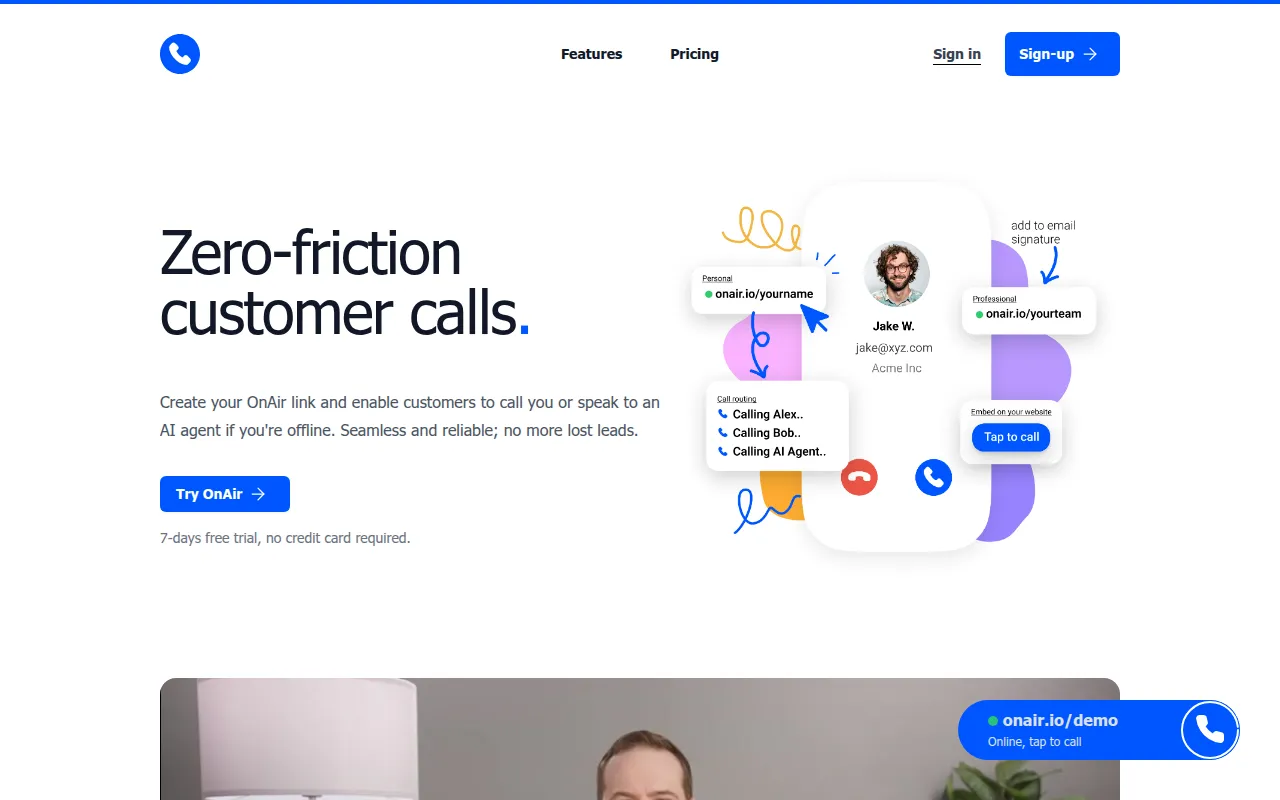
OnAir is a customer communication tool that uses personalized URLs to facilitate calls. Customers can click a link and start an audio or video call if the representative is online, which may reduce the need for callers to install software.
The platform is designed for small and medium-sized businesses, particularly those in sales and support roles. It supports features like round-robin routing to distribute calls across a team and an AI agent that can answer calls when human staff are offline.
Buyers can use the tool to capture lead information and record calls for auditing or training purposes. It also provides a way to mask personal contact details to help maintain privacy for team members.
Before choosing OnAir, buyers should confirm their monthly minute requirements, as each pricing tier has specific limits on human and AI agent minutes.
Key Features
Personalized Call Links
Unique URLs that allow customers to initiate calls without downloading an app.
AI Agent Fallback
AI agents can answer and handle calls when human representatives are set to offline.
Round-Robin Routing
Distributes incoming calls among colleagues based on a preset plan.
Availability Controls
Supports setting online/offline status and syncing with calendars to manage reachability.
Lead Capture
Collects caller email addresses or phone numbers for follow-up purposes.
Call Recording
Records both AI and human calls for auditing and training.
Contact Masking
Allows users to create links that hide their personal phone numbers and email addresses.
Use Cases
Sales Outreach
Providing a direct link on LinkedIn or websites for leads to initiate calls.
Customer Support
Setting up a support line that rotates through team members using round-robin assignment.
Managed Office Hours
Using status settings and calendar sync to manage when customers can call.
Lead Collection
Using link-based calling to capture contact information from callers for follow-up.
Integrations
- Slack
- Webhooks
- Google Calendar
FAQ
Do customers need to download an app to use OnAir?
- No, customers do not need to download any app; they visit the provided OnAir link in a browser to start a call.
What happens when a staff member is offline?
- Depending on the configuration, the call can be routed to other colleagues via round-robin or answered by an AI agent.
Which plan should I choose based on AI needs?
- The Basic plan includes 0 AI agent minutes. Buyers needing AI fallback should consider the Professional (100 mins) or Business (1,000 mins) plans.
Source category: Customer Support
Source subcategory: Contact Center
More tools in Customer Support
Other published listings in the Customer Support category.



More tools in the Contact Center software type
Related listings that share the same software type for comparison and shortlisting.


