AI TOOL PROFILE
Call Center Studio: Cloud Native Contact Center Software

- Customer Support
- Contact Center
- Mid-market companies
- Enterprise companies
- BPO and outsourcing operations
- Small and medium businesses
Pricing
Pricing is usage-based and billed per agent per month. Plans range from a chat-only Basic plan to multi-channel and AI-powered packages. Monthly and annual billing options are available.
At a glance
- Best for
- Mid-market companies, Enterprise companies, BPO and outsourcing operations, Small and medium businesses
- Key use cases
- Managing Inbound Customer Support, Executing Outbound Campaigns, Automating Routine Inquiries, Monitoring Agent Performance
- Integrations
- SAP, Salesforce, Zoho, Microsoft Dynamics, Hubspot
- Official website
- Visit call center studio official website
How AI is used
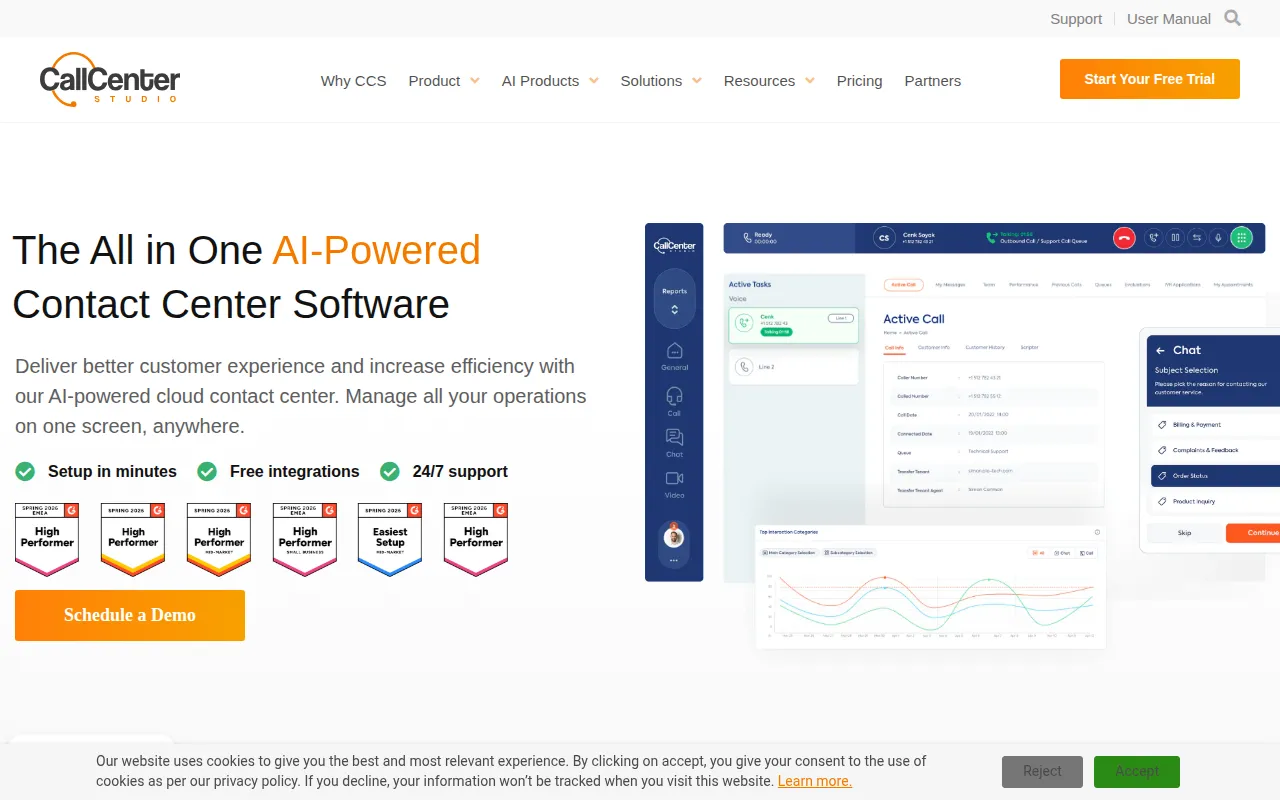
Call Center Studio is a cloud-native contact center platform designed to handle inbound and outbound communications. It supports a variety of channels, including voice, email, and multiple messaging platforms, accessible via a web browser.
The software is designed for a wide range of business sizes, from small and medium businesses to large enterprises and BPO operations. It supports sectors such as healthcare, eCommerce, logistics, and financial services where multi-channel support is common.
The platform includes AI-driven tools such as chatbots and automated voice responses to help manage routine inquiries. It also provides workforce engagement tools for performance tracking and agent coaching to support quality management.
Buyers should confirm which plan they need, as the basic tier is restricted to chat-only communications, while the comprehensive and AI packs are required for voice and advanced automation capabilities.
Key Features
Omnichannel Communication
Supports voice calls, email, and messaging platforms including WhatsApp, Facebook Messenger, and Telegram.
Predictive Dialer
An outbound tool that can adjust calling rates based on pick-up rates to assist with outbound campaigns.
AI Automation Tools
Includes AI Chat, chatbots, and voice bots designed to handle routine customer queries and may help reduce wait times.
IVR and ACD
Interactive Voice Response and automatic call distribution to route callers to agents.
Real-time Reporting
Dashboards that provide a view of performance metrics over specified timeframes for supervisors and agents.
Workforce Engagement
Tools for quality management, performance reviews, agent coaching, and shift scheduling.
Use Cases
Managing Inbound Customer Support
Routing incoming voice and chat requests to available agents using IVR and ACD.
Executing Outbound Campaigns
Using predictive or preview dialers to manage outbound call lists for sales or notifications.
Automating Routine Inquiries
Deploying AI chatbots and voice bots to handle common questions across digital channels.
Monitoring Agent Performance
Using real-time dashboards and quality evaluation tools to coach agents and track service standards.
Integrations
- SAP
- Salesforce
- Zoho
- Microsoft Dynamics
- Hubspot
- Zendesk
- Facebook Messenger
- Telegram
FAQ
Does Call Center Studio require hardware installation?
- No, it is a cloud-native platform based on Google Cloud, so physical servers and on-premise hardware are not required.
Which communication channels are supported?
- The software supports inbound and outbound voice calls, email, and messaging platforms such as WhatsApp, Facebook Messenger, and Telegram.
How is the software priced?
- It uses a pay-as-you-go model billed per agent per month, with options for monthly or annual billing.
Can agents use the software remotely?
- Yes, agents can work from any location provided they have internet access and a web browser.
Source category: Customer Support
Source subcategory: Contact Center
More tools in Customer Support
Other published listings in the Customer Support category.



More tools in the Contact Center software type
Related listings that share the same software type for comparison and shortlisting.


