AI TOOL PROFILE
Limble Review: Maintenance Asset Management Software

- Operations
- Asset Management
- Facility Managers
- Operations Managers
- Maintenance Teams
- Asset Managers
Pricing
Pricing is available across Standard, Premium+, and Enterprise tiers. Pricing was not clearly available from the provided evidence. Buyers should confirm current pricing on the vendor website.
At a glance
- Best for
- Facility Managers, Operations Managers, Maintenance Teams, Asset Managers
- Key use cases
- Preventive Maintenance Scheduling, Field Technician Coordination, Inventory Control, Audit Preparation
- Integrations
- Microsoft Dynamics 365 Business Central, QuickBooks Online, SAP S/4HANA, Oracle NetSuite, Okta
- Official website
- Visit Limble official website
How AI is used
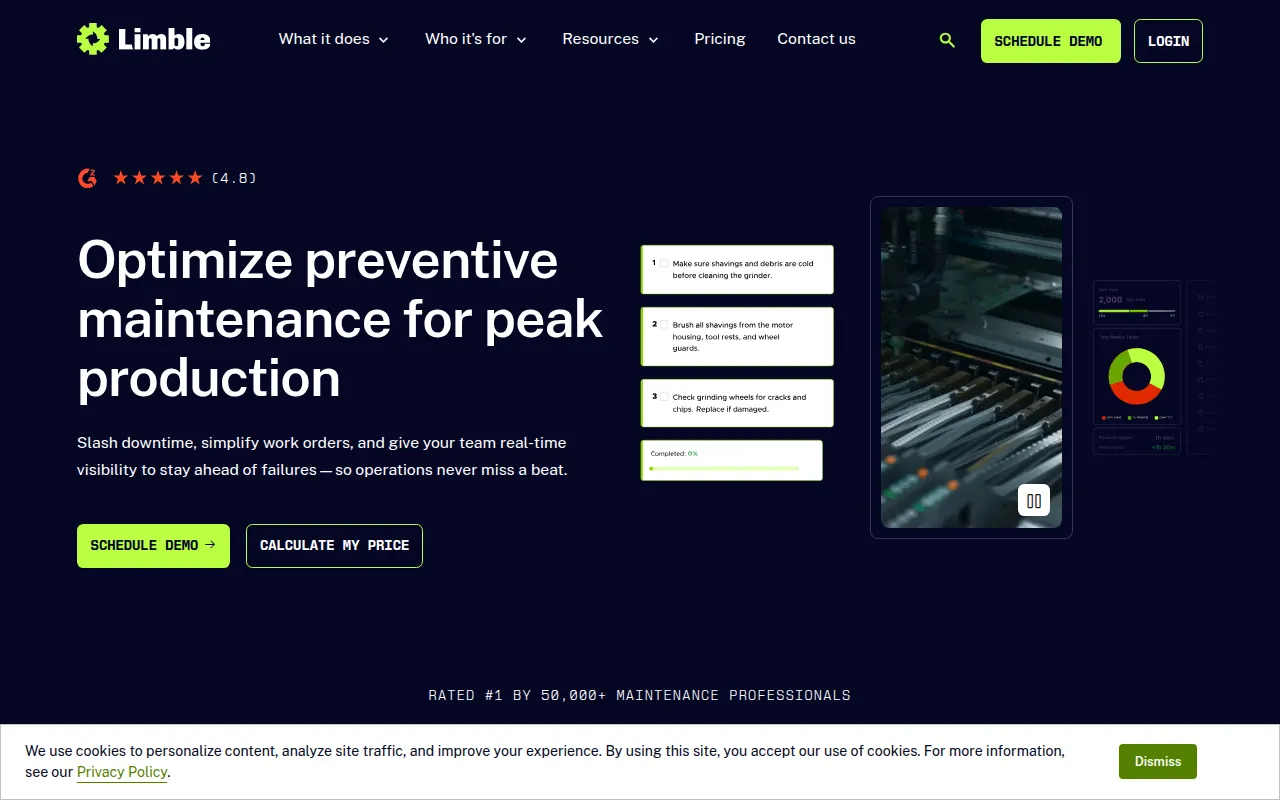
Limble is a Computerized Maintenance Management System (CMMS) designed to help organizations track and maintain their physical assets. It provides a centralized hub for managing work orders, scheduling routine inspections, and tracking the lifecycle of equipment.
The platform supports a variety of sectors, including manufacturing, healthcare, hospitality, and construction. It provides tools for both managers and technicians, including a mobile application for updating work orders in the field.
Beyond basic tracking, the software includes features for parts inventory and compliance auditing, which may help teams keep safety records and ensure parts are available for repairs. The platform also incorporates AI tools to assist with PM building and duplicate request prevention.
Buyers should confirm which tier they need, as certain capabilities like offline mobile mode and advanced resource planning are available only in higher-tier plans.
Key Features
Work Order Management
Supports the creation, assignment, and tracking of maintenance tasks with updates in real time.
Preventive Maintenance
Allows users to automate maintenance scheduling based on time, usage, or condition.
Technician Mobile Application
Provides a mobile interface for technicians to access work orders and capture data in the field.
Parts Inventory Management
Tracks spare parts and provides notifications when inventory levels fall below a set threshold.
Asset Tracking
Centralizes asset history and health data, supporting the use of QR codes for asset access.
Insights & Analytics
Offers dashboards and reporting to track maintenance costs, downtime, and KPI trends.
Audits & Compliance
Supports the enforcement of SOPs and maintains digital audit records for regulatory requirements.
Practical AI
Includes AI tools for building preventive maintenance schedules and preventing duplicate work requests.
Use Cases
Preventive Maintenance Scheduling
Automating recurring maintenance tasks to help reduce unplanned equipment downtime.
Field Technician Coordination
Using the mobile app and QR codes to assign and complete work orders at the asset location.
Inventory Control
Monitoring spare part levels and managing vendor purchase orders to help avoid repair delays.
Audit Preparation
Maintaining historical maintenance logs and safety check records to support industry compliance audits.
Integrations
- Microsoft Dynamics 365 Business Central
- QuickBooks Online
- SAP S/4HANA
- Oracle NetSuite
- Okta
- Google SSO
- Azure Active Directory
- Slack
- Microsoft 365 Calendar
- Google Calendar
- RedZone
- AssetWatch
- Monnit
- Samsara
FAQ
What is Limble used for?
- Limble is used to manage maintenance operations, track assets, schedule preventive maintenance, and handle work orders and spare parts inventory.
Which industries typically use Limble?
- It is used in manufacturing, food and beverage, energy, utilities, hospitality, healthcare, education, and construction.
Does Limble have a mobile app?
- Yes, it provides a Technician Mobile Application; however, the offline mode is available only on the Premium+ and Enterprise plans.
How long does it take to implement Limble?
- The company states that customers may see value in 3 weeks with the help of their implementation support.
Source category: Operations
Source subcategory: Asset Management
More tools in Operations
Other published listings in the Operations category.


More tools in the Asset Management software type
Related listings that share the same software type for comparison and shortlisting.


