AI TOOL PROFILE
autoscan: Android Warehouse Scanner App

- Operations
- Asset Management
- Small and medium-sized businesses
- Car dealerships
- Automotive workshops
- Warehouse operators using Android devices
Pricing
Pricing was not clearly available from the provided evidence. Buyers should confirm current pricing on the vendor website.
At a glance
- Best for
- Small and medium-sized businesses, Car dealerships, Automotive workshops, Warehouse operators using Android devices
- Key use cases
- Incoming Goods Handling, Order Fulfillment, Tire Depth Measurement, Warehouse Relocation
- Integrations
- Dynamics 365 Business Central, incadea.dms, Carlo, FORMEL 1 evolution, soft-wheeler
- Official website
- Visit autoscan official website
How AI is used
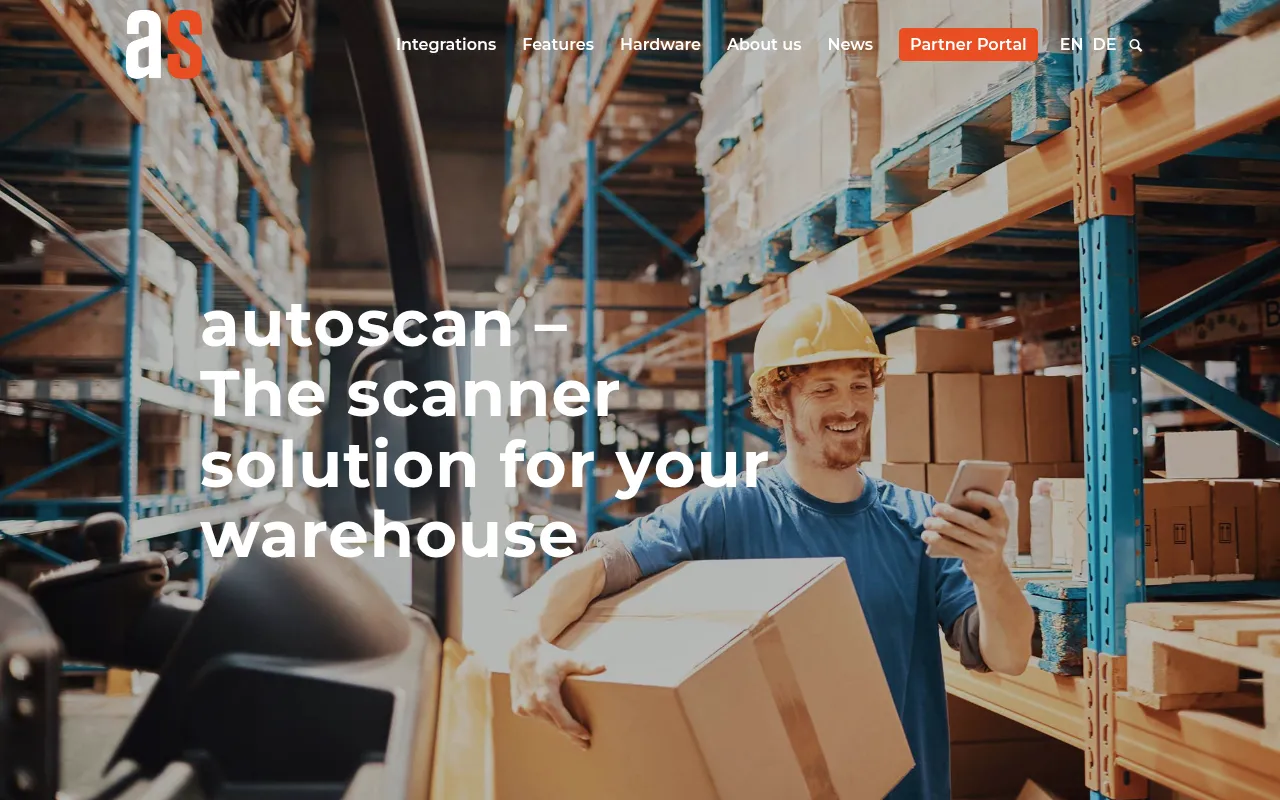
autoscan is an Android-based scanning solution designed to support digital warehouse operations. It connects with various ERP, warehouse, and dealer management systems to help automate the movement of goods from receiving to shipping.
The tool is designed for small and medium-sized businesses, with specific functionality for car dealerships and workshops. It supports tasks including incoming goods checks, guided put-away, and sales order picking.
Beyond standard inventory, the software includes a specialized tire warehouse module that can record tire data and supports integration with external hardware for tread depth measurement.
Buyers should confirm that their specific ERP or dealer management system is supported, as the tool's primary value depends on its ability to sync data with these backend systems.
Key Features
Barcode and QR Scanning
Supports scanning of 1D and 2D codes for item and location identification.
Guided Put-away
Provides a process to help guide workers in placing received items onto designated shelves.
Sales Order Picking
Lists positions, quantities, and shelf information to support the retrieval and shipping of items.
Physical Inventory Support
Supports digital inventory counts by guiding users through acquisition lists shelf by shelf.
Tire Warehouse Management
Allows users to record tire data, dimensions, and tread depth, and manage tire storage.
Proof of Delivery
Supports digital signatures and photo proof for delivery teams.
AI-Assisted Receipts
Uses autoscan AI to suggest the creation of new receipts when vendor numbers are scanned.
Use Cases
Incoming Goods Handling
Scanning shipping crates or receipt numbers to check received quantities against purchase orders.
Order Fulfillment
Picking items for sales orders and recording them as shipped in the ERP system.
Tire Depth Measurement
Using etirechecker hardware to digitally record tread values for a tire.
Warehouse Relocation
Scanning an item and a new shelf code to transfer stock from one location to another.
Integrations
- Dynamics 365 Business Central
- incadea.dms
- Carlo
- FORMEL 1 evolution
- soft-wheeler
- CarIT
- DARTSplus
- AUTOSYS
- microtech ERP (büro+)
- falcana
- GDI
FAQ
What devices does autoscan run on?
- autoscan runs on Android devices. While it is compatible with various Android hardware, the company recommends the SEUIC AUTOID10 scanner.
Which systems can autoscan integrate with?
- It integrates with several systems including Dynamics 365 Business Central, incadea.dms, and various automotive-specific dealer management systems like Carlo and FORMEL 1 evolution.
Does autoscan support tire-specific warehouse needs?
- Yes, it includes a tire warehouse module for recording tire data and supports integration with etirechecker for digital tread depth measurement.
Source category: Operations
Source subcategory: Asset Management
More tools in Operations
Other published listings in the Operations category.


More tools in the Asset Management software type
Related listings that share the same software type for comparison and shortlisting.


