AI TOOL PROFILE
MapTrack Asset Tracking and Maintenance Software

- Operations
- Asset Management
- Construction contractors
- Civil and earthmoving teams
- Mining and resource companies
- Landscaping and HVAC contractors
- Facilities management teams
- Field service operators
Pricing
Pricing starts from $1 AUD per asset per month with unlimited users. A 30-day free trial is available with no credit card required.
At a glance
- Best for
- Construction contractors, Civil and earthmoving teams, Mining and resource companies, Landscaping and HVAC contractors, Facilities management teams
- Key use cases
- Tool and Equipment Accountability, Preventive Maintenance Scheduling, Digital Safety Inspections, Multi-Site Asset Audits
- Integrations
- Caterpillar, Komatsu, John Deere, Samsara, Geotab
- Official website
- Visit MapTrack official website
How AI is used
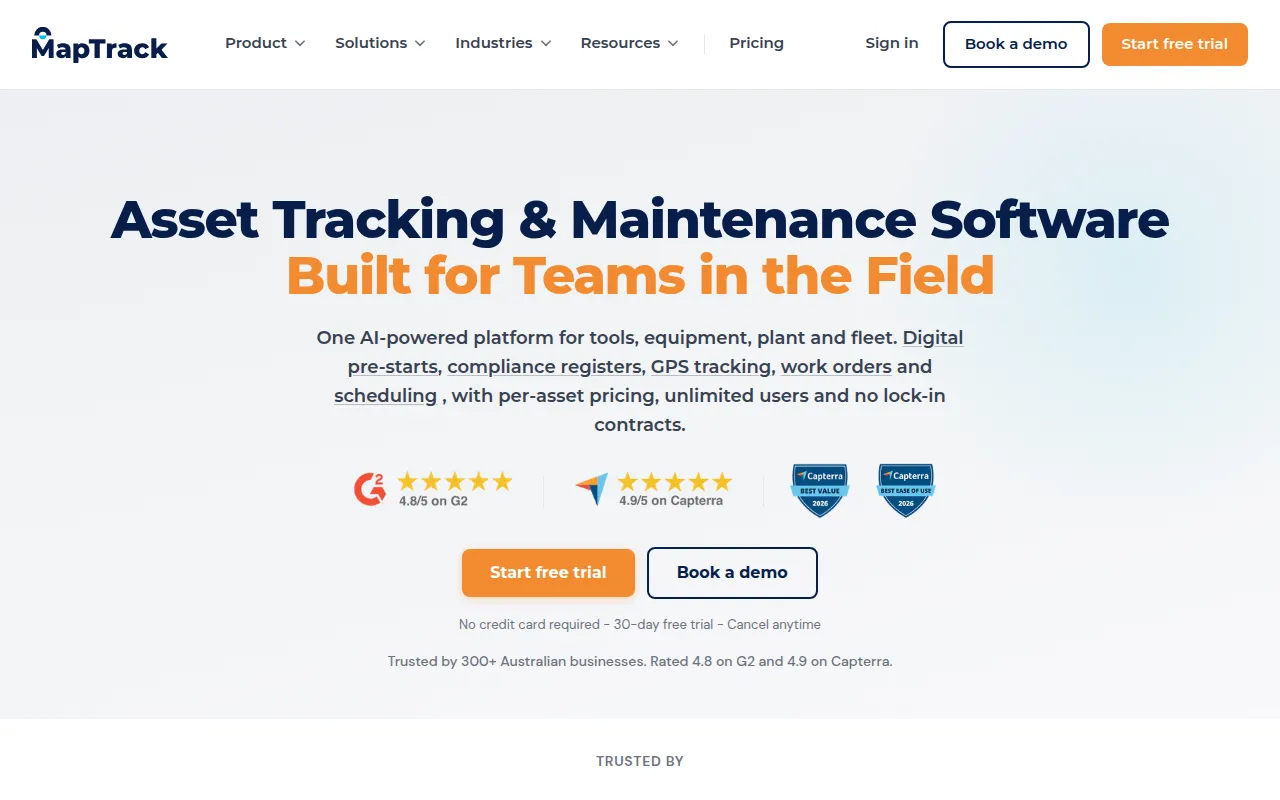
MapTrack is an asset management system designed for industries with field operations. It combines location tracking with maintenance scheduling and safety compliance in a mobile-first platform. The system supports mixed tracking methods, allowing businesses to use QR codes for small tools and GPS or OEM telematics for larger machinery.
The software is built for construction, civil, mining, and facilities teams. It helps coordinators maintain a chain of custody for tools and supports scheduling equipment service based on usage metrics, such as engine hours, rather than just calendar dates.
Buyers should consider their specific asset volume, as pricing is based on the number of assets tracked. Buyers should also confirm if the provided OEM integrations support the specific brands of machinery in their fleet.
Key Features
Mixed Asset Tracking
Supports QR code and barcode scanning for small tools, alongside GPS and Bluetooth tracking for larger plant and fleet.
Digital Pre-starts and Compliance
Provides digital inspection forms and compliance registers with timestamps and photo evidence to support audits.
Usage-Based Maintenance
Schedules work orders based on engine hours, odometer readings, or runtime, which may be automated via telematics.
AI Assistant
Includes tools to help create asset records from photos, predict maintenance needs, and generate reports using natural language.
GPS Geofencing
Tracks the location of assets and can send alerts when equipment leaves a designated boundary.
Offline Mode
Supports field crews scanning assets and completing inspections in areas without connectivity, syncing data once back online.
Use Cases
Tool and Equipment Accountability
Assigning tools to specific crews, vehicles, or trailers and using QR scanning to check items in and out of the depot.
Preventive Maintenance Scheduling
Setting triggers for mower or plant servicing based on engine hours to help prevent breakdowns.
Digital Safety Inspections
Using mobile forms for pre-start checklists that can trigger work orders if a defect is identified.
Multi-Site Asset Audits
Performing bulk scans at depots or job sites to verify equipment lists and identify missing items.
Integrations
- Caterpillar
- Komatsu
- John Deere
- Samsara
- Geotab
- Xero
- QuickBooks
- MYOB
- NetSuite
- SafetyCulture
FAQ
How does MapTrack's pricing work?
- MapTrack uses a per-asset pricing model starting from $1 AUD per asset per month. This includes unlimited users, meaning there are no additional costs as the team size grows.
Does the software work without an internet connection?
- Yes, MapTrack includes an offline mode that allows crews to scan assets and complete inspection forms in remote areas. Data syncs automatically once a connection is re-established.
What is the difference between the Starter and Professional plans?
- While both include core features, the Professional plan supports a higher asset limit (up to 250 compared to 50) and provides priority support and advanced reporting.
Source category: Operations
Source subcategory: Asset Management
More tools in Operations
Other published listings in the Operations category.


More tools in the Asset Management software type
Related listings that share the same software type for comparison and shortlisting.


