AI TOOL PROFILE
KlearStack: Document AI and Data Extraction Software

- Data and Analytics
- Document Automation
- Businesses with high document volumes
- Logistics and supply chain companies
- Financial services and banking operations
- Manufacturing firms using SAP or Quickbooks
Pricing
KlearStack offers a free plan limited to 200 pages per month for two months. Paid options include Standard, Premium, and Enterprise tiers. Pricing is calculated based on document type, page count, and the number of fields extracted.
At a glance
- Best for
- Businesses with high document volumes, Logistics and supply chain companies, Financial services and banking operations, Manufacturing firms using SAP or Quickbooks
- Key use cases
- Accounts Payable Automation, Loan Processing, KYC and Compliance, Supply Chain Documentation
- Integrations
- SAP, Quickbooks Online, Quickbooks Server, Kuehne+Nagel, Tally
- Official website
- Visit klearstack official website
How AI is used
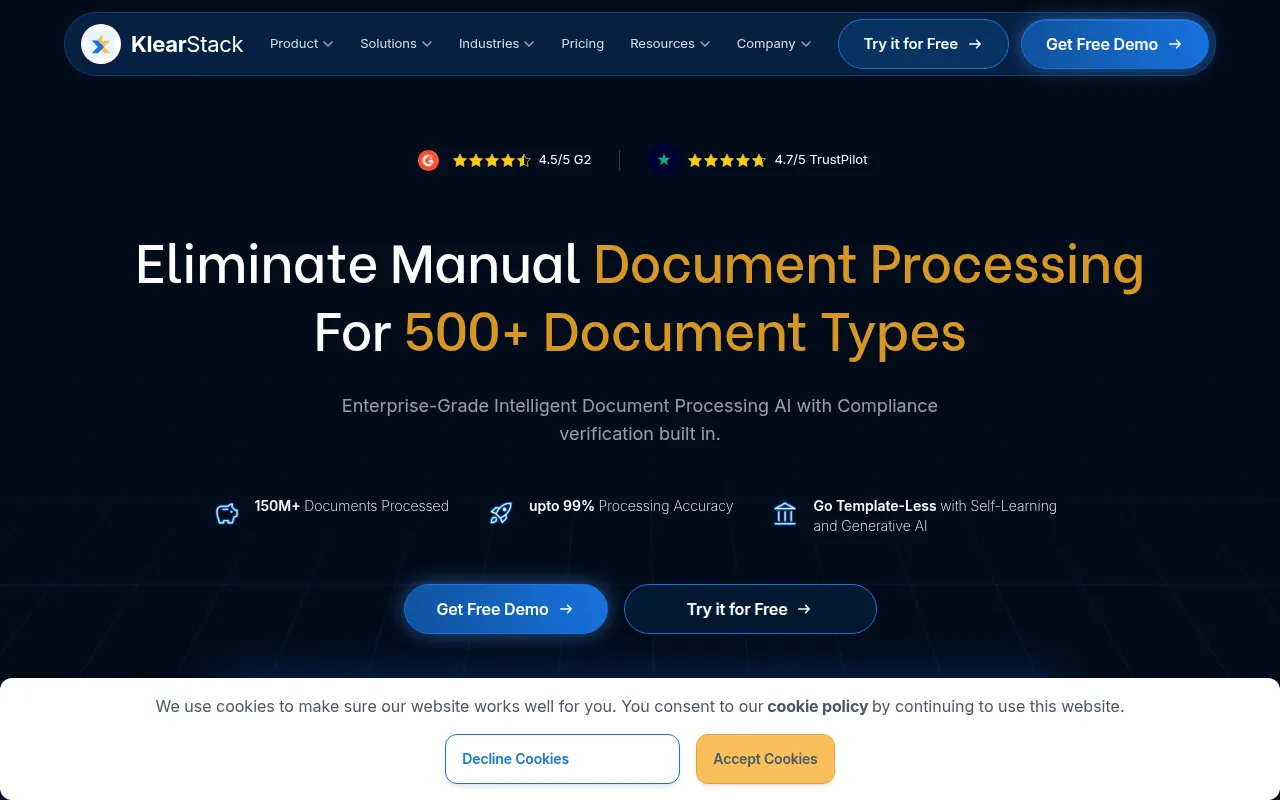
KlearStack is an AI-powered document intelligence platform designed to extract structured data from business documents, including invoices, receipts, and delivery notes. Rather than relying on rigid templates, it uses self-learning AI and deep learning models to identify and capture data fields across different layouts.
The software is designed for companies that handle large quantities of paperwork, particularly those in the BFSI, logistics, supply chain, and healthcare sectors. It supports multi-channel ingestion, allowing users to pull documents from emails, cloud storage, and FTP servers, and can transfer data into ERP systems.
Buyers should consider that capabilities vary across pricing tiers. While a free version is available for initial testing, certain features like custom AI model training and priority support are reserved for paid plans.
Key Features
Template-Free Processing
Uses self-learning AI to extract data without requiring a unique template for every document layout.
Multi-Channel Ingestion
Supports document collection via email, Gmail, Google Drive, AWS S3, SFTP, and direct uploads.
Auto-Splitting of Bulk Files
Automatically splits large bulk files into individual documents for processing.
Data Validation
Includes tools for verifying extracted data and flagging inconsistencies.
ERP Integration
Provides API connections to transfer extracted data into systems such as SAP and Quickbooks.
Straight-Through Processing (STP)
Designed to handle the transaction process with reduced manual intervention.
Use Cases
Accounts Payable Automation
Extracting data from invoices and receipts to support payment workflows.
Loan Processing
Automating the capture of information from loan applications and supporting documentation.
KYC and Compliance
Processing ID cards and other compliance documents to support regulatory requirements.
Supply Chain Documentation
Handling delivery notes, bills of lading, and packing lists in logistics workflows.
Integrations
- SAP
- Quickbooks Online
- Quickbooks Server
- Kuehne+Nagel
- Tally
- Salesforce
- Google Drive
- Gmail
- AWS S3
- SFTP
- Excel export
- CSV export
- JSON export
- XML export
- PDF export
FAQ
What makes KlearStack different from standard OCR?
- KlearStack is a template-less solution using self-learning AI and deep learning, which means users do not need to create a specific template for every new document layout.
Is there a free version of KlearStack?
- Yes, there is a free plan that includes 200 pages per month, valid for the first two months, intended for testing accuracy.
Which ERPs does KlearStack integrate with?
- KlearStack provides integrations with systems such as SAP and Quickbooks, and offers API access for other connections.
Source category: Data & Analytics
Source subcategory: Document Automation
More tools in Data & Analytics
Other published listings in the Data & Analytics category.


More tools in the Document Automation software type
Related listings that share the same software type for comparison and shortlisting.





