AI TOOL PROFILE
InboxParser: AI Document Data Extraction

- Data and Analytics
- Document Automation
- Small businesses
- Startups
- Recruitment agencies
- Real estate agencies
- Freelancers
- Mid-market companies
Pricing
Pricing is usage-based at $0.15 per page. A 3-page free trial is available, and purchased credits do not expire.
At a glance
- Best for
- Small businesses, Startups, Recruitment agencies, Real estate agencies, Freelancers
- Key use cases
- Finance and Accounting, Recruitment and HR, Logistics and Operations, Legal and Compliance
- Integrations
- Google Sheets, Google Drive
- Official website
- Visit InboxParser official website
How AI is used
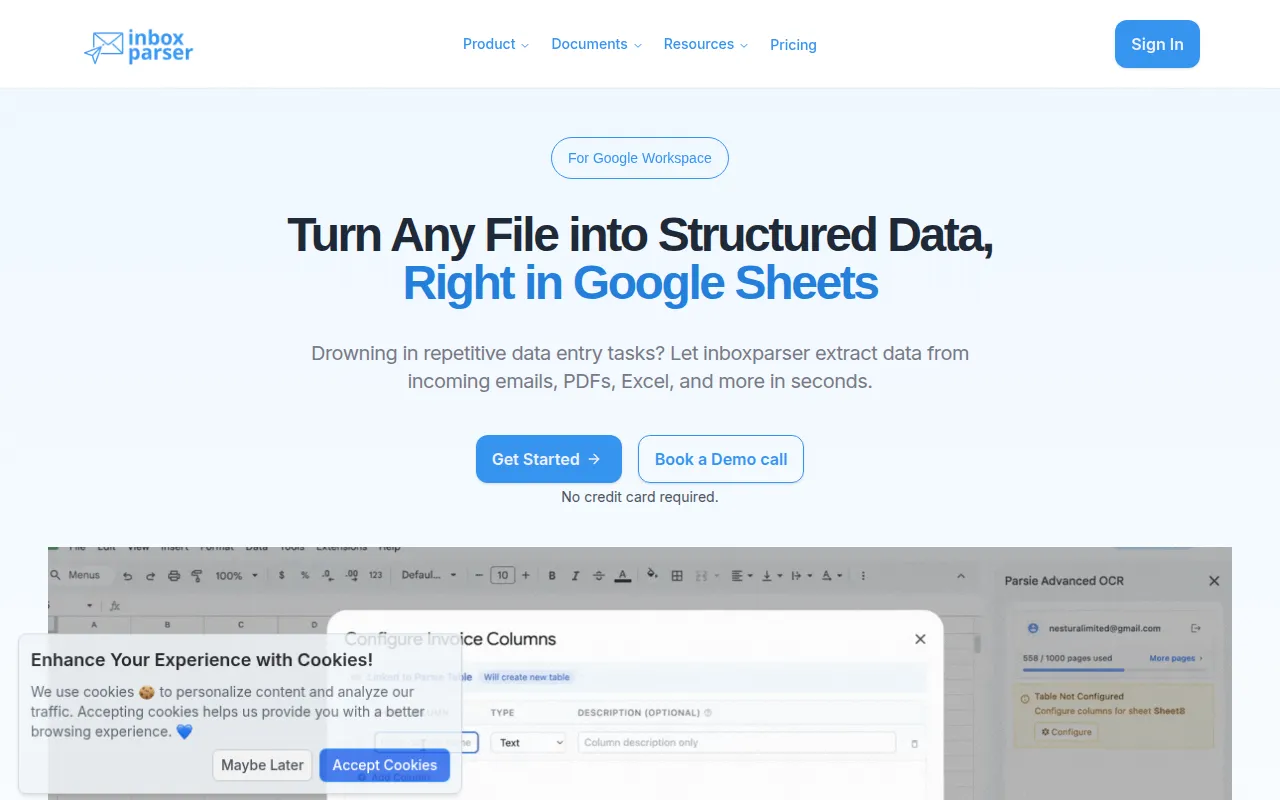
InboxParser is a document processing tool designed to turn unstructured files—such as PDFs, images, and emails—into structured data. Using a template-first approach, users define a specific schema of the data they need, and the AI identifies and pulls those relevant points.
The tool supports a variety of users, from freelancers and startups to larger enterprise companies. It includes a dedicated Google Sheets add-on that allows users to configure tables and extract data directly within a spreadsheet.
Beyond Google Sheets, the platform provides API access for businesses that need to incorporate extraction into their own software pipelines. Security is handled via AES-256 encryption, and the vendor states that user data is not used to train their AI models.
Buyers should confirm if the pay-per-page pricing model aligns with their document volume and verify if the supported document types cover their specific business needs.
Key Features
Template-based extraction
Allows users to define a custom schema so the AI extracts specific data points required for the business.
Google Sheets add-on
Supports configuring tables and extracting data directly within Google Sheets from local files or Google Drive.
Multi-format support
Processes digital and scanned PDFs, images (JPG, PNG), and Microsoft Office files (Word, Excel).
API access
Provides endpoints for businesses to automate document processing within their own workflows.
Handwritten text recognition
Designed to extract text from both machine-printed and handwritten documents.
AES-256 encryption
Secures data at rest and during transmission.
Use Cases
Finance and Accounting
Extracting dates, amounts, and vendor information from invoices and receipts.
Recruitment and HR
Parsing key information from resumes and CVs to support candidate matching.
Logistics and Operations
Processing Bill of Lading (BOL) and other shipping documents.
Legal and Compliance
Extracting specific terms and data points from contracts and legal documents.
Integrations
- Google Sheets
- Google Drive
FAQ
How does InboxParser pricing work?
- InboxParser uses a usage-based model costing $0.15 per page. Credits do not expire once purchased.
What types of files can InboxParser process?
- It supports digital and scanned PDFs, images (JPG, PNG), and Microsoft Word and Excel files.
Is my data used to train the AI?
- No, InboxParser states that user data is not used for AI training and is protected by AES-256 encryption.
Can I use InboxParser within Google Sheets?
- Yes, it offers a Google Sheets add-on that allows you to configure your data schema and extract information directly into your spreadsheet.
Source category: Data & Analytics
Source subcategory: Document Automation
More tools in Data & Analytics
Other published listings in the Data & Analytics category.


More tools in the Document Automation software type
Related listings that share the same software type for comparison and shortlisting.





