AI TOOL PROFILE
iconik Media Asset Management Software

- Data and Analytics
- Asset Management
- Media companies
- Marketing agencies
- Creative agencies
- Enterprise media organizations
Pricing
Pricing is usage-based for the Starter plan, while Collaborator roles range from $0 to $120 per month. Professional and Enterprise tiers require custom pricing.
At a glance
- Best for
- Media companies, Marketing agencies, Creative agencies, Enterprise media organizations
- Key use cases
- Remote Creative Collaboration, Media Archive Organization, Unified Asset Access, Editorial Workflow Integration
- Integrations
- Adobe Premiere Pro, Adobe After Effects, Adobe Photoshop, Adobe Illustrator, Adobe Audition
- Official website
- Visit iconik official website
How AI is used
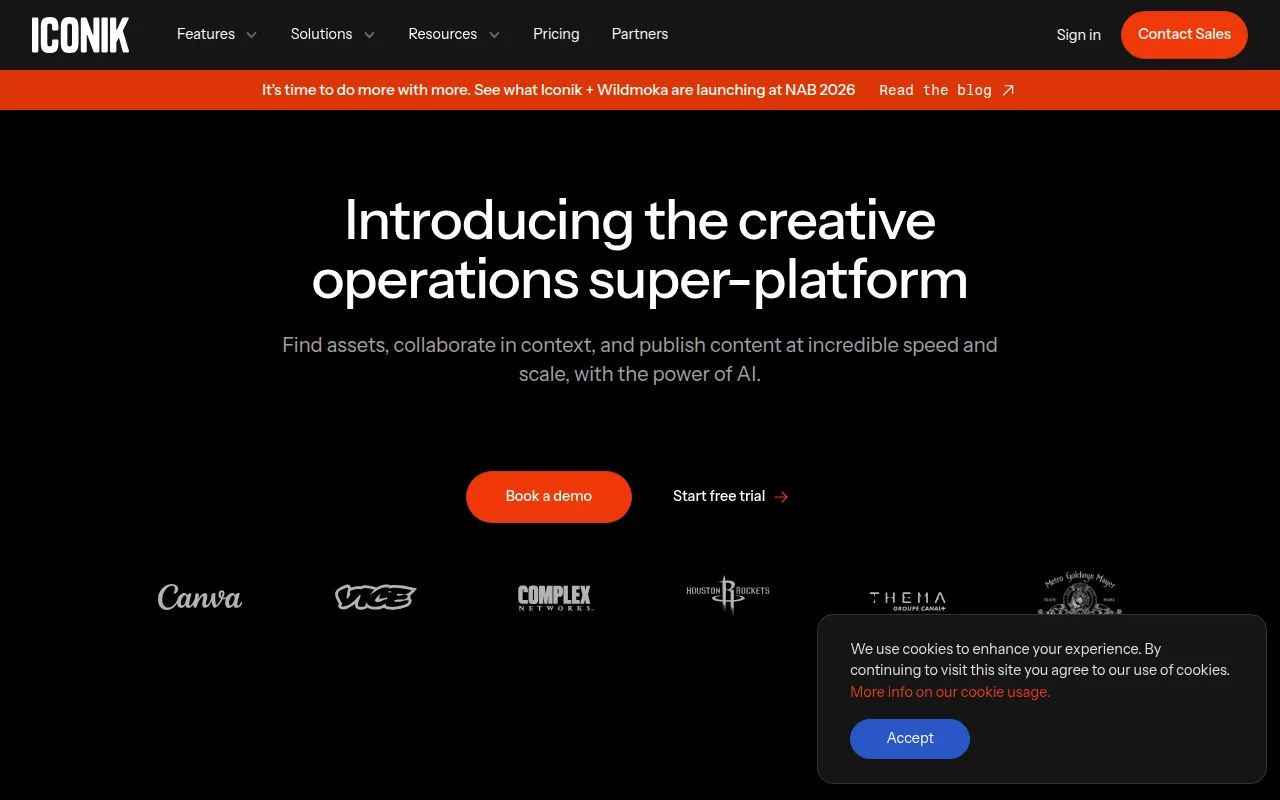
iconik is a media asset management (MAM) platform designed to centralize the discovery and organization of media files. It creates a searchable index of assets regardless of whether they are stored in the cloud or on local servers, using a "bring your own storage" (BYOS) model.
The tool is built for creative teams, producers, and marketing agencies. It helps reduce time spent searching for files through AI-powered tagging and provides a shared space for team reviews and approvals.
Beyond organization, the platform supports editorial workflows through integrations with common production tools. It supports the use of proxies, which helps remote users review high-resolution content without downloading large files first.
Buyers should confirm if the usage-based pricing of the Starter plan or the custom pricing of Professional and Enterprise tiers fits their budget, and verify which AI credit limits apply to their volume of tagging and transcription.
Key Features
Hybrid Cloud Storage
Supports connecting existing cloud storage (AWS, Wasabi, B2, Cloudflare R2) and on-premise systems via the Iconik Storage Gateway.
AI-Powered Metadata
Supports auto-tagging, object and scene detection, facial recognition, and speech-to-text transcription.
Collaboration and Review
Includes time-based comments, on-screen annotations, and synchronized review sessions in real time.
Proxy Workflows
Generates lightweight proxy files for browsing and review of high-resolution media over limited bandwidth.
Automation Engine
A no-code tool for building rule-based workflows to organize assets and trigger specific actions.
Iconik Shield
Provides security features, including audit logs and access control.
Use Cases
Remote Creative Collaboration
Distributed teams can review footage and provide frame-accurate feedback using proxies.
Media Archive Organization
Using AI auto-tagging and transcription to make legacy archives with inconsistent filenames searchable.
Unified Asset Access
Creating a single searchable library that spans across multiple cloud buckets and local NAS/SAN storage.
Editorial Workflow Integration
Connecting managed assets into production tools like Adobe Premiere Pro.
Integrations
- Adobe Premiere Pro
- Adobe After Effects
- Adobe Photoshop
- Adobe Illustrator
- Adobe Audition
- Adobe Workfront
- DaVinci Resolve
- Final Cut Pro
- AWS S3
- Wasabi Storage
- Backblaze B2
- Cloudflare R2
- Google Cloud Storage
- Azure Blob Storage
FAQ
Does iconik require me to migrate my files to their cloud?
- No, iconik uses a "Bring Your Own Storage" (BYOS) model, allowing you to connect existing cloud storage or on-premise systems without forced migration.
How does the AI tagging work in iconik?
- It analyzes content to identify faces, objects, logos, and spoken words, which it then converts into searchable metadata.
Can remote teams use iconik with slow internet connections?
- Yes, iconik uses proxy-based workflows, meaning users stream lightweight versions of files for review rather than downloading high-resolution originals.
What are the different pricing tiers available?
- There is a usage-based Starter plan, a Collaborator plan ($0-$120/mo), and custom-priced Professional and Enterprise plans.
Source category: Data & Analytics
Source subcategory: Asset Management
More tools in Data & Analytics
Other published listings in the Data & Analytics category.


More tools in the Asset Management software type
Related listings that share the same software type for comparison and shortlisting.


