AI TOOL PROFILE
FreeOCR: AI-Powered Image to Text Tool
- Data and Analytics
- Document Automation
- Small business owners digitizing records
- Researchers extracting data from papers
- Administrative staff processing invoices
- Users needing image-to-text conversion without software installation
Pricing
FreeOCR offers a free tier for manual use. Paid Pro plans include Weekly at $3 (2,000 credits), Monthly at $10 (10,000 credits), and Yearly at $100 (120,000 credits).
At a glance
- Best for
- Small business owners digitizing records, Researchers extracting data from papers, Administrative staff processing invoices, Users needing image-to-text conversion without software installation
- Key use cases
- Document Digitization, Invoice and Receipt Data Entry, Academic and Technical Conversion, Accessibility Support
- Integrations
- RapidAPI
- Official website
- Visit freeocr official website
How AI is used
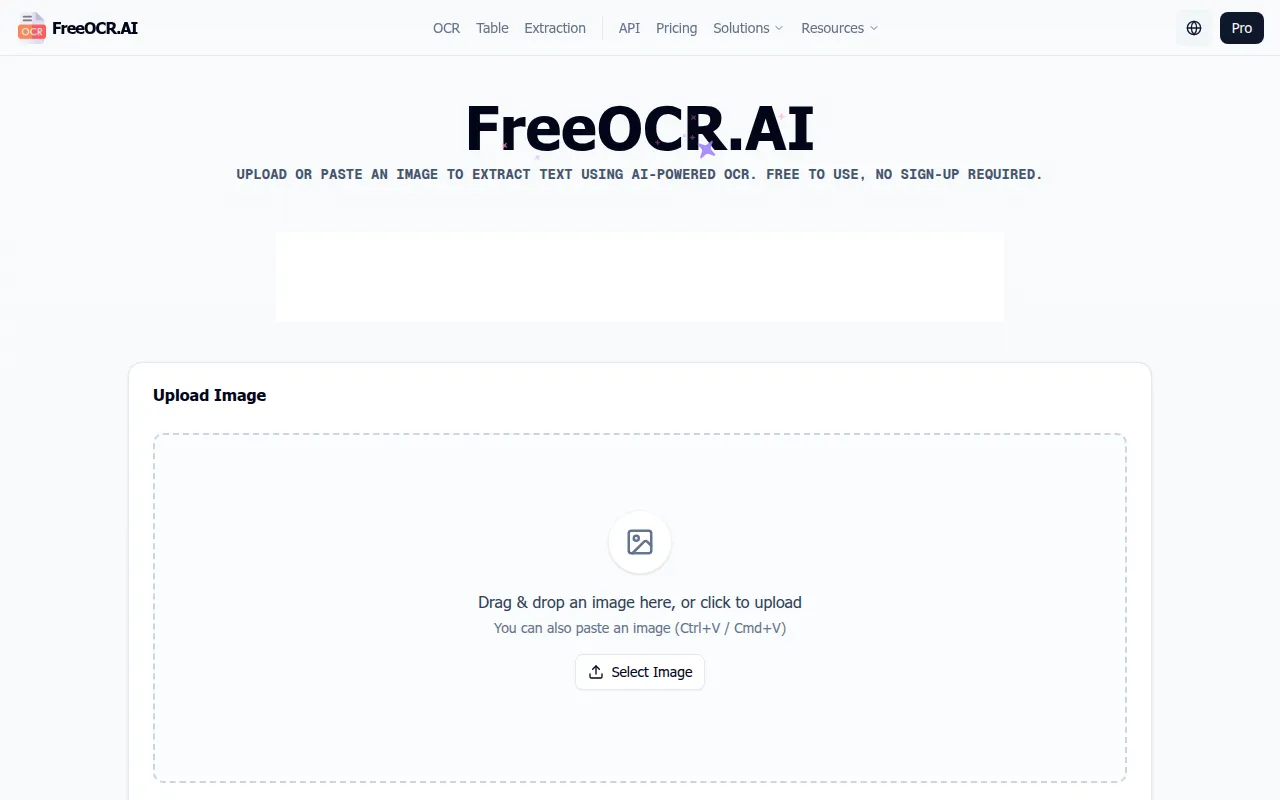
FreeOCR is a browser-based optical character recognition (OCR) tool designed to extract text from image formats including PNG, JPEG, BMP, WEBP, and TIFF. Using Vision Large Language Model technology, it identifies text and layout structures to create editable documents.
The tool supports individuals and small business users digitizing physical records or extracting data from screenshots and scanned PDFs. It supports multiple languages and converts content into Word documents, Markdown, or plain text.
Beyond text extraction, the tool includes features for reconstructing tables and mathematical formulas, which may be exported to Excel or CSV. It processes images in-browser and the vendor states it does not store user data for AI training.
Buyers should confirm their volume needs, as the free tier is limited to manual one-by-one processing, while Pro plans support batch processing.
Key Features
AI-Powered Text Recognition
Extracts text from images and supports multiple languages including English, Spanish, French, German, and others.
Table Extraction
Detects rows and columns in images to convert them into structured formats like Excel, CSV, or HTML tables.
Document Structure Preservation
Designed to maintain the original layout, including headings, paragraphs, and line breaks, during conversion.
Multi-Format Export
Supports saving extracted content as TXT, Markdown, and Microsoft Word (.docx) files.
Batch Processing
Available for Pro users to upload 100+ images simultaneously and export consolidated results.
In-Browser Processing
Operates entirely in the web browser with no software installation required.
Use Cases
Document Digitization
Converting historical records, contracts, and paper materials into digital text for archives.
Invoice and Receipt Data Entry
Extracting line items and tax breakdowns from billing images into spreadsheets for accounting.
Academic and Technical Conversion
Converting screenshots of mathematical formulas or scientific papers into editable Word equations.
Accessibility Support
Turning image-based text into digital formats that may be read by screen readers for visually impaired users.
Integrations
- RapidAPI
FAQ
What files can FreeOCR process?
- The tool supports common image formats including PNG, JPEG, JPG, BMP, WEBP, and TIFF.
Can FreeOCR convert images into spreadsheets?
- Yes, the table extraction feature is designed to convert image-based tables into CSV or Excel files.
What is the difference between the Free and Pro plans?
- The Free plan supports manual one-by-one processing, while Pro plans enable automated batch uploads of 100+ images and consolidated exports.
How does FreeOCR handle data privacy?
- The service uses SSL/TLS encryption and the vendor states it does not use uploaded documents to train its AI models.
Source category: Data & Analytics
Source subcategory: Document Automation
More tools in Data & Analytics
Other published listings in the Data & Analytics category.


More tools in the Document Automation software type
Related listings that share the same software type for comparison and shortlisting.





