AI TOOL PROFILE
FlowSign: Electronic Signature and AI Contract Software

- Operations
- Electronic Signature
- Freelancers
- Small business owners
- Real estate professionals
- Healthcare practice administrators
- Agencies
Pricing
Pricing starts at $8 per user/month for the Starter plan. A Standard plan is $25 per user/month for unlimited envelopes, and a Team plan is $50 per month for up to 5 users. A free plan is available with 3 envelopes per month.
At a glance
- Best for
- Freelancers, Small business owners, Real estate professionals, Healthcare practice administrators, Agencies
- Key use cases
- Freelance Client Onboarding, Healthcare Administrative Workflows, Real Estate Documentation, Business Proposal Approval
- Integrations
- Google Workspace, Microsoft 365, Dropbox, Slack
- Official website
- Visit FlowSign official website
How AI is used
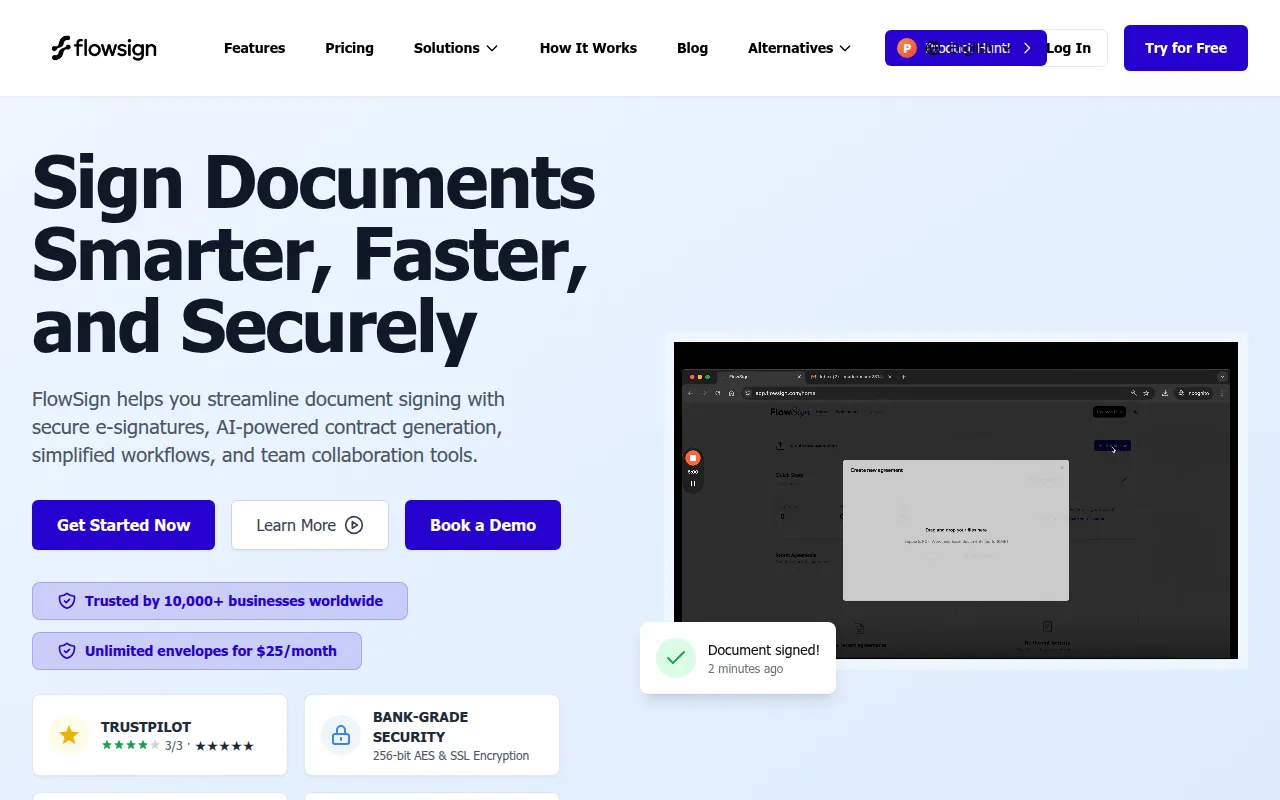
FlowSign is a digital document platform designed for the creation and signing of legally binding agreements. It combines e-signature tools with an AI generator that can create contract drafts based on user descriptions.
The tool is designed for users including solo freelancers, real estate agents, healthcare practices, and enterprises. It supports a workflow that includes uploading documents, specifying signing order, and storing completed files with an audit trail.
Buyers should note the "envelope" counting system, where one send counts as one envelope regardless of the number of documents or signers. Users with large files should note the 10 MB limit on self-serve plans.
It serves as a tool for businesses looking to move away from paper-based contracts and manual signature follow-ups.
Key Features
AI Contract Generation
Creates contract drafts and legal documents based on user text prompts.
Electronic Signatures
Supports signatures designed to be compliant with ESIGN and eIDAS laws.
Document Tracking
Provides a dashboard for tracking document status in real time with email reminders for signers.
Reusable Templates
Supports creating and saving common document formats for repeated use.
Flexible Signature Options
Users may draw, type, or upload an image of their handwritten signature.
Mobile-Friendly Signing
Recipients can review and sign documents on mobile devices without requiring an account.
Use Cases
Freelance Client Onboarding
Generating service agreements and NDAs using AI to formalize project terms.
Healthcare Administrative Workflows
Managing employment contracts for staff and vendor agreements for medical supplies.
Real Estate Documentation
Handling purchase agreements, leases, and property-related documents digitally.
Business Proposal Approval
Sending project bids and quotes with tracking to see when clients view them.
Integrations
- Google Workspace
- Microsoft 365
- Dropbox
- Slack
FAQ
Are the signatures in FlowSign legally binding?
- Yes, FlowSign signatures are designed to be legally binding and comply with the ESIGN Act in the US and eIDAS regulations in the EU.
Do my clients need an account to sign a document?
- No, recipients can review and sign documents on any device without needing to create a FlowSign account.
How does the AI contract generator work?
- The AI generates contract drafts based on simple descriptions provided by the user, covering items such as payment terms and scope of work.
What is the limit on the free plan?
- The free plan allows for 3 envelopes per month, which can include multiple documents and signers per send.
Source category: Operations
Source subcategory: Electronic Signature
More tools in Operations
Other published listings in the Operations category.


More tools in the Electronic Signature software type
Related listings that share the same software type for comparison and shortlisting.


