AI TOOL PROFILE
Xodo Sign Review: Electronic Signature and PDF Software

- Operations
- Electronic Signature
- Small Businesses
- Mid-Market Companies
- Freelancers
- Enterprise Companies
Pricing
Paid plans start at $10 per user/month for the Basic tier and $16 per user/month for the Professional tier. API plans start at $50 per month for 50 documents.
At a glance
- Best for
- Small Businesses, Mid-Market Companies, Freelancers, Enterprise Companies
- Key use cases
- Contract and Agreement Management, Legal Document Preparation, Field Work Documentation, Automated Signing Workflows
- Integrations
- Zapier, Relay.app, Google Drive, Dropbox, Gmail
- Official website
- Visit Eversign official website
How AI is used
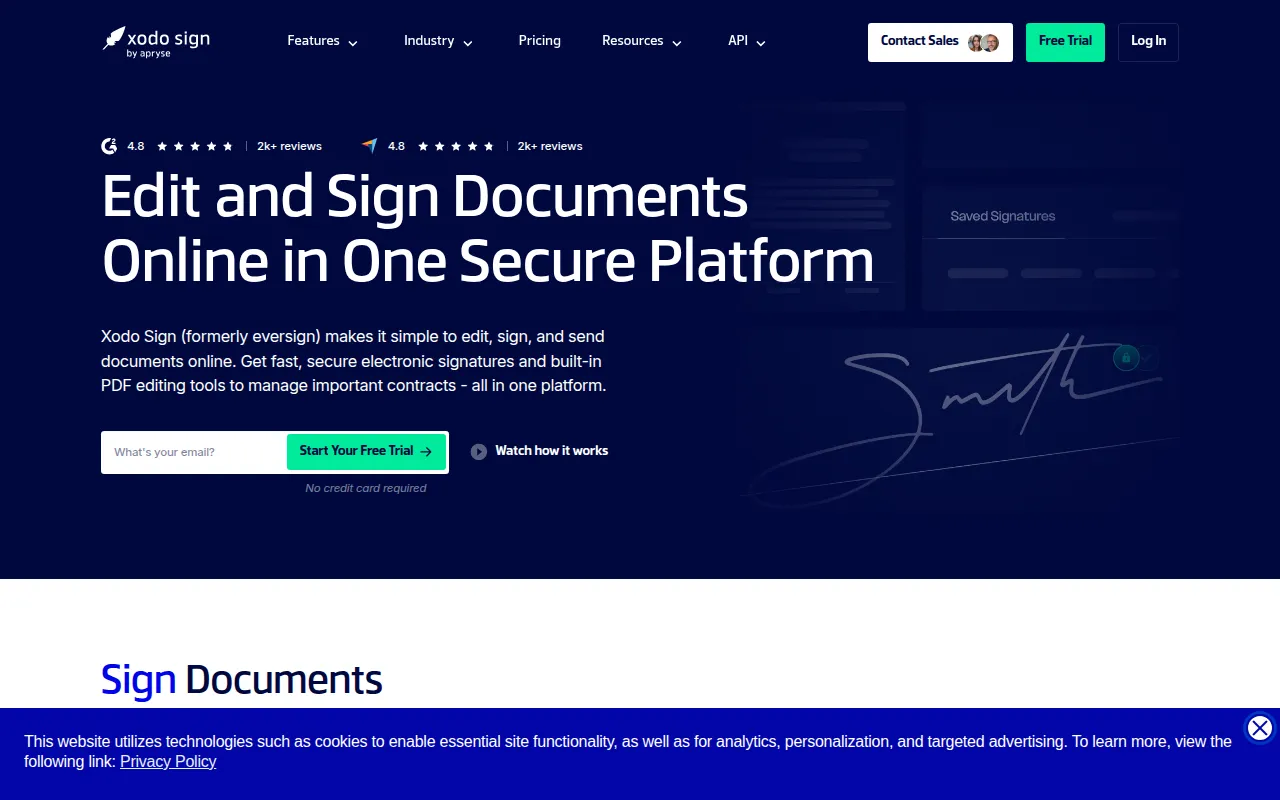
Xodo Sign, formerly known as eversign, is a document management tool for electronic signatures and PDF editing in a single workspace. It provides legally binding signatures with tamper-evident audit trails and supports compliance standards such as GDPR and SOC 2 Type 2.
The software is designed for various users, including freelancers, small businesses, and enterprises. It supports the process of preparing documents, requesting signatures, and storing executed files.
Beyond signing, the platform includes a built-in PDF editor and an AI summarizer for analyzing contracts. For companies with technical requirements, it offers a REST API to embed signing and requesting workflows into other applications.
Buyers should confirm which plan fits their volume and feature needs, as tools like the AI summarizer and advanced PDF editing are available on the Professional tier and above.
Key Features
Electronic Signatures
Supports the collection of legally binding electronic signatures on documents sent to one or multiple parties.
Built-in PDF Editor
Allows users to add or edit text, redact content, annotate, and organize pages within the platform.
AI Summarizer
Designed to generate summaries of long contracts and complex business documents to highlight key points.
Audit Trails
Provides timestamped logs including IP addresses and emails to track actions taken on a document.
Reusable Templates
Supports the creation of templates with predefined fields and recipients for frequently used documents.
eSignature API
A REST API that enables embedded signing and requesting within a company's own application or website.
In-Person Signing
Supports collecting signatures on-site using a mobile device, tablet, or PC.
Use Cases
Contract and Agreement Management
Supporting the preparation and signing of business contracts, NDAs, and rental agreements.
Legal Document Preparation
Using the built-in editor to redact information and organize pages before requesting signatures.
Field Work Documentation
Collecting signatures in person for waivers or onsite forms using mobile devices.
Automated Signing Workflows
Integrating signature requests into business systems via the REST API.
Integrations
- Zapier
- Relay.app
- Google Drive
- Dropbox
- Gmail
FAQ
Is Xodo Sign free to use?
- Yes, there is a Free Plan that allows users to send and sign up to 3 documents per month.
What is the difference between the Basic and Professional plans?
- The Professional plan ($16/user/month) includes advanced PDF editing tools, the AI Summarizer, unlimited templates, and custom branding, which are not available in the Basic plan.
Does Xodo Sign support mobile devices?
- Yes, it is a web-based application and also offers a dedicated app for iOS and Android devices.
How does Xodo Sign handle document security?
- The platform uses 256-bit HTTPS encryption and provides tamper-evident audit trails. It is SOC 2 Type 2 and GDPR compliant.
Source category: Operations
Source subcategory: Electronic Signature
More tools in Operations
Other published listings in the Operations category.


More tools in the Electronic Signature software type
Related listings that share the same software type for comparison and shortlisting.


