AI TOOL PROFILE
Fintelite AI - Automated Data Extraction

- Operations
- Document Automation
- Finance and accounting teams
- Compliance and KYC officers
- Loan processing managers
- Operations managers in logistics
- Software developers building fintech apps
Pricing
Pricing was not clearly available from the provided evidence. A free trial option is mentioned. Buyers should confirm current pricing on the vendor website.
At a glance
- Best for
- Finance and accounting teams, Compliance and KYC officers, Loan processing managers, Operations managers in logistics, Software developers building fintech apps
- Key use cases
- Automated Invoice Processing, Loan Underwriting Support, KYC Compliance, Expense Management, Government Record Digitization
- Integrations
- JSON export, Excel export, CSV export, PDF export
- Official website
- Visit Fintelite official website
How AI is used
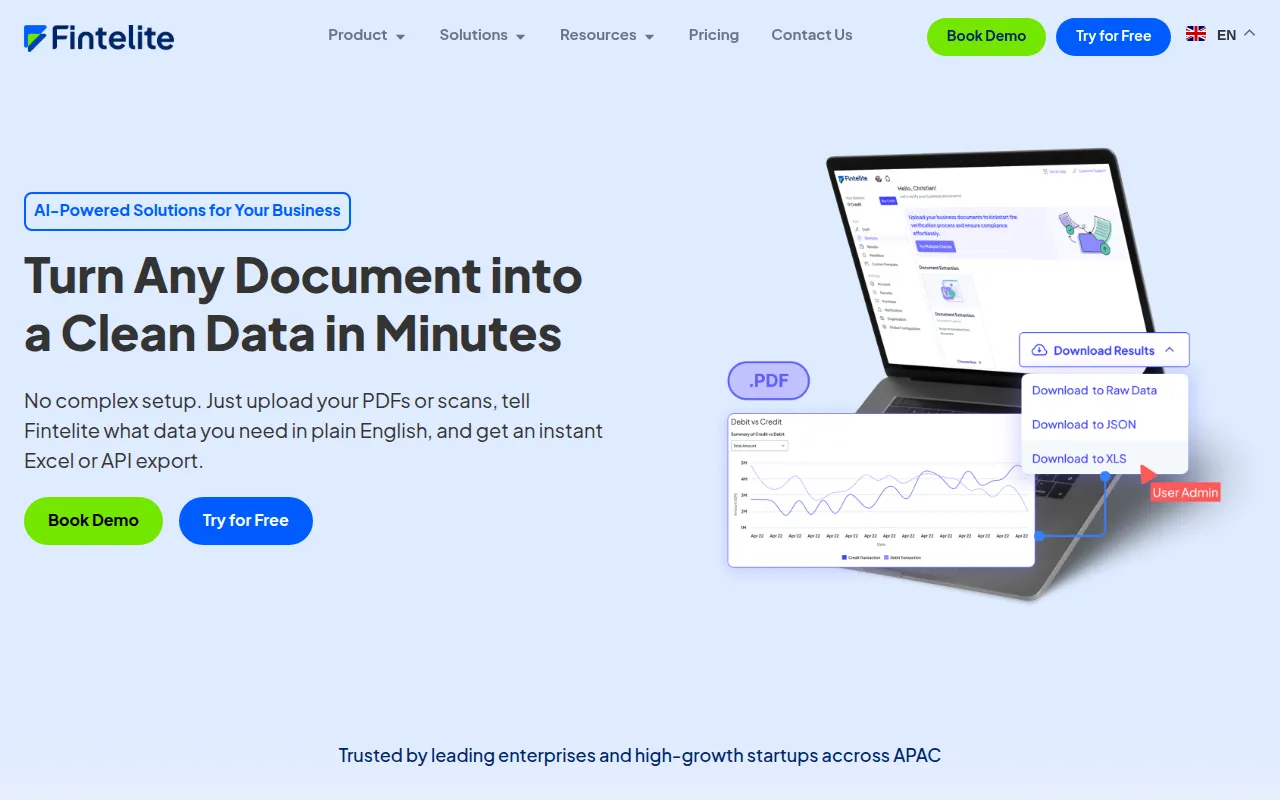
Fintelite is a document automation tool that uses AI OCR and Generative IDP technology to extract structured data from unstructured files. It is designed for business teams and developers who need to convert PDFs, scans, and images into usable data formats without manual template training for specific layouts.
The platform supports various document types, including payslips, ID cards, and tax invoices, and includes specific tools for bank statement analysis and fraud detection. It is designed for use in sectors such as banking, lending, healthcare, and government.
Users can access the tool via a no-code dashboard for operational teams or an API for technical teams. Deployment options include SaaS and on-premise configurations to meet different security requirements.
Buyers should confirm if their specific document types are supported and determine whether they require the dashboard interface or API integration.
Key Features
AI OCR Extraction
Extracts structured data from unstructured documents such as invoices, bank statements, and ID cards.
Zero-Template Setup
Supports various document layouts without requiring manual template training.
Bank Statement Analyzer
Summarizes transaction records and includes a fraud detector to identify suspicious activity.
API Integration
Provides endpoints for developers to parse documents and receive output in JSON format.
Document Forensics
Analyzes documents to help detect forged, tampered, or suspicious files.
Flexible Deployment
Supports both SaaS and on-premise installation options.
Use Cases
Automated Invoice Processing
Extracting data from vendor invoices and delivery orders to support reconciliation workflows.
Loan Underwriting Support
Parsing bank statements and financial documents to help support credit risk assessments.
KYC Compliance
Capturing personal details from identification documents to support customer onboarding.
Expense Management
Automating the extraction of data from receipts and invoices for expense categorization.
Government Record Digitization
Converting legal documents and regulatory filings into structured data.
Integrations
- JSON export
- Excel export
- CSV export
- PDF export
FAQ
What types of documents can Fintelite process?
- Fintelite can process a variety of unstructured documents including invoices, bank statements, payslips, ID cards, and tax invoices.
Do I need to create templates for my documents?
- No, Fintelite uses a zero-template setup, which is designed to work with any layout without prior training.
Is Fintelite suitable for developers?
- Yes, it provides an API that allows teams to parse documents and receive results in structured JSON format.
How does Fintelite handle data security?
- The platform is ISO 27001 compliant, uses end-to-end encryption, and offers flexible deployment options, including on-premise installation.
Source category: Operations
Source subcategory: Document Automation
More tools in Operations
Other published listings in the Operations category.


More tools in the Document Automation software type
Related listings that share the same software type for comparison and shortlisting.





