AI TOOL PROFILE
Extracta.ai: AI Document Data Extraction

- Data and Analytics
- Document Automation
- Small Businesses
- Mid-Market Companies
- Operations Managers
- HR and Recruitment Teams
Pricing
Extracta.ai operates on a pay-per-request model with subscription options. A free trial is available for the first 50 pages.
At a glance
- Best for
- Small Businesses, Mid-Market Companies, Operations Managers, HR and Recruitment Teams
- Key use cases
- Invoice and Receipt Processing, Resume and CV Parsing, Legal Document Review, Financial Statement Data Capture
- Integrations
- API
- Official website
- Visit Extracta.ai official website
How AI is used
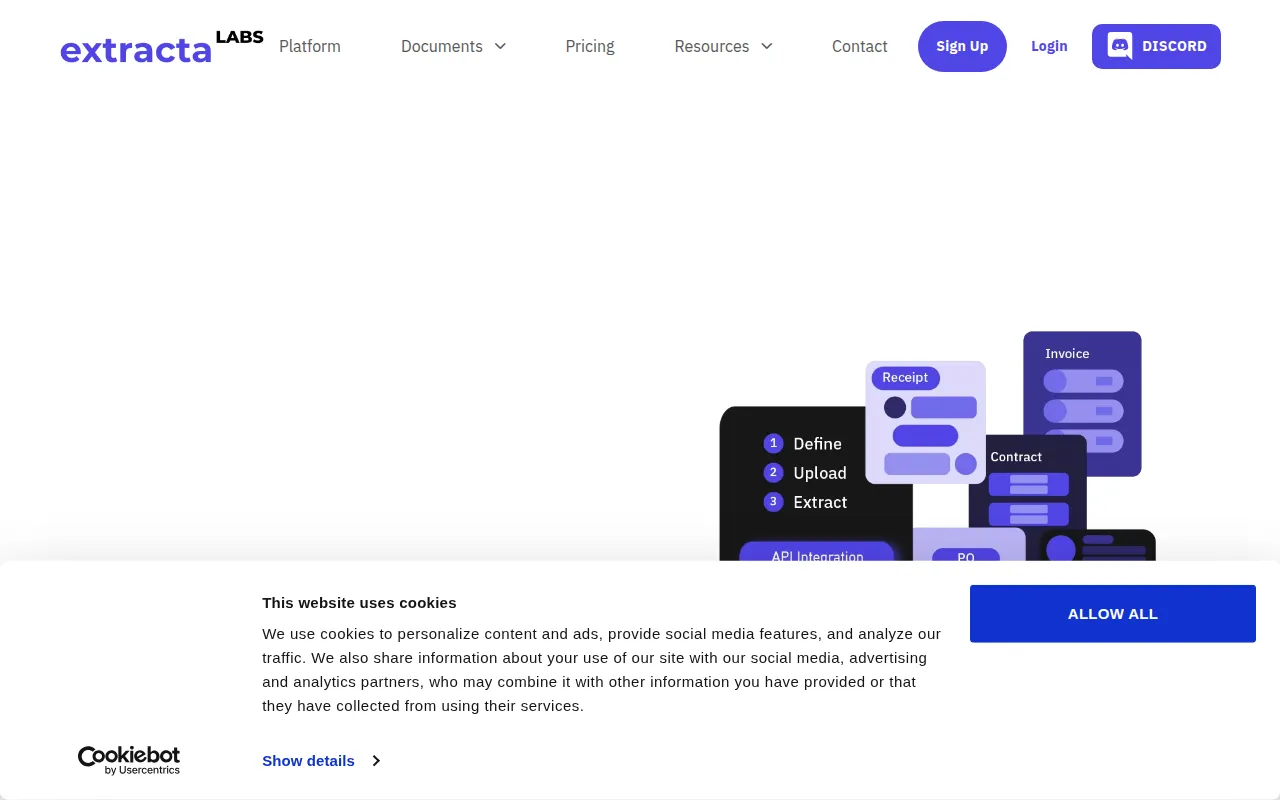
Extracta.ai is an AI-powered tool designed to pull specific information from various document formats, including PDFs, images, scans, and text files. It uses fine-tuned Large Language Models (LLMs) and OCR technology to identify and organize data without requiring users to perform prior model training.
The platform supports businesses that handle unstructured documents and need to convert them into structured data. Users can define the specific fields they need via a web interface or API, then upload batches of files for processing.
Buyers should note that accuracy varies by document type, with digital files generally achieving higher precision than handwritten documents. The tool provides a template-based extraction process that can be integrated into existing software workflows.
Key Features
AI Data Extraction
Extracts structured information from documents and images using fine-tuned LLMs and OCR.
Multi-Format Support
Supports processing of PDFs, Word documents, text files, and images such as PNG and JPG.
Customizable Templates
Allows users to define specific data fields they want to extract through a web interface or API.
API Integration
Provides an API to connect extraction capabilities into existing business software and workflows.
Multilingual Support
Designed to handle document data extraction across 27 different languages.
Security Compliance
Maintains GDPR compliance and ISO 27001 certification.
Use Cases
Invoice and Receipt Processing
Retrieving vendor names, dates, and amounts from financial documents to support billing workflows.
Resume and CV Parsing
Extracting skills, education, and experience from candidate resumes to support recruitment processes.
Legal Document Review
Identifying parties involved, dates, and terms from contracts to support legal document handling.
Financial Statement Data Capture
Pulling structured information from bank statements and purchase orders.
Integrations
- API
FAQ
What types of files can Extracta.ai process?
- The platform can process PDFs, Word documents, text files, and scanned images in PNG and JPG formats.
Is any technical training required to use the platform?
- No, the tool is designed to work without prior model training; users define the fields they need and upload the documents.
How is the pricing structured?
- Extracta.ai uses a pay-per-request model and offers subscription options, including a free trial of 50 pages.
Is the data processed by Extracta.ai secure?
- Yes, the platform is GDPR compliant, ISO 27001 certified, and does not use user data for training purposes.
Source category: Data & Analytics
Source subcategory: Document Automation
More tools in Data & Analytics
Other published listings in the Data & Analytics category.


More tools in the Document Automation software type
Related listings that share the same software type for comparison and shortlisting.





