AI TOOL PROFILE
Eventbee Review: Event Ticketing and Registration Software

- Operations
- Event Management
- Nonprofit organizations
- School administrators
- Event planners
- Conference organizers
- Small to medium venue owners
Pricing
Pricing is based on flat fee tiers: Basic ($1), Pro ($1.50), Advanced ($2.50), and Business ($3.50) per ticket. Nonprofits may receive a 25-cent discount on certain tiers.
At a glance
- Best for
- Nonprofit organizations, School administrators, Event planners, Conference organizers, Small to medium venue owners
- Key use cases
- Conference Registration, Nonprofit Fundraising, School and Student Events, Festival and Fair Ticketing, Venue Seat Management
- Integrations
- PayPal, Stripe, Braintree, Authorize.net, Zoom
- Official website
- Visit eventbee official website
How AI is used
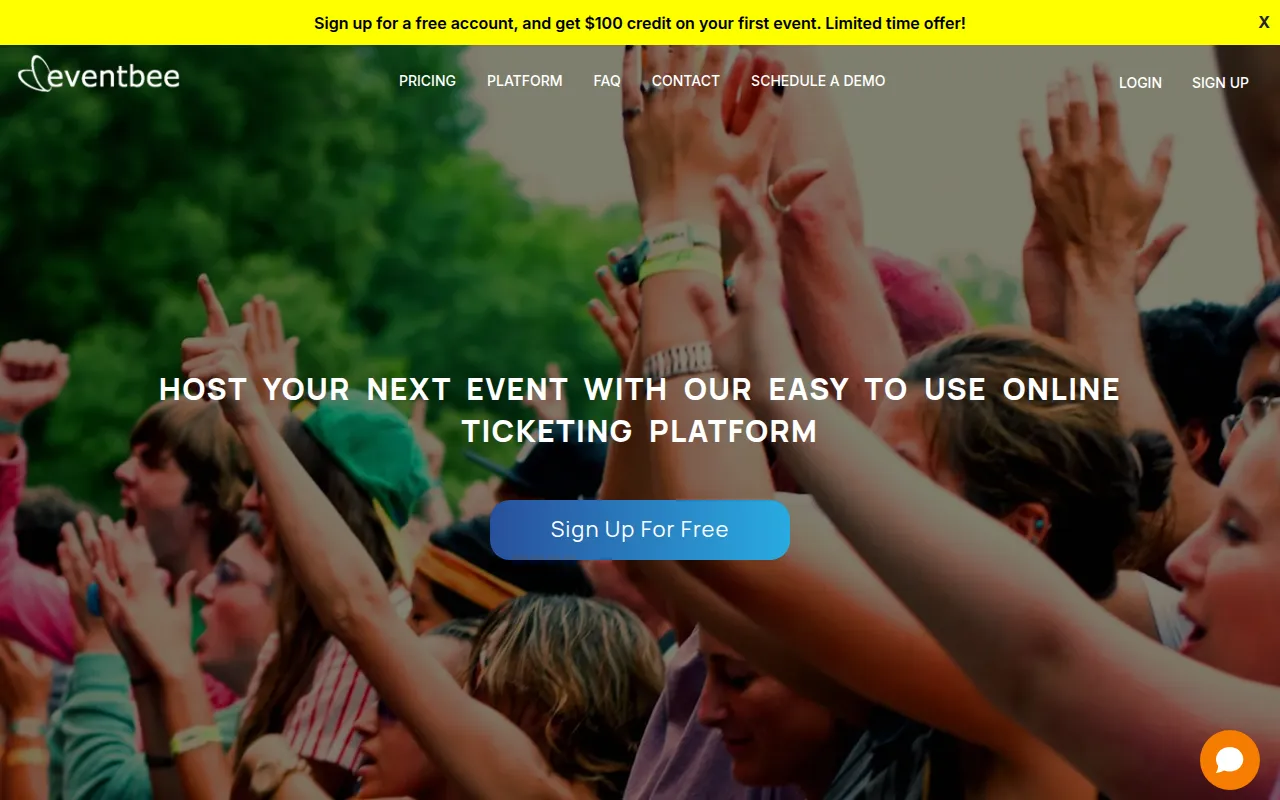
Eventbee is a registration and ticketing platform designed to help organizers create event pages, manage ticket types, and handle attendee check-ins. It supports a variety of event scales, from school functions to larger conferences and festivals.
The software supports custom registration forms, branded event pages, and a range of ticket types. It also includes tools for virtual events and a mobile app for scanning QR codes at the door to manage entry.
Buyers should confirm their preferred payment processor, as Eventbee supports several third-party gateways for immediate fund access or offers internal processing with different payout terms.
Organizations should note that while the tool supports various currencies and languages, certain features like reserved seating may involve additional one-time digitization fees.
Key Features
Flat Fee Ticketing
Charges a fixed fee per ticket sold regardless of the ticket price.
Branded Event Pages
Includes a WYSIWYG editor to customize event pages with specific colors, text, images, and videos.
QR Code Check-in
Supports attendee check-in via a mobile app that scans QR codes or barcodes.
Custom Registration Forms
Supports the creation of dynamic forms and questions based on the ticket level selected.
Reserved Seating
Supports digitized venue seating and allows attendees to reserve specific seats.
Virtual Event Integration
Connects with Zoom, Google, YouTube, and Facebook to support online meetings.
AI Chatbot
Includes an AI chatbot to provide customer support.
Use Cases
Conference Registration
Managing attendee sign-ups and ticket levels for professional conferences.
Nonprofit Fundraising
Handling ticket sales for charity events with available nonprofit discounts.
School and Student Events
Organizing school musicals or trivia nights with limited capacity and reserved seating.
Festival and Fair Ticketing
Selling tickets for public festivals and managing entry via mobile check-in.
Venue Seat Management
Digitizing auditorium or theater seating to allow for specific seat selection.
Integrations
- PayPal
- Stripe
- Braintree
- Authorize.net
- Zoom
- YouTube
- Excel export
- PDF export
FAQ
How does Eventbee's pricing work?
- Eventbee uses a flat fee per ticket sold, with tiers ranging from $1 (Basic) to $3.50 (Business), regardless of the ticket price.
Do nonprofit organizations get a discount?
- Yes, Eventbee offers a 25-cent discount on the service fee for 501c3 nonprofit events.
How are funds accessed after ticket sales?
- If using PayPal, Stripe, Braintree, or Authorize.net, funds are accessed immediately. If using Eventbee processing, proceeds are mailed via check on a monthly schedule.
Source category: Operations
Source subcategory: Event Management
More tools in Operations
Other published listings in the Operations category.


More tools in the Event Management software type
Related listings that share the same software type for comparison and shortlisting.


